Calculate your PoE switch power budget by adding the power the switch must allocate to its connected devices. Compare that total with the available PoE output budget for the exact hardware and power mode, then check each port’s power limit separately.
A switch can have spare network ports and still lack enough power for another device. That makes an equipment list more useful than a port count alone. This guide explains which watts to count, how to add reserve capacity, and what to verify before requesting a quote.
Key takeaways
- Keep switch-side output, device-side input, and wall power separate.
- Budget the required allocation, rather than relying on one live consumption reading.
- Check total watts, individual port capability, and available PoE ports.
- Define the reserve formula and verify capacity after the failures you must tolerate.
- Request exact power supplies, device requirements, and acceptance tests in the quotation.
1. Understand what the PoE switch power budget measures
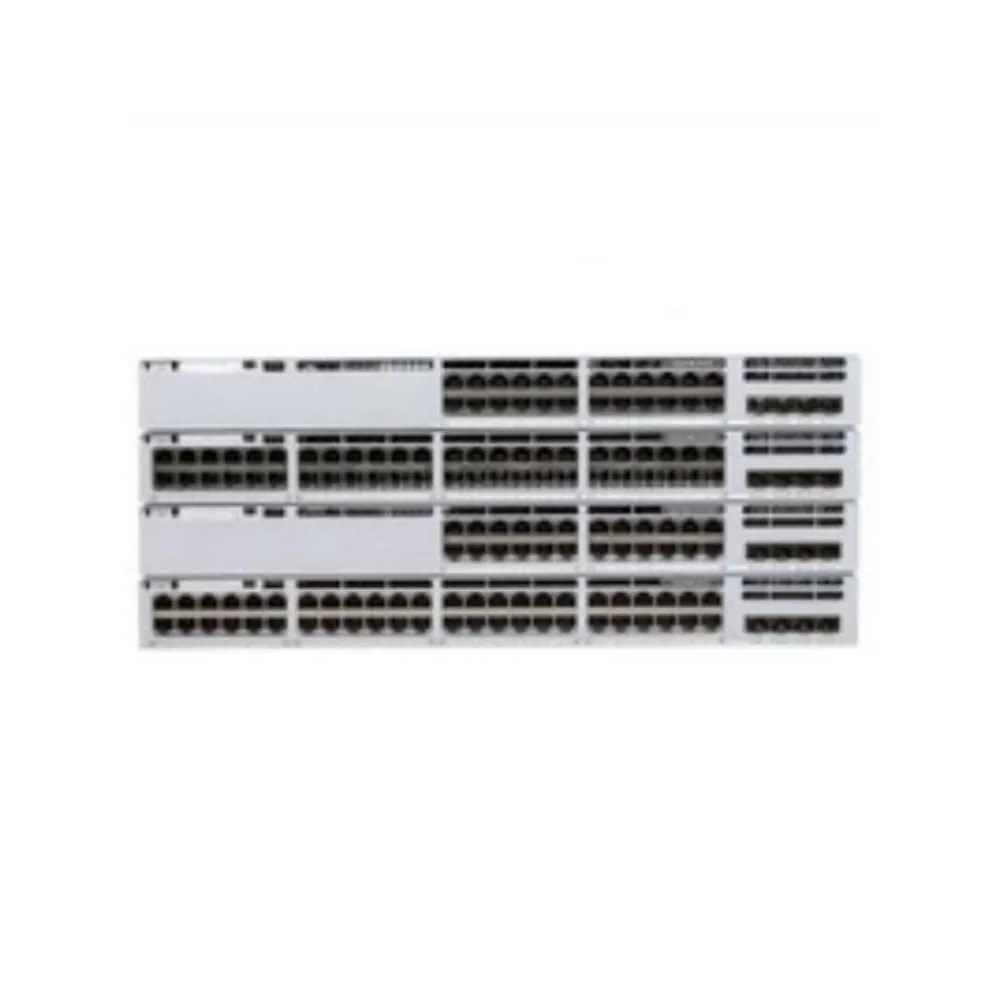
Power over Ethernet, or PoE, carries power to a connected device through its Ethernet connection. The supplying equipment is the power sourcing equipment, or PSE. The device receiving power is the powered device, or PD.
Your PoE switch power budget describes the total output available for these powered devices. It is different from the switch’s own operating consumption and from the rating printed on a power supply. A purchasing comparison must use the same boundary for every figure.
Separate output, input, and wall power
Picture the power path as three stages:
Switch PSE output → cable path and losses → PD input
Power available at the device is lower than power supplied at the port because the path has losses. The Ethernet Alliance PoE class table lists separate PSE and PD values. Those columns should stay separate in your worksheet.
Wall power runs the whole switch, including its own parts and power conversion losses. A PoE output budget is therefore not a prediction of the electricity meter reading. UPS sizing needs appropriate input-power data and a runtime calculation for the selected equipment.
If you are comparing whole platforms, start with our enterprise network switch buying guide. For a configuration inquiry, send CREA DAS TECH your endpoint list and power requirements, including the power supplies you expect the quotation to include.
Distinguish allocated power from live consumption
A PoE switch power budget can be committed by an allocation that exceeds a device’s current draw. A reading taken while a device is quiet does not establish its needs in every operating mode. Check how the selected switch reserves, negotiates, and reports power.
Record the device’s documented requirements alongside the switch’s allocation. If those figures differ, find out why before changing a port limit. The manufacturer’s configuration guide should explain the fields and behavior for your model and software release.
Illustrative scenario: the last access point will not start. An installer sees low live consumption on several existing devices and expects another access point to fit. The review instead checks reserved power and the new device’s required class. This is a planning example, not a reported customer outcome; a low consumption reading alone cannot resolve the allocation check.
2. Check standards and individual port capability
A total PoE switch power budget does not tell you how much any single port can supply. Verify the supported power type and class on the ports you intend to use. Marketing terms such as PoE+ and PoE++ are useful labels, but the documented capability is the purchasing requirement.
The following selected class values come from the Ethernet Alliance table cited above. They show why device input watts and switch output watts cannot simply be exchanged. They are reference values, not a claim that every device always draws that amount.
| Class | PSE-side power | PD-side power | Worksheet use |
|---|---|---|---|
| 2 | 7 W | 6.49 W | Check the actual endpoint class |
| 3 | 15.4 W | About 13 W | Keep source and device columns separate |
| 4 | 30 W | 25.5 W | Do not assume 30 W reaches the device |
| 5 | 45 W | 40 W | Verify the supported port and negotiation |
| 6 | 60 W | 51 W | Check the complete device connection |
| 7 | 75 W | 62 W | Confirm the required high-power capability |
| 8 | 90 W | 71.3 W | Do not infer support from a generic label |
Match the endpoint to the actual port
A device requiring class 6 cannot be approved just because a switch has unused total watts. Its intended port must support the required power capability. If it does not, choose a suitable port, switch, or documented alternative power arrangement.
Do not assume the device will work fully in a lower-power mode. Some products document reduced functions; others require a different supply arrangement. Obtain the endpoint manufacturer’s answer for its exact model and enabled features.
A PoE switch power budget also says nothing by itself about network speed. Check the data rate, uplinks, and network design separately. Our access switch selection guide explains those wider checks; its EX4400-48T example is a non-PoE model, not a recommendation for powering endpoints.
Count only usable PoE connections
Count ports that can supply the required power, not every connector on the front panel. Reserve the ports needed for other roles and planned additions. Check whether the port capabilities differ within the same chassis.
For example, a design may fit the PoE switch power budget but exceed its usable PoE port count. Another may have enough ports but lack the required class on the intended connections. Keep both constraints visible beside the PoE switch power budget.
3. Calculate your PoE switch power budget step by step
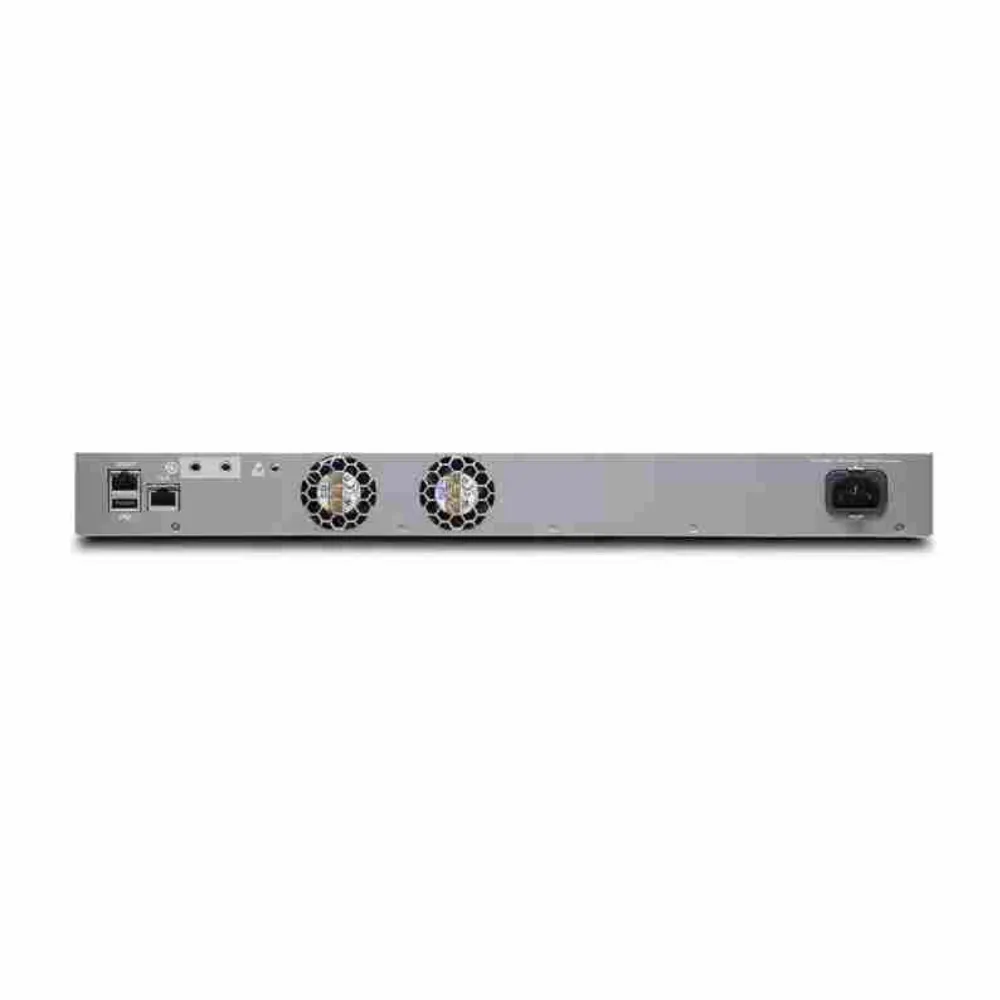
Build your PoE switch power budget from a device schedule. List each endpoint model, quantity, required operating modes, and documented power requirement. Then establish the switch-side allocation used for planning, based on the selected platform’s supported behavior.
The basic calculation is simple:
Total allocated power = sum of quantity × switch-side allocation per device
Keep a separate column for typical measured consumption. That reading can help with monitoring and later review, but it should not silently replace the planning allocation. Identify the source and measurement boundary of every number.
Work through a mixed-device example
The following is an Illustrative scenario. Quantities and device classes are assumptions, not specifications for particular cameras, access points, or phones. Real equipment must be checked against its own documentation.
| Assumed device group | Quantity | Assumed PSE allocation each | Total |
|---|---|---|---|
| Cameras assigned class 3 | 8 | 15.4 W | 123.2 W |
| Access points assigned class 4 | 4 | 30 W | 120 W |
| Phones assigned class 2 | 6 | 7 W | 42 W |
| Combined requirement | 18 ports | , | 285.2 W |
This PoE switch power budget starts with 285.2 W of assumed allocation and 18 usable PoE ports. Every intended port must also meet its endpoint’s requirement. Passing the watts calculation alone does not approve the design.
If a documented configuration offers 370 W of usable PoE output, the difference is 84.8 W. Here, 370 W is an illustrative budget, not a specification for a named switch. You still need its normal and failure-state limits before selecting hardware. Don’t treat a passing normal-state sum as a failure test.
Choose one clear reserve formula
A PoE switch power budget needs a clear reserve rule. Adding a percentage to demand and reserving a percentage of capacity give different answers. For the same 285.2 W load, adding 20% to demand gives:
285.2 × 1.20 = 342.24 W required
Keeping 20% of the total budget unused instead gives:
285.2 ÷ 0.80 = 356.5 W required
These are design assumptions, not a universal IEEE reserve requirement. Pick the method that matches your growth and operational plan, and label it. Do not call both calculations the same “20% reserve” without explanation.
Against the illustrative 370 W budget, the 84.8 W difference is about 22.92% of total capacity. This provides another way to express spare capacity. It does not prove that a power failure or future endpoint change will fit.
Avoid counting cable loss twice
A PoE switch power budget calculated with switch-side class allocations already uses PSE-side figures. Do not automatically add another fixed cable-loss percentage to those same allocations. If you begin with PD input requirements instead, use the appropriate documented method to determine the source-side requirement.
Cable type, length, installation, and equipment compatibility still need checking. A fixed allowance cannot validate a PoE switch power budget or replace a supported link design. Keep future growth reserve separate from any conversion between device and source power.
4. Verify power supplies and the failure-state budget
Check the PoE switch power budget for the exact switch, installed power supplies, and configured power mode. Two supplies do not automatically mean twice the usable output or uninterrupted power to every endpoint. Redundancy rules can reserve capacity that is unavailable for additional loads.
The HPE Aruba Networking PoE planning guide explains power planning and redundancy for its supported platforms. Apply its model-specific examples only to the relevant hardware. For another platform, obtain its own power and redundancy tables.
Compare normal and reduced-capacity operation
A useful PoE switch power budget worksheet needs more than one capacity column. Record the normal operating budget and the available output after each failure that matters to your deployment. Identify which endpoints must remain powered in those conditions.
| Planning field | Evidence needed |
|---|---|
| Exact chassis and installed supplies | Complete part numbers and manufacturer documentation |
| Normal available PoE output | Published configuration table or validated system report |
| Output after a supply or input failure | Applicable redundancy mode and failure-state specification |
| Protected endpoint allocation | Named devices and their planning allocations |
| Port priority and recovery behavior | Platform guide plus agreed acceptance test |
Do not calculate the output merely by adding PSU nameplate watts. Some capacity supports the switch itself, and the selected mode can affect what remains for PoE. Use the manufacturer’s applicable output figures and their conditions.
Where separate power feeds are required, have the installation checked against the intended failure plan. Redundant equipment connected to the same failed source does not solve that source failure. A second PSU also does not protect against every chassis or network-path fault.
Plan priorities before capacity becomes scarce
Define which devices should keep power if the available PoE switch power budget drops. Then check how the switch implements priorities and handles a shortage. Do not assume the last device connected will always be the first disconnected.
Illustrative scenario: a supply is removed during maintenance. A facilities team wants cameras and access points to remain online while one supply is serviced. The network team compares their protected allocation with the documented reduced-capacity budget before scheduling the work. This example describes a review step, not a guarantee that every dual-supply switch can meet that requirement.
Include these conditions when you request a configuration-specific quotation. Ask for the complete PSU configuration and the relevant output limits rather than an unqualified total-wattage claim.
5. Diagnose free ports with no usable power capacity
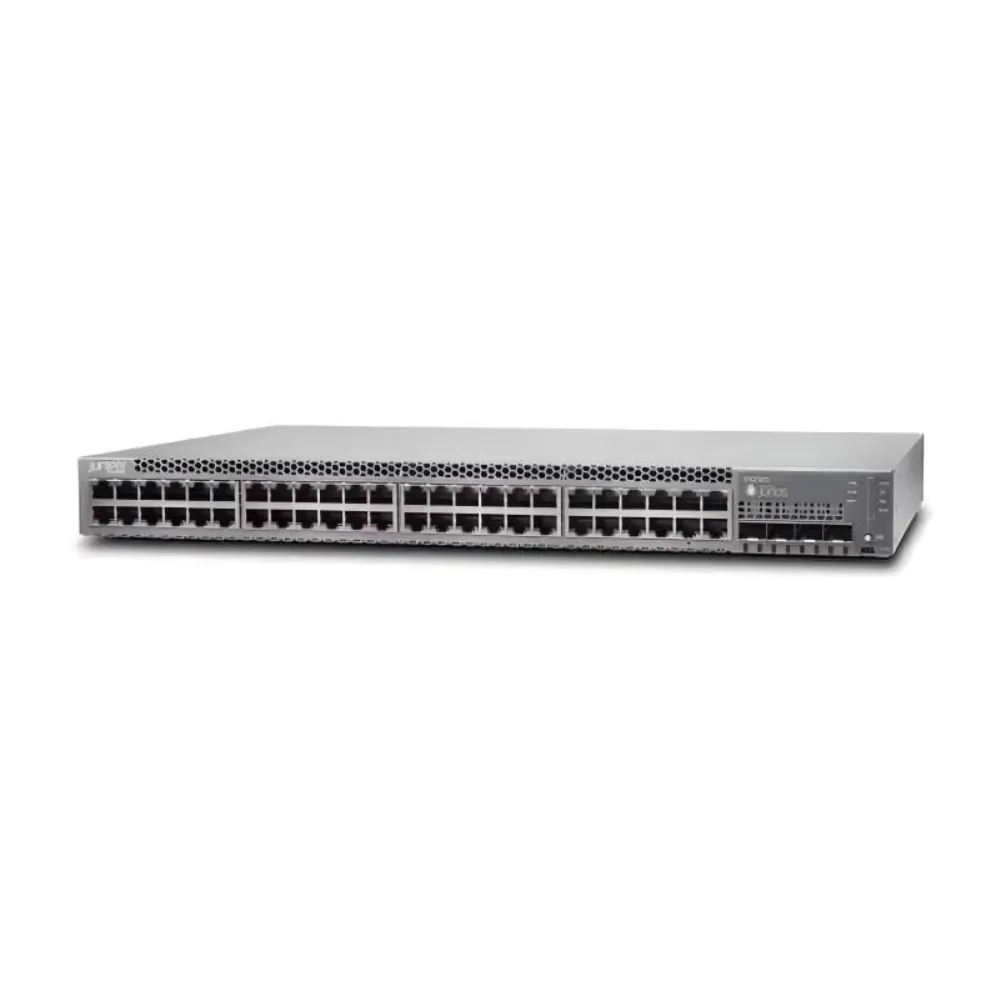
When a new endpoint fails to receive power, inspect the PoE switch power budget and allocation records before buying another chassis. Check whether the issue affects one connection, one device type, or the whole switch. That scope helps direct the next test.
The Cisco PoE configuration guidelines provide platform guidance. Use the correct model and release documentation for commands, limits, and behavior. Avoid copying a power-limit change across different vendors or products.
Gather readings before changing settings
Record total available, allocated, and remaining power, along with each affected port’s status. Identify the negotiated class, configured cap, and any power-related messages the platform reports. Read field definitions carefully: a reported allocation is not necessarily a direct measurement of current consumption.
Check the intended PoE switch power budget against the physical configuration. A missing or failed supply, a changed operating mode, or a different chassis variant may invalidate the original worksheet. Verify these facts before assuming a device has an unusual demand.
For one affected endpoint, compare its exact model and required mode with the port’s capability. Review the cable path and supported powering method. Do not change a PoE switch power budget limit just to clear an alert. Change one item at a time and keep the old settings so you can explain the result.
Test the modes that matter
Agree on acceptance tests for initial startup, simultaneous restart, and the endpoint’s documented high-power modes. For cameras, ask whether functions such as illumination or heating change the requirement. For access points, check the manufacturer’s power requirements for the enabled features.
These questions do not establish a universal wattage or startup multiplier. Use the actual device specifications and test plan. A brief successful connection is useful evidence, but it is not a complete capacity test.
Repeat the PoE switch power budget check when devices are replaced or features change. Keep the approved PoE switch power budget and device schedule with the configuration record. Otherwise, a later change can consume reserve that the original project intended to retain.
6. Turn the worksheet into a complete RFQ
A PoE switch power budget becomes useful purchasing evidence when another person can reproduce it. Attach the endpoint schedule, formulas, port map, and required failure conditions to the request for quotation. State which assumptions the supplier must confirm.
Use the RFQ to request:
- Exact chassis and PSU part numbers.
- Device quantities, required port classes, and data rates.
- Available PoE output in normal and required failure states.
- Rack accessories, software, support, and warranty terms.
- Delivery conditions and a complete list of exclusions.
Ask for these items separately so you can compare the same scope. Our network switch procurement checklist covers the wider quotation review.
The Cisco switch catalog is a product discovery path, not proof that every listed model meets your requirements. Compare the specific proposed configuration with the completed schedule. Do not approve substitutions using port count alone.
Questions to settle before ordering
Does the budget include the switch’s own consumption? The PoE output budget describes power available to endpoints. Obtain separate input-power data for electrical and UPS planning.
Can a 30 W port deliver 30 W to the device? Source and device figures differ. The class 4 reference is 30 W at the PSE and 25.5 W at the PD.
Can every port run at its individual maximum? Check the total available budget. The port count multiplied by each port rating does not establish the total PoE switch power budget.
Does another PSU double the budget? Check the exact configuration and mode. Some capacity may be reserved, and failure-state operation needs its own assessment.
Is 20% spare capacity mandatory? It is an example design assumption here. Define the margin around your documented growth and operating needs.
Can non-PoE equipment use the network? Verify the port’s documented compatibility and powering method. Keep standard detection-based PoE separate from passive power arrangements.
Final check and next step
Before ordering, have the engineer and buyer review the same PoE switch power budget sheet. Confirm total allocation, individual port support, usable port count, reserve method, and reduced-capacity operation. Agree on acceptance tests and responsibility for any unconfirmed item.
Send your endpoint schedule to CREA DAS TECH for a quote. Request an itemized configuration with explicit power supplies and commercial terms, so you can compare the proposed equipment against your documented requirements.