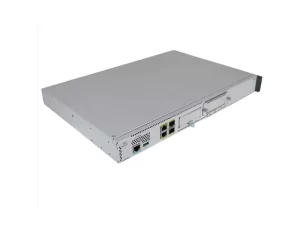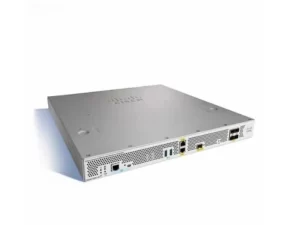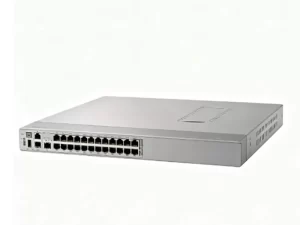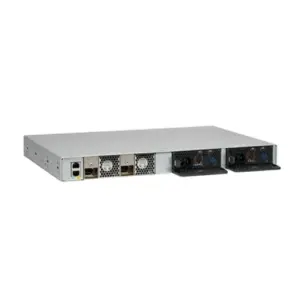
Choose a 25GbE switch by checking server connections, usable uplink capacity, cable compatibility and the bandwidth available during failures. A 100GbE uplink provides capacity between switches, but the number of active links and your traffic pattern determine whether that capacity is enough.
For virtualization, cloud services and storage, 25G server connections can be a useful upgrade from 10G. The right configuration still depends on measured demand. This guide shows how to size a rack, verify interfaces and build an order using the Juniper QFX5120-48Y as a documented example.
Key takeaways
- Distinguish 25GbE SFP28 networking from 2.5GbE copper networking.
- Count installed uplinks, reserved ports and failure capacity before comparing switches.
- Validate both ends of every connection, including firmware, media and error correction.
- Match the exact chassis, power supplies, fan direction and software to the design.
- Order against a complete equipment list and an agreed acceptance test.
Decide where a 25GbE switch fits
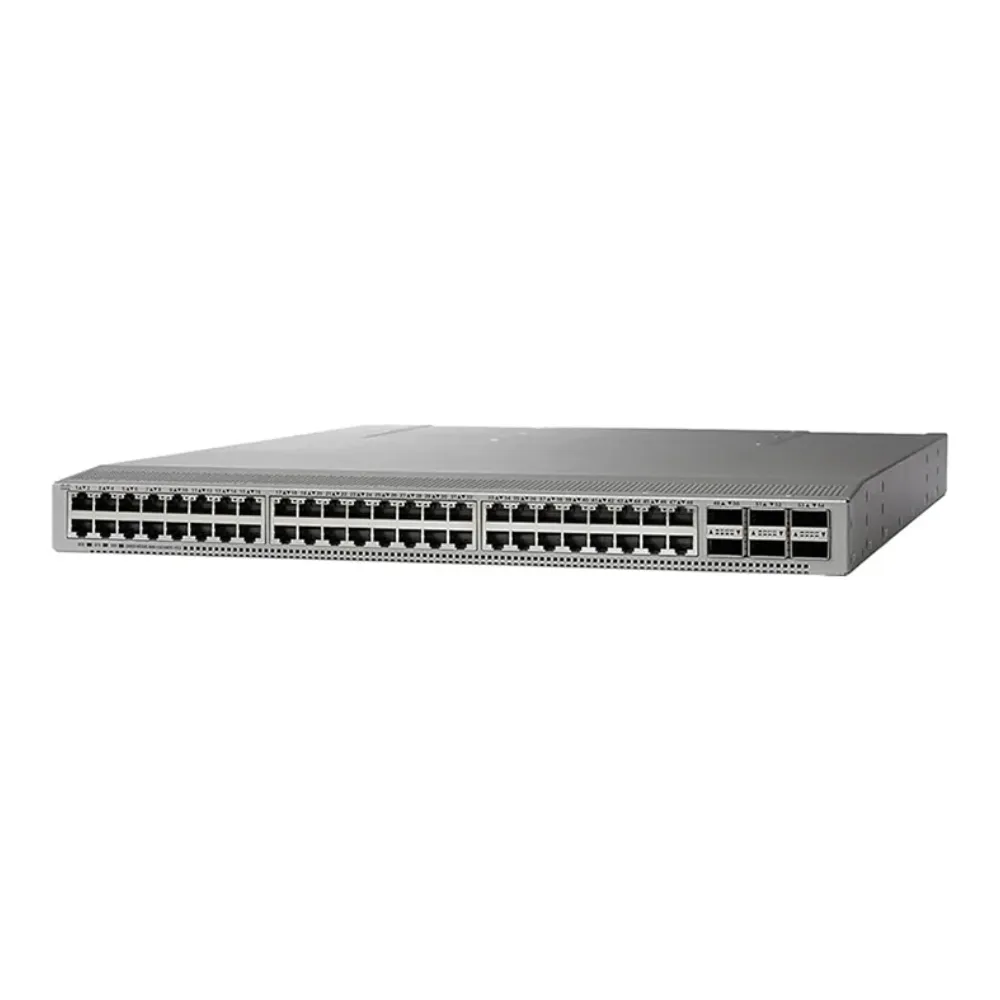
A 25GbE switch usually connects servers or storage through SFP28 interfaces. In a leaf-spine network, server-facing leaf switches connect to spine switches through higher-speed links. This arrangement gives traffic paths between racks, provided the routing and physical design support them.
Start with your application, rather than the largest port count available. Record the busiest traffic periods, the number of active hosts and the destinations of their traffic. Backups, storage replication and virtual machine migration may have different peaks from ordinary application requests.
| Network need | Questions to resolve before selecting hardware |
|---|---|
| Virtualization and cloud hosts | How much traffic leaves the rack during migrations and peak demand? |
| IP storage | Which storage transport is used, and what throughput and latency must it sustain? |
| AI management or front-end services | Are these management, data loading or application connections? |
| Distributed GPU training | What fabric does the server and application design require? |
| Campus distribution | Which routing, availability and operational requirements apply? |
Do not treat a 25GbE switch as a universal answer for AI training. A GPU cluster’s back-end communication requires a separate design based on its adapters, communication libraries, topology and workload. Faster links alone also do not establish an end-to-end latency guarantee.
For a broader explanation of network roles, use our data center switch selection guide. Keep the requirements for this rack specific enough that a supplier can propose a configuration against them.
Distinguish 25G from 2.5G
The names look similar, but they describe different speeds and purchasing requirements. A 2.5GbE access network commonly uses copper RJ-45 connections. A server-facing 25G design commonly uses SFP28 ports with supported direct-attach cables or optical modules.
A 25GbE switch does not accept every copper cable or module simply because an adapter can be inserted. Specify interface type, supported speed and media at both ends. Write “25 Gigabit Ethernet” on the requirements sheet to avoid a decimal-point mistake during purchasing.
Size 25GbE switch ports and 100GbE uplinks
Build a 25GbE switch port map before selecting optics. Include production servers, storage, spare capacity, inter-switch connections and links consumed by the redundancy design. A server with two network interfaces may connect to two different switches; it does not necessarily use two ports on one device.
Next, calculate the nominal access-to-uplink ratio. Divide the sum of server-facing line rates by the sum of active uplink line rates. This is a starting point for design, not a forecast of application throughput.
Consider a 25GbE switch with 48 server-facing ports and eight 100G-capable ports. If all server ports operate at 25G, their combined nominal rate is 1,200 Gb/s in one direction. The following table assumes every counted uplink is active at 100G and available for traffic leaving the leaf.
| Active 100G uplinks | Nominal uplink capacity | Access-to-uplink ratio | Capacity after one uplink fails |
|---|---|---|---|
| 8 | 800 Gb/s | 1.5:1 | 700 Gb/s |
| 4 | 400 Gb/s | 3:1 | 300 Gb/s |
| 2 | 200 Gb/s | 6:1 | 100 Gb/s |
With four uplinks, losing one changes the nominal ratio from 3:1 to 4:1. With eight, losing one changes it to about 1.71:1. These calculations assume all 48 access links remain active. They exclude protocol overhead and do not describe a whole-spine failure.
Not every host sends at line rate at once. Traffic that remains within a leaf may not use spine links. Conversely, synchronized backups can put several busy hosts onto the same constrained paths. Estimate the actual traffic matrix and test the expected peaks.
A 25GbE switch with several uplinks does not give one ordinary flow their combined speed automatically. Link aggregation and equal-cost routing commonly distribute traffic using flow information. Check the actual forwarding design, hashing behavior and host configuration when an application needs sustained throughput.
Illustrative scenario: a backup window changes the calculation
A team plans 48 server connections and four 100G uplinks. Daytime monitoring looks comfortable, but the requirements review identifies a shared backup destination outside the rack. The team adds a test for overlapping backup jobs while one uplink is unavailable.
This is an illustrative scenario, not a reported customer result. Its lesson is to size the 25GbE switch around a demanding traffic path, not only an average utilization graph. Whether four uplinks are enough remains a measurement question.
Account for breakout and failure domains
A supported 100G port may be channelized into four 25G interfaces. Once assigned to that purpose, it cannot simultaneously remain the original 100G uplink. Record each physical port’s role, including future expansion, in the same map.
Test failure domains separately. One failed cable, a spine outage, a leaf reboot and loss of a power feed create different conditions. Dual power supplies help with a power component failure; they do not create a second forwarding path for a single-connected server.
Before comparing quotations, send CREA DAS TECH your port map and uplink requirements. Include normal and failure-state capacity so the proposed equipment list can be checked against the same assumptions.
Check the entire connection, from NIC to fiber
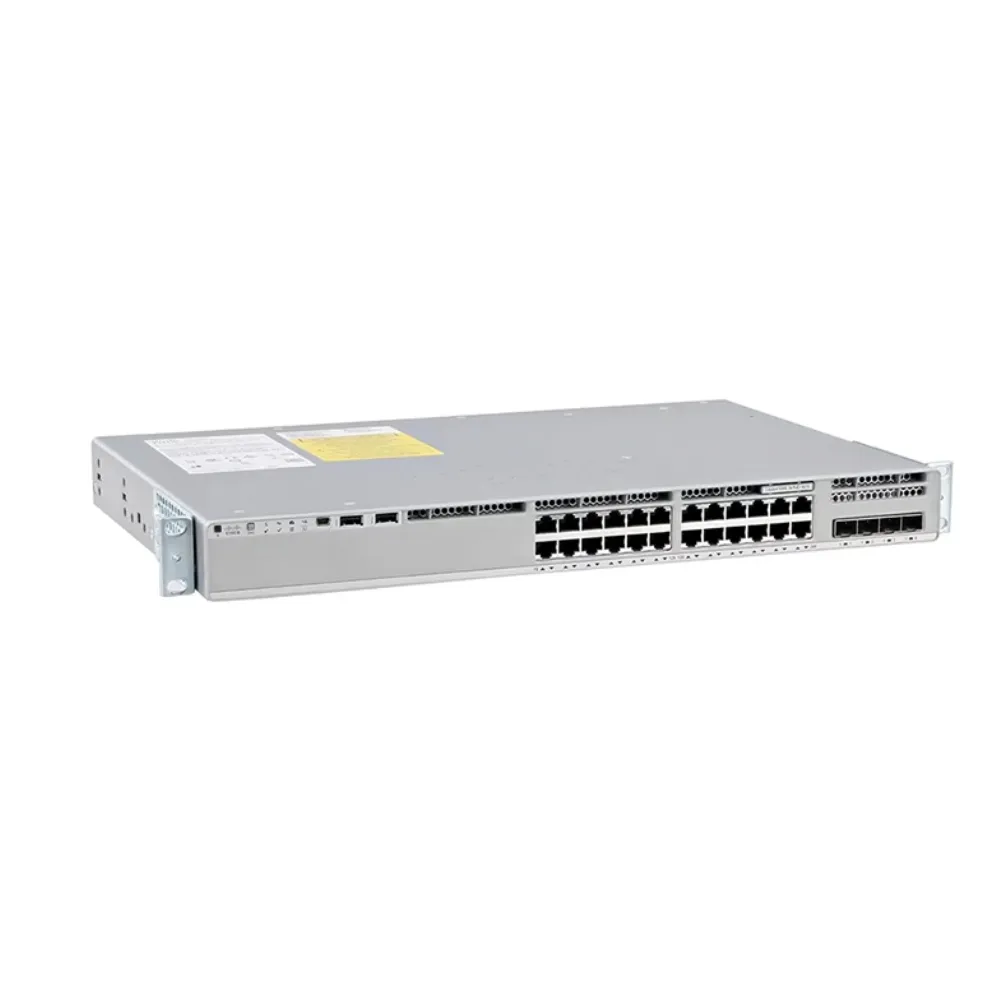
Physical fit is only the first compatibility check. A working 25GbE switch link depends on the network interface card, firmware, port configuration, cable or optical modules and the supported combinations at both ends.
Use a 25GbE switch connection schedule with one row for each link type. Record exact part numbers rather than a description such as “25G cable.” If components come from different suppliers, assign responsibility for confirming the complete combination before ordering.
| Check | Information to record | What to confirm |
|---|---|---|
| Server adapter | NIC model, firmware, driver and port mode | Supported speed and operating-system combination |
| Switch | Exact model, software release and port number | Supported interface mode and media |
| DAC or AOC | Cable part number, coding and length | Compatibility at both endpoints |
| Optical link | Two module part numbers and fiber details | Standard, wavelength, reach, connector and polarity |
| Error correction | Required FEC mode and negotiation behavior | Compatible settings and clean error counters |
| Breakout | Parent port, lane mapping and fan-out cable | Supported channelization and configuration |
A direct-attach copper cable can be appropriate within its supported reach. An active optical cable offers another fixed cable assembly option. Separate transceivers and fiber allow a different cabling arrangement. Choose using documented compatibility, routing distance and serviceability; avoid a universal distance rule across all products.
Verify FEC and auto-negotiation
Forward error correction, or FEC, helps the receiver deal with transmission errors. Requirements depend on the interface, media and implementation. The Cisco 25G SFP28 module data sheet illustrates why module-specific FEC requirements matter. It is not a configuration guide for Juniper equipment.
For the selected 25GbE switch, consult its own hardware and software documentation alongside the NIC vendor’s guidance. Record the intended FEC mode and auto-negotiation settings. A link that comes up still needs error-counter and traffic testing before acceptance.
Do not copy a generic “disable FEC” command from a forum. Diagnose the supported combination first. Check module identification, receive levels where applicable, counters and software support before changing settings.
Illustrative scenario: identical connectors, different support
A buyer requests a rack of SFP28 cables based only on length. During technical review, the server team supplies the NIC model and firmware, while the network team identifies a different support list for the switch. They pause the cable order until both endpoints are checked.
This illustrative scenario shows why a 25GbE switch quotation should name the complete connection. It does not claim a particular cable failed or that every cross-vendor combination is unsupported.
Use the QFX5120-48Y as a configuration example
The Juniper QFX5120-48Y-AFO product listing gives a starting point for a model-specific inquiry. Compare the quoted unit with current manufacturer documentation and the physical labels on the supplied equipment.
Juniper documents 48 ports supporting 1/10/25GbE and eight supporting 40/100GbE for the 48Y. Its QFX5120 system overview also describes channelization, Junos OS and hardware variants. Review the QFX5120 data sheet when comparing the ordered hardware variant. These facts make it a useful 25GbE switch example; they do not establish suitability for every rack.
Confirm the exact hardware variant
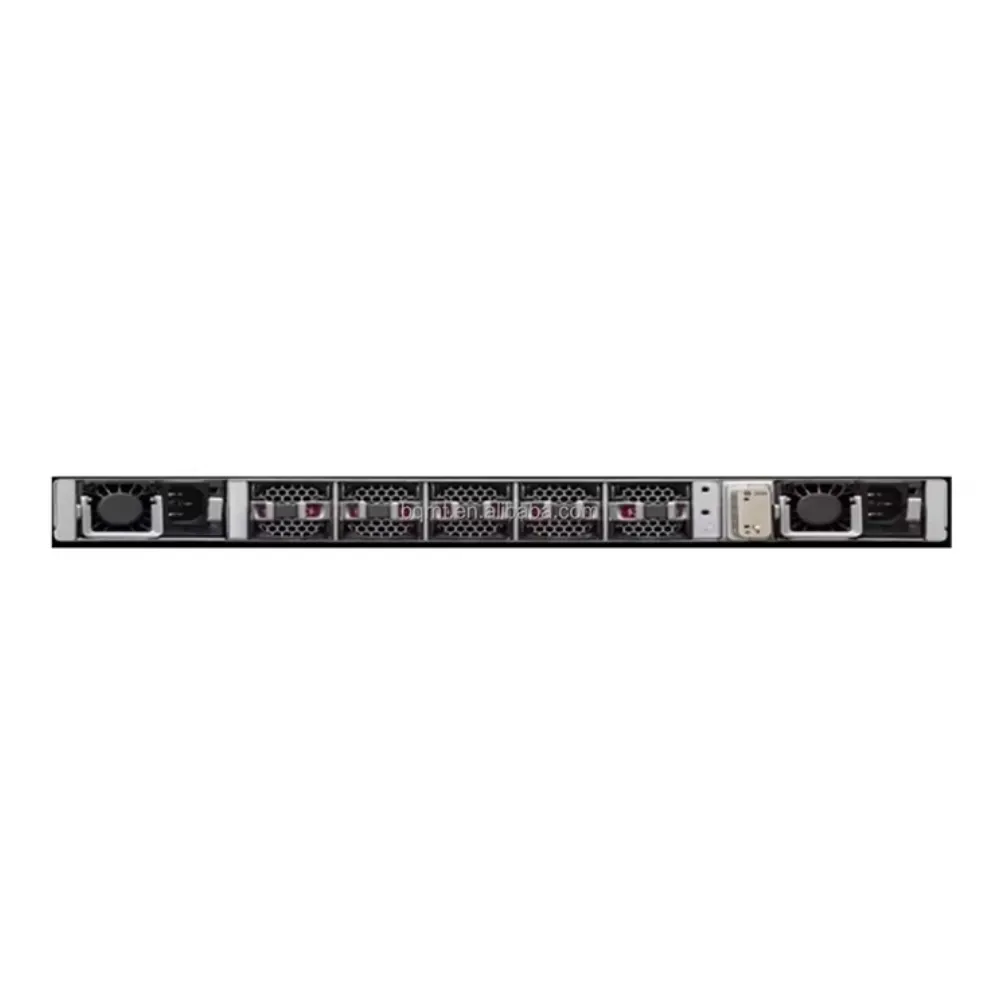
Juniper’s hardware guide specifies two 650W AC or DC power supplies for the 48Y platform, with supported airflow variants. Match the full chassis and PSU part numbers to the quotation. Do not substitute a generic “550W supply” description.
PSU capacity is different from measured equipment consumption. For electrical and cooling planning, use the applicable manufacturer’s power data with its test conditions and the intended optics. Confirm input power, connectors, power feeds and rack orientation separately.
Check airflow through the chassis against the actual cold and hot aisles. The fans and power supplies must form a supported arrangement. Ask for the exact fan and PSU identifiers when reviewing a 25GbE switch order, particularly if equipment condition or replacement components vary.
Confirm software, management and support
List the required routing, overlay, telemetry and automation features. Have the proposed Junos release and any necessary entitlements checked against that list. EVPN-VXLAN support at a platform level does not verify every scale, feature combination or deployment design.
Ask how the 25GbE switch will be managed in your environment. Separate device configuration from an optional automation platform, its compatibility and its licensing. Existing tools and operational skills also affect the choice.
Remove assumptions about ownership transfer, vendor support eligibility and software access from the quotation process. Request written confirmation of what is included, what must be purchased separately and which party handles support. For alternative product discovery, the Cisco switch catalog is a separate browsing path; individual models still require the same checks.
Plan storage, migration, and acceptance tests
An Ethernet interface speed does not define a storage design. Identify whether the application uses iSCSI, NVMe/TCP or an RDMA-based transport. For RoCE, have the responsible engineers validate congestion control, loss behavior and the required end-to-end configuration.
A 25GbE switch should be assessed with the actual storage and host path. Include NIC settings, software, storage targets and application behavior in testing. Avoid promising lossless operation or a throughput improvement from the switch specification alone.
For migration, keep a record of the existing connections and a rollback method. Move a limited set of representative hosts first. Agree on a maintenance window and the conditions that stop the change, rather than troubleshooting an entire rack under production load.
Use acceptance criteria that can be observed:
- Check chassis, modules, fans and PSU identifiers against the order.
- Confirm software, licenses, configuration backups and management access.
- Verify port speed, FEC settings and error counters at both endpoints.
- Run representative application traffic, including the busiest planned combinations.
- Test agreed cable, uplink and power-feed failures under controlled conditions.
- Record recovery behavior and obtain approval before moving the remaining hosts.
Set pass criteria before the test. Record tools, duration, traffic mix and failure conditions so another engineer can interpret the result. Keep a clear distinction between a link test, a network throughput test and an application acceptance test.
Illustrative scenario: redundancy changes the order
A project initially lists one switch and dual power supplies. The availability review then asks what happens during a chassis reboot. The team revisits host connections and the number of independent forwarding devices before approving the bill of materials.
This illustrative scenario makes no availability claim. It shows that choosing a 25GbE switch includes deciding which failures the wider system must tolerate.
Build a complete RFQ and equipment list
A useful request for quotation lets suppliers respond to the same scope. State the required condition, quantities, delivery destination and acceptance requirements. Ask for explicit exclusions so a low chassis price is not mistaken for a complete deployment price.
Include these fields in your 25GbE switch request:
- Full chassis part number, quantity, condition and allowable substitutions.
- Server port count, operating speeds, uplink map and breakout assignments.
- NIC models, firmware assumptions and exact cable or module combinations.
- PSU and fan part numbers, airflow, rack hardware and power cords.
- Software release, required features, licenses and management requirements.
- Warranty provider, support scope, return terms and test documentation.
- Itemized pricing, shipping terms, lead-time confirmation and acceptance criteria.
Treat availability and delivery dates as quotation-specific facts. Ask who supplies missing accessories and who resolves an interoperability problem. A 25GbE switch purchase is easier to review when equipment, software, support and logistics appear as separate line items.
Request a configuration-specific quote from CREA DAS TECH with your connection schedule and acceptance checklist. Ask for confirmation of the exact parts and commercial terms before placing the order.
Frequently asked questions
Is a 25GbE switch the same as a 2.5GbE switch?
No. They describe different speeds. Check the written speed, port type and supported media. Do not assume an SFP28 design and an RJ-45 access design use interchangeable connections.
How many 100GbE uplinks do I need?
Calculate capacity from the uplinks actually installed and active. Compare it with traffic leaving the rack, then repeat the calculation for the failures you need to tolerate. A 25GbE switch with eight available uplink ports does not necessarily have eight usable uplinks in your design.
Can I break a 100G port into four 25G connections?
Some platforms and ports support this with the correct configuration and cabling. Check the exact model and software documentation. A channelized port consumes resources that would otherwise serve its original role.
Will upgrading to 25G reduce application latency?
It may relieve a bandwidth constraint, but application response depends on the whole path. Hosts, storage, congestion and traffic patterns still matter. Test the application rather than treating link speed as a latency guarantee.
Is the QFX5120-48Y suitable for my deployment?
Use its documented specifications as a starting point. Confirm capacity, media, software, hardware variant and support against your requirements. The appropriate 25GbE switch is the configuration that passes those checks and the agreed acceptance tests.