Choose a data center switch by defining its network role, connected systems, traffic paths, software, and operating requirements. Then verify the exact hardware, optics, licenses, management tools, and support behind the proposed configuration.
A high capacity number is useful evidence, but it cannot answer every buying question. A server-facing leaf, a fabric spine, and a management network serve different needs. This guide explains how to build a requirements sheet, compare suitable configurations, and use the Cisco Nexus N9K-C93180YC-FX3 as a documented example rather than a universal recommendation.
Key takeaways
- Start with workloads, connections, and the intended role in the topology.
- Check normal traffic and the paths available during a fault or maintenance event.
- Separate interface speed, device switching capacity, forwarding rate, and application latency.
- Verify software mode, management, entitlements, and optics for the exact configuration.
- Request a complete bill of materials and agree on acceptance checks before ordering.
Define the role of your data center switch
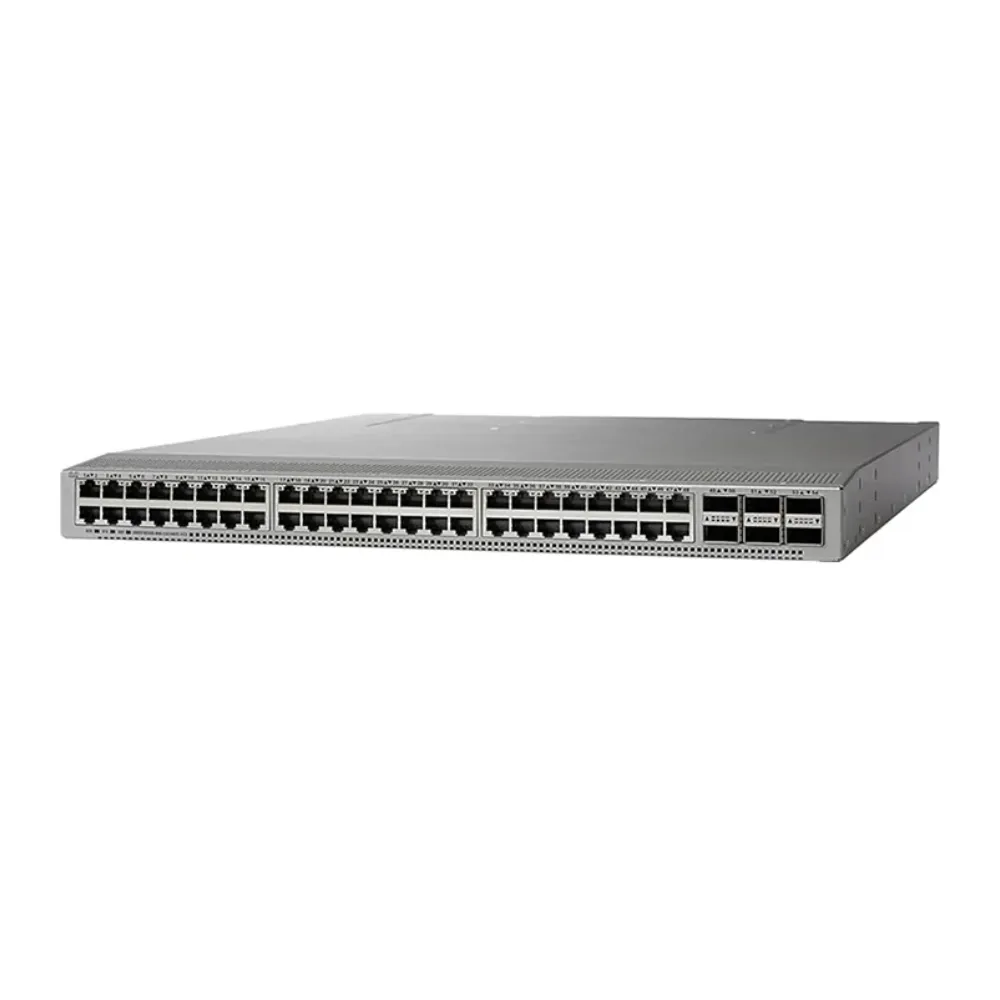
Write down what the device must connect and where it sits in the network. Identify server connections, storage traffic, links between network layers, and external connectivity. Keep those roles distinct even when one platform could support more than one use.
For a data center switch, the topology is part of the requirement. A model that fits a server-facing role is not automatically the right choice for the spine. Port counts, interface types, operating features, and the surrounding design all need review.
Distinguish leaf, spine, and physical placement
In a conventional two-tier leaf-spine design, leaves connect attached systems and connect toward the spine layer. The spine provides paths between leaves. Cisco’s VXLAN BGP EVPN design guide provides a detailed reference for its fabric designs.
Top-of-rack describes physical placement, while leaf describes a role in the topology. Record both where relevant. Do not assume that a term on a product page is a complete design specification.
Choosing a data center switch also means deciding which traffic uses the proposed fabric. Traffic within one attached system, between racks, and toward an external network can follow different paths. A drawing should make those paths clear before the team compares devices.
Keep campus and data center requirements separate
The core switch buying guide discusses a different selection role, using a campus example. Do not choose a data center platform simply because a familiar campus model has similar interface speeds.
Use the broader enterprise network switch buying guide if the project has not yet established its overall requirements. This article focuses on the data center switch and its place in the fabric.
Illustrative scenario: A team initially requests the same model for every network position. The engineer separates server-facing leaf requirements from spine connections and management needs. Procurement then asks for configurations that match each role. This hypothetical example describes a planning process, not a customer result.
If those roles are already defined, submit the connection plan through the CREA DAS TECH product catalog. Include the topology, required interfaces, and open questions so the proposed offer can address the actual design.
Size a data center switch around traffic and connection requirements
Create an inventory of connected systems and their interfaces. Record the speeds and media required now, plus documented additions. Identify which changes are firm plans and which are only possibilities.
A data center switch with enough physical ports may still have the wrong connection arrangement. Check port types, supported modules, cable distances, and any breakout or speed-setting conditions needed by the design. Request model-specific evidence rather than relying on a family-level feature list.
Follow the traffic across each boundary
Map the direction and timing of important flows. Identify traffic that stays local and traffic that must leave a leaf. Use measurements where available; otherwise mark the traffic model as an assumption.
An illustrative calculation helps expose a possible constraint. Suppose 48 connections each send 25 Gbps toward six 100 Gbps links at the same time. The offered load in that direction is 1,200 Gbps, while the nominal outgoing link capacity is 600 Gbps. That gives a 2:1 ratio under the stated assumption.
This calculation does not describe every deployment or predict application performance. It shows why a data center switch’s total switching-capacity figure cannot replace analysis of a particular outgoing path. Traffic patterns, configuration, and available paths determine which constraints matter.
For a deeper discussion of those rates, use the 25GbE and 100GbE planning article. Keep the assumptions with the project so another reviewer can reproduce the calculation.
Evaluate the reduced-capacity case
Ask what happens when a link or device is unavailable. Identify the remaining paths and compare their capacity with the traffic that needs to use them. Do not assume that all installed links remain available during maintenance.
| Planning case | Review question | Evidence to retain |
|---|---|---|
| Normal operation | Which flows cross each link group? | Traffic measurements or assumptions |
| Growth | What new connections or demand are planned? | Approved expansion requirements |
| Link failure | Where does affected traffic move? | Surviving topology and capacity |
| Device maintenance | What service remains available? | Maintenance and rollback procedure |
A resilient data center switch design should be assessed against these conditions. Extra links and power supplies are useful components, but their presence alone does not establish an end-to-end service guarantee.
Treat latency as a measured requirement
If an application has a latency requirement, define what will be measured, where, and under which conditions. Device forwarding latency is different from the delay experienced by an application across a complete path.
Do not describe a data center switch as providing a fixed network latency regardless of traffic. Queueing, path length, endpoint behavior, and the selected configuration can affect the result. Ask for relevant evidence and validate the proposed system under agreed conditions.
Verify software, management, and feature combinations
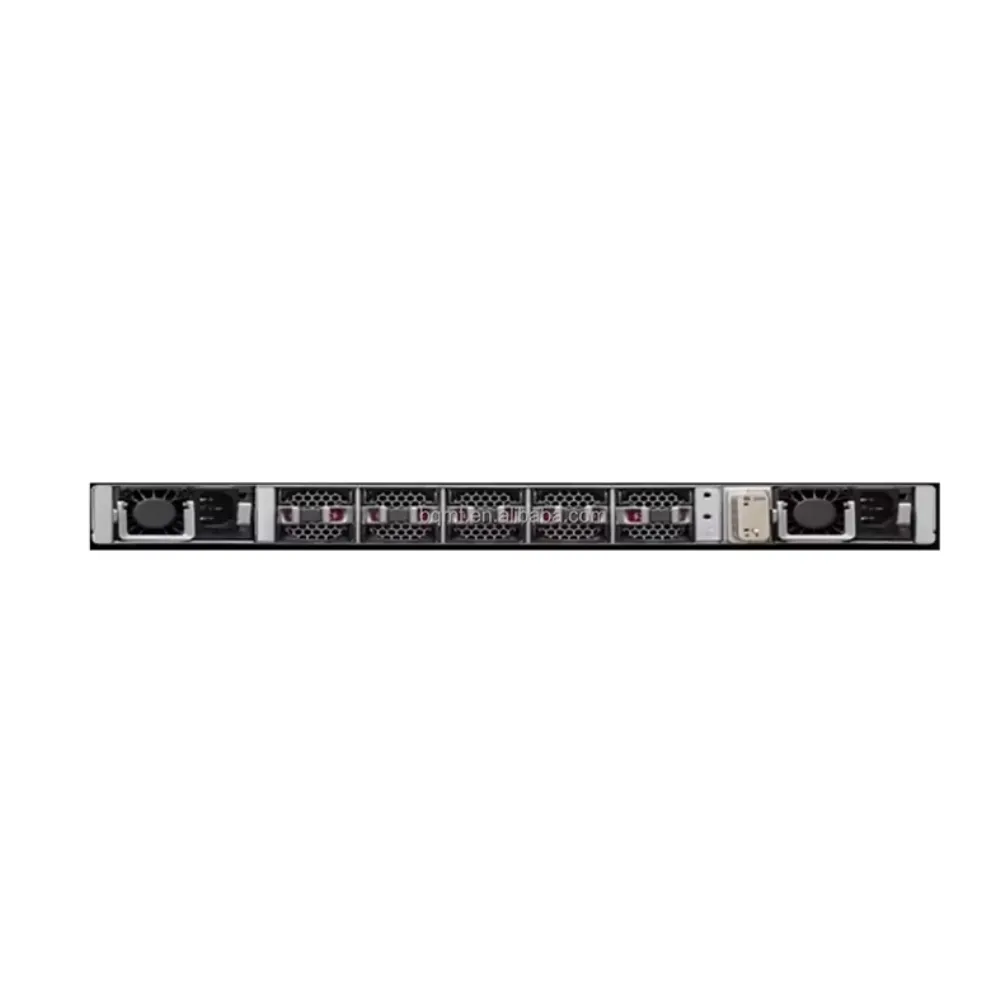
List the functions the deployment actually requires. Specify routing, segmentation, monitoring, automation, and maintenance needs in terms the operating team can review. Avoid a vague request for every feature in a portfolio.
A data center switch proposal should name the software release, deployment mode, management approach, and included entitlements. Those choices belong in the configuration, not in a separate discussion after the hardware arrives.
Distinguish NX-OS and ACI deployment options
Cisco’s N9300-FX3 data sheet describes NX-OS and ACI as deployment options. It also discusses management tools such as Nexus Dashboard Fabric Controller and other Nexus Dashboard services.
Do not turn supported options into a claim that the device runs both modes simultaneously. A change of operating model needs a review of supported hardware, software, controllers, licenses, migration work, and acceptance conditions.
For a data center switch managed as part of a fabric, identify the exact management solution and its requirements. Do not apply a campus management-product name simply because it belongs to the same vendor. Check the supported combination for the proposed deployment.
Check required licenses and operating tasks
Ask which functions are included and which need additional entitlement. Confirm any management services, subscriptions, account steps, and support requirements. A statement that an operating system is available does not establish that every advanced function is included.
The data center switch requirements should also describe routine work: configuration review, monitoring, backups, software changes, fault investigation, and recovery. Name who performs each task and what access or tools they need.
Illustrative scenario: A team compares two hardware offers, then finds that they assume different management and software arrangements. It asks both suppliers to document the intended operating model and included services before selecting a configuration. No performance or cost outcome is claimed in this hypothetical example.
Keep specialized workloads within a verified design
AI, storage, and timing-sensitive environments can introduce additional requirements. Name the relevant system and required behavior instead of assuming every data center switch with a high interface rate is suitable.
Where a design depends on congestion management, RDMA, or timing functions, check the exact platform, release, configuration, and connected components. A supported mechanism is not proof that an entire network is always lossless or that every workload will behave identically.
Use the Nexus N9K-C93180YC-FX3 as a model-specific example
The N9K-C93180YC-FX3 is an example to evaluate against the requirement, not the default answer for every rack or fabric. Keep its full identity visible: FX3, FX3H, and FX3S should not be treated as interchangeable names.
The current Cisco data sheet identifies the following information for the N93180YC-FX3. Read the notes and applicable software documentation when building the actual offer.
| Model item | Published information | Buying implication |
|---|---|---|
| Form factor | 1RU | Check mounting, clearance, power, and airflow |
| Server-facing interfaces | 48 × 1/10/25 Gbps SFP28 | Match attached devices and supported media |
| Other high-speed interfaces | Six × 40/100 Gbps QSFP28 | Specify their role and connection arrangement |
| Bandwidth | 3.6 Tbps | Do not substitute this for uplink-path analysis |
| Forwarding rate | 1.2 Bpps | Compare with the documented processing requirement |
These specifications help evaluate a data center switch. They do not demonstrate zero packet loss, a fixed application latency, or a financial return. Use them alongside the topology, required functions, and acceptance plan.
Check installation and media together
Confirm the exact optical modules or cables for both ends of every link. Record distance, media, platform, and software conditions. Cisco’s optics compatibility tool provides a place to investigate supported combinations; the tool’s availability does not mean a particular combination has been checked.
For data center switch installation, use the precise hardware variant and selected power and airflow configuration. Do not treat a power-supply rating as actual energy consumption, or assume a compact chassis necessarily reduces site power use.
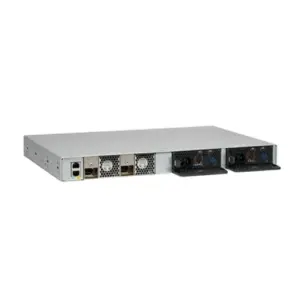
When comparing a data center switch offer, ask what mounting parts, supplies, fans, modules, and cables are included. Keep omitted items visible. A front-panel image is not a bill of materials.
Compare alternatives on the same basis
Review alternatives with the same role, interface, software, service, and installation requirements. The network switch brands guide provides a broader portfolio comparison; this article keeps the focus on configuration fit.
Do not attach an unsupported “industry-leading” label to a data center switch or compare latency figures from unknown test conditions. If a benchmark matters to the decision, record the platforms, software, packet conditions, load, and method behind it.
Prepare the BOM and acceptance plan before ordering
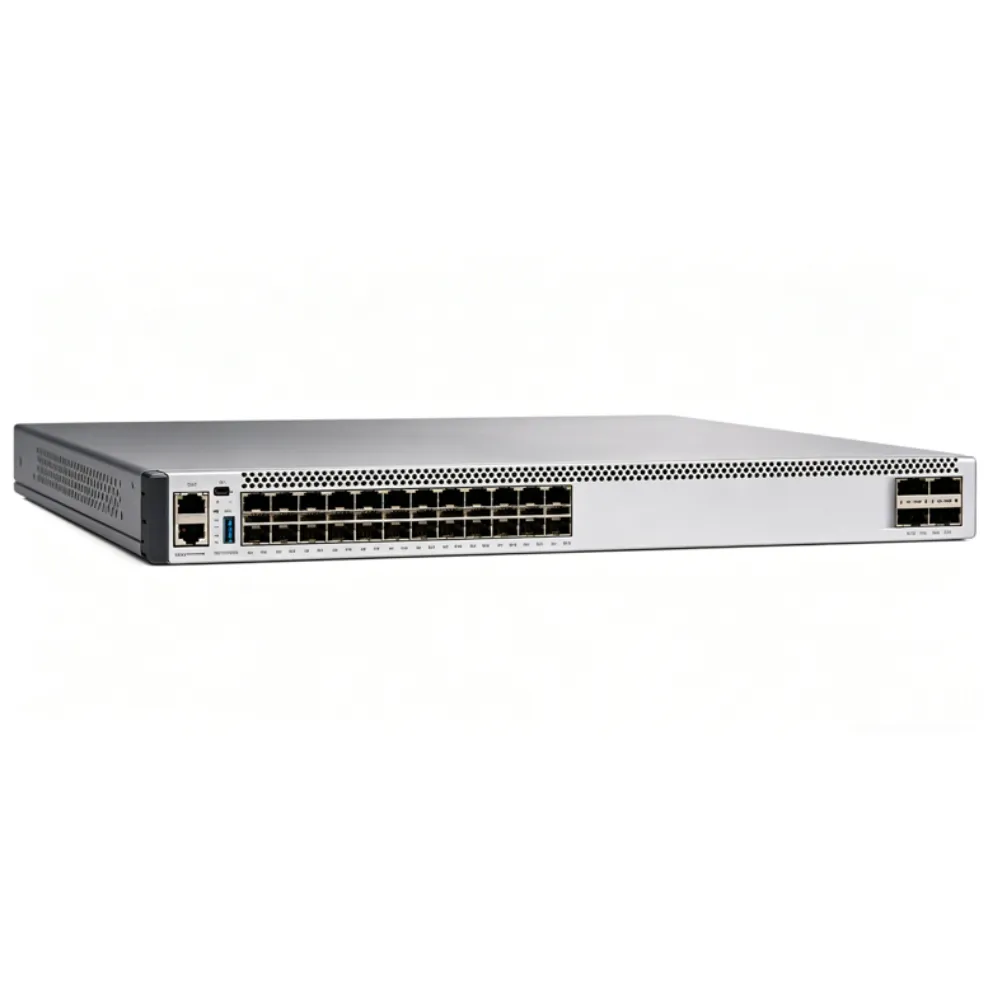
A complete bill of materials should connect the approved design to the quoted equipment and services. Include exact model identities, quantities, condition, interfaces, media, accessories, software, entitlements, management, and support.
For a data center switch purchase, ask the supplier to identify assumptions, substitutions, and exclusions. Compare matching configurations before comparing totals. Do not fill missing service or accessory costs with invented savings figures.
Use a practical verification record
| Review stage | What to check | Responsible reviewer |
|---|---|---|
| Design | Role, topology, traffic, and failure assumptions | Engineering |
| Configuration | Hardware, software, optics, and compatibility | Engineering and supplier |
| Offer | Included items, services, conditions, and exclusions | Purchasing and service owner |
| Receipt | Delivered identity, quantity, and required documents | Receiving team |
| Acceptance | Agreed checks, observations, and open issues | Named project owner |
Illustrative scenario: A receiving team finds a different optical module from the one approved. It records the discrepancy and requests a compatibility and commercial review before accepting the substitution. This is a hypothetical process, not a claim about a supplier or customer.
If the configuration is ready for review, submit the topology and proposed BOM through the product catalog. Ask for the specific offer’s included software, accessories, documentation, services, and delivery terms.
Define what a successful test means
Agree on checks for normal use and relevant fault conditions. Record the configuration, traffic, observation points, acceptance criteria, and rollback procedure. A test plan is a description of work to do, not evidence that the equipment has already passed.
The data center switch handover should include the final topology, interface assignments, backup location, access procedure, and support responsibilities. Keep later changes connected to that record so the operations team knows what is installed and why.
Make the operating record usable
Before accepting the data center switch, ask the receiving team to locate the approved design and the final configuration. Check that both describe the same equipment and port assignments. Record any change made during delivery or setup, including who approved it and which earlier assumption it replaced.
Choose an owner for software reviews, service renewals, and updates to the network drawing. The record should remain useful after the installation team leaves. If a fault occurs later, the operations team needs a clear account of the deployed system, not several conflicting versions of the original quote.
The Cisco switch category is a catalog starting point. Match any listed device to the exact approved role and part number before requesting an offer.
Frequently asked questions and next steps
Is every data center switch suitable for a spine role?
No. Evaluate the role, required connections, capacity, features, and operating model. A device proposed as a leaf should not be accepted as a spine simply because it belongs to a data center product family.
Does leaf-spine topology guarantee fixed latency?
No topology label establishes a fixed end-to-end delay. Define the traffic paths and measurement conditions. Review network and endpoint behavior against the application’s actual requirement rather than repeating a device-level latency figure.
Can a Nexus switch run NX-OS and ACI simultaneously?
Do not describe supported deployment options that way. Confirm the intended mode and supported hardware, software, management, and entitlements. Plan any migration as a project with its own requirements and validation.
Does buying the hardware include every routing or management function?
Do not assume it does. Confirm required functions and licenses for the proposed configuration. Keep software, management services, support, and hardware scope explicit in the quotation.
What should we send when requesting a quote?
Provide the role, topology, server interfaces, traffic assumptions, required functions, software model, optics, accessories, services, quantity, and delivery location. Identify open choices so suppliers can respond with a reviewable configuration.
CREA DAS TECH supplies network communication equipment across multiple brands. Explore the catalog and submit your requirements for quotation, then confirm the specific offer’s configuration, availability, documentation, and terms. A sound data center switch decision starts with the workload and ends with evidence your team can verify.