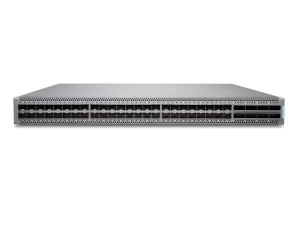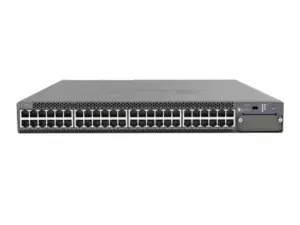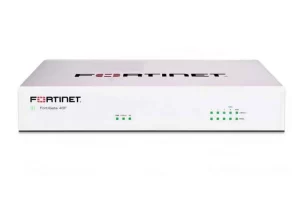
Choose an enterprise network switch by defining its role, connected devices, power needs, traffic paths, management, and support requirements. Then compare complete configurations against the same requirements sheet, including software, optics, accessories, and services.
Port counts are easy to compare. Complete offers are harder. One quote may include optics and management while another lists only the chassis. This guide gives you a practical way to close those gaps before ordering, using a requirements worksheet, simple planning examples, and a request for quotation (RFQ) checklist.
Key takeaways
- Start with the deployment role: access, distribution, core, or data center.
- Size Power over Ethernet (PoE) by endpoint requirements and the total available budget.
- Check traffic paths in normal operation and during a fault; a device capacity number is not a network guarantee.
- Confirm the exact hardware, software, optics, licenses, and support behind each offer.
- Use one bill of materials (BOM) to compare suppliers and document what remains unknown.
1. Define what your enterprise network switch must do
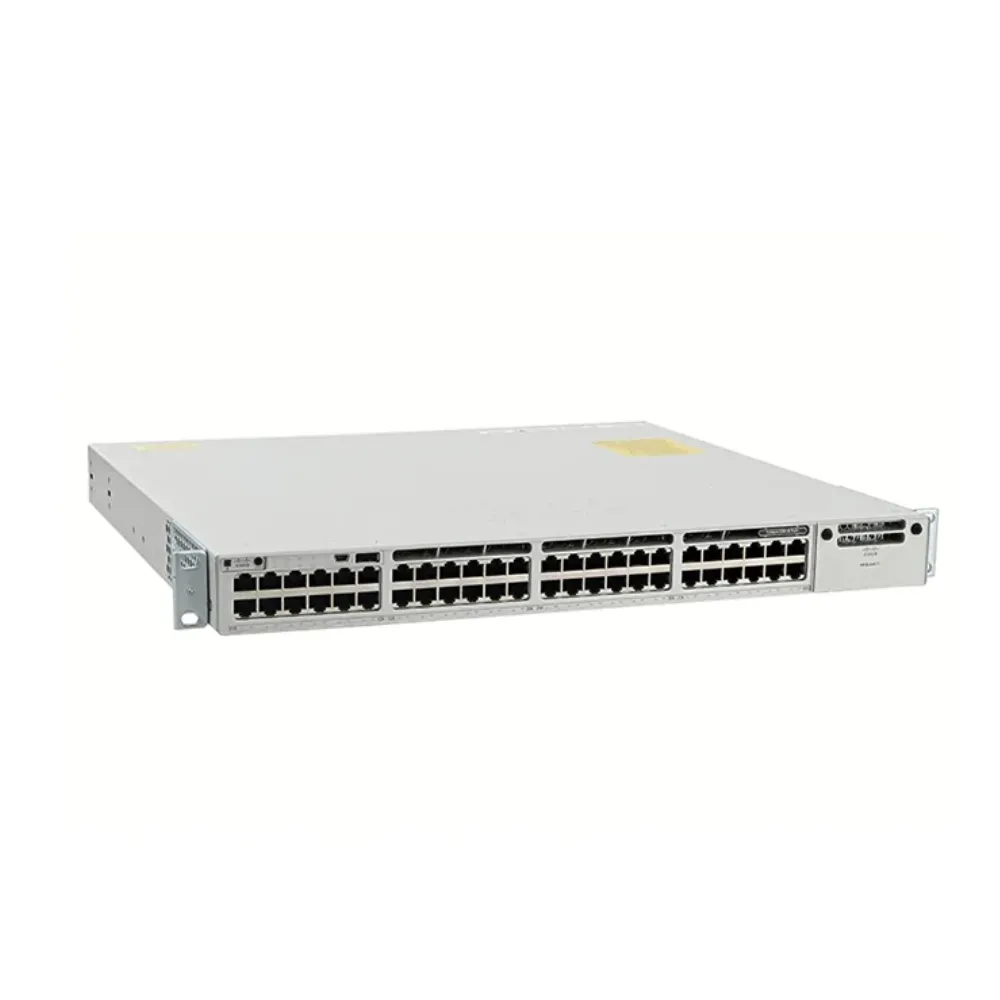
An enterprise network switch is part of a working system. Its suitability depends on the devices it connects, the network role it fills, and the people who operate it. Write those requirements before choosing a brand or product family.
Start the enterprise network switch project with a short statement. Are you adding a site, replacing old equipment, extending a campus, or building a data center? State what must keep working during the change. Give engineering and procurement the same brief.
Create a requirements worksheet
Use the worksheet below for each location or network role. Keep unknown fields visible. An empty field invites a supplier to make an assumption that may differ from yours.
| Requirement | What to record | Evidence to collect |
|---|---|---|
| Role and location | Access closet, distribution, core, or server rack | Site plan and topology |
| Connections | Endpoint types, counts, speeds, and media | Device inventory |
| Power | Which devices need PoE and their requirements | Endpoint data sheets |
| Traffic | Important paths, peaks, and growth assumptions | Measurements or stated assumptions |
| Operations | Management, monitoring, backups, and maintenance | Operating procedures |
| Commercial scope | Hardware, software, accessories, support, and delivery | Itemized offer |
An enterprise network switch shortlist becomes easier to review when each candidate answers the same questions. Avoid selecting a platform first and then changing the requirements to justify it.
If your device list is ready, send your configuration requirements through the CREA DAS TECH product catalog. Include the location, role, connections, and unresolved questions so the proposed offer can be checked against your needs.
Separate network roles before comparing equipment
Access switches connect endpoints. Distribution and core roles join network areas according to the design. Data center switches serve server-facing and fabric roles that should be specified separately. A model can fill different roles in different deployments, but that does not make every model suitable for every role.
For a small campus, the design may combine core and distribution functions. A larger or more complex site may separate them. Juniper’s campus topology guide describes collapsed-core, three-stage, and fabric approaches. Use those distinctions to frame the design discussion rather than treating them as interchangeable product labels.
Your enterprise network switch requirements should also name the protocol environment. This guide focuses on Ethernet selection. Fibre Channel storage networking and InfiniBand interconnects need their own compatible systems; similar connector shapes or speed labels do not establish interchangeability.
Choose the depth of evaluation
For a straightforward enterprise network switch replacement, you may already have a proven design and a clear compatibility list. A new architecture needs more design work before you choose a model. Make that distinction clear in the RFQ.
An enterprise network switch request can ask for an exact replacement or a proposed alternative. Those are different tasks. If alternatives are allowed, state which requirements are mandatory and which can be changed with an explanation.
Illustrative scenario: An office team initially asks for a switch with enough ports for its desks. The engineer adds access points, phones, PoE needs, and remote management to the worksheet. Procurement now requests a defined configuration instead of a port count. This is a hypothetical planning example, not a customer outcome.
2. Plan ports, speeds, and uplinks around real traffic
For each enterprise network switch, count connections by device type and location. Separate user ports, server connections, links to other switches, and management connections. Record what is needed now and which additions are actually planned.
An enterprise network switch with enough physical sockets may still have the wrong interface types. Check copper versus optical connections, supported speeds, and how ports will be used. Do not treat a spare port as useful capacity until its capabilities match the intended device.
Make growth assumptions explicit
Do not apply a universal spare-port percentage without context. A known office expansion, a new building, and an uncertain future project need different planning assumptions. Show how each assumption changes the number or type of connections.
For enterprise network switch port planning, add current connections to the documented additions. Keep any spare allowance separate and explain why you need it. Reviewers can then question the allowance while keeping the device list intact.
For enterprise network switch access planning, the business access-switch selection guide provides a more detailed path. Keep the full endpoint worksheet with the project rather than embedding every device in the buying article.
Follow traffic across the uplink
An uplink carries traffic that needs to leave the local switch or network area. Its load depends on the source, destination, timing, and design. Adding all access-port speeds describes a possible offered load, not necessarily the traffic that will cross that uplink at once.
For an enterprise network switch proposal, ask which traffic is expected to remain local and which must cross each boundary. Separate average use from busy periods. Where measurements are unavailable, label the traffic model as an assumption and plan how to validate it.
Consider this illustrative calculation: 24 connections each sending 1 Gbps toward one uplink offer 24 Gbps in that direction. A 10 Gbps link would have a nominal offered-load-to-capacity ratio of 2.4:1 under that assumption. It does not mean the network always operates at that load.
The calculation is useful because it names the direction and concurrency. It cannot predict application behavior on its own. Different traffic patterns, alternative paths, and configuration choices can change the result.
Review normal and reduced-capacity operation
A resilient design needs a second traffic check. Identify what happens when a link or device is unavailable. Do not simply divide the normal traffic evenly across every installed connection if the surviving topology cannot do that.
| Planning case | Question to answer | Record in the design |
|---|---|---|
| Normal operation | Which flows cross each link group? | Expected traffic and assumptions |
| Growth | What demand will be added? | Planned devices and applications |
| Link failure | Where does traffic move? | Remaining paths and capacity |
| Device maintenance | What remains available? | Maintenance topology and procedure |
An enterprise network switch capacity figure should be read alongside this traffic map. Switching capacity, interface speed, and packet forwarding rate are different measures. A large value in one column does not prove that a particular outgoing path cannot become congested.
For detailed backbone planning, use the core switch buying guide. This pillar keeps the process broad; the linked guide handles that role in greater depth.
3. Size PoE and installation requirements together
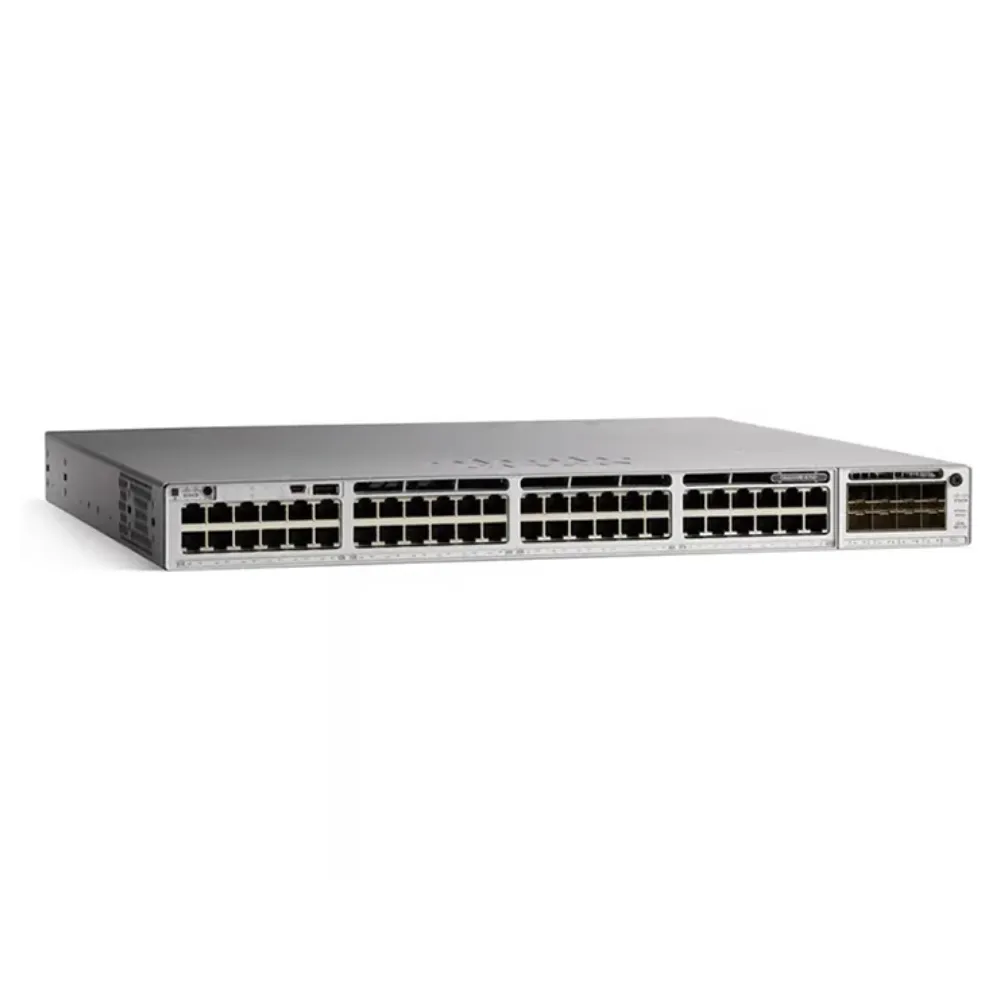
Power over Ethernet lets compatible equipment receive power through the network connection. Start with the endpoints that need it. Record each device’s documented requirements, the planned number of devices, and the expected operating conditions.
Do not buy an enterprise network switch on PoE port count alone. Check the supported power on each relevant port and the total budget available to the configuration. A switch can have more physical ports than powered ports, or a total budget that requires careful allocation.
Compare exact PoE models
Fortinet’s FortiSwitch product table illustrates why model suffixes matter. It lists the FS-108F-PoE with eight GE RJ45 ports and two SFP ports, but specifies PoE+ on four ports with a maximum 65 W budget. The FS-108F-FPoE lists PoE+ on eight ports with a maximum 130 W budget.
These are model-specific examples, not recommendations or confirmed CREA DAS TECH stock. They show why an enterprise network switch quote must identify the precise part number. Similar names can describe different power configurations.
For a hypothetical worksheet, suppose eight endpoints each require an assumed 12 W allocation. The simple total is 96 W before any other planning conditions are considered. Record that assumption and compare it with the exact supported port and system budget; do not present it as a test of either example model.
If the design relies on a particular power-supply arrangement, ask how the usable budget changes with that arrangement. Include any relevant failure condition. The answer must come from the proposed configuration’s documentation, not a generic statement about PoE.
Check the physical environment
Installation requirements can remove a candidate from the enterprise network switch shortlist before performance is considered. Record rack space, power input, ventilation, airflow, mounting, and environmental conditions. Use the exact manufacturer’s limits for the proposed equipment.
Do not assume an office-rack product is suitable for a roadside cabinet, factory enclosure, or exposed location. Similarly, a stated rack size does not confirm clearance, cable access, or the mounting parts included in a quote.
Give the installer the proposed bill of materials before the order is final. Ask them to review power connections, mounting, cable routes, and access for replacement. A compatible logical design can still create avoidable installation work if these details are left until delivery.
Record power and maintenance responsibilities
For each enterprise network switch location, identify who supplies site power and who checks the installation. Record the procedure for replacing a supply or device and the service window available for that work.
Keep endpoint power planning and the switch’s own power requirements distinct. They are related purchasing questions, but they should not be collapsed into one unexplained wattage figure. A clear worksheet gives each number a source and a purpose.
4. Choose management, routing, and resilience capabilities
Decide how the network will be operated before adding features to the specification. Name the people who will configure, monitor, update, and troubleshoot the equipment. List the tools and procedures they need to keep using.
An enterprise network switch feature is useful only when it meets a requirement the team understands. Ask for evidence of the required capability on the exact model, software release, and license combination. Portfolio-wide claims are a starting point for research, not proof of a configuration.
Treat management and routing as separate choices
Management concerns configuration, monitoring, and administrative control. Routing concerns how traffic moves between network segments according to the design. Do not treat managed versus unmanaged and Layer 2 versus Layer 3 as the same question.
Instead of requesting “full Layer 3,” name the functions your project requires and where they will run. List segmentation, routing, monitoring, authentication, logging, and backup requirements separately. This makes omissions visible in an enterprise network switch comparison.
Ask how management will work during routine use and during a fault. If the proposed approach depends on an external service, document the dependency and the supported operating conditions. Confirm any account, subscription, or access requirements before rollout.
Plan expansion without assuming interchangeability
Stacking, independent devices, and other multi-device designs have different operating conditions. Specify the intended arrangement and check the required hardware, software, links, and compatibility. Do not assume every product described as stackable supports the same design.
For an enterprise network switch expansion, document how a new member or replacement device will be introduced. Include the software state, configuration steps, and expected maintenance work. A future-growth claim should be tied to a practical procedure.
Illustrative scenario: A campus plans a third building. The team compares a combined core/distribution design with a separate backbone and maps what remains available during maintenance. It chooses what to evaluate based on fiber routes, traffic assumptions, and operating needs. No recovery time or savings are claimed in this hypothetical example.
Define acceptance tests before purchase
Redundant hardware is one part of a design, not an unconditional service guarantee. For the enterprise network switch layer, identify the failures that matter: an unavailable link, a device fault, a power event, or a planned software change.
For each case, write down what will be observed and what result the project will accept. Include the traffic or applications involved, observation points, test conditions, and rollback plan. Avoid promising zero downtime without evidence under those conditions.
Keep the acceptance criteria with the purchase requirements. A supplier can then explain whether the proposed configuration supports the intended test. This is more useful than accepting an undefined promise of “high availability.”
5. Build an enterprise network switch shortlist
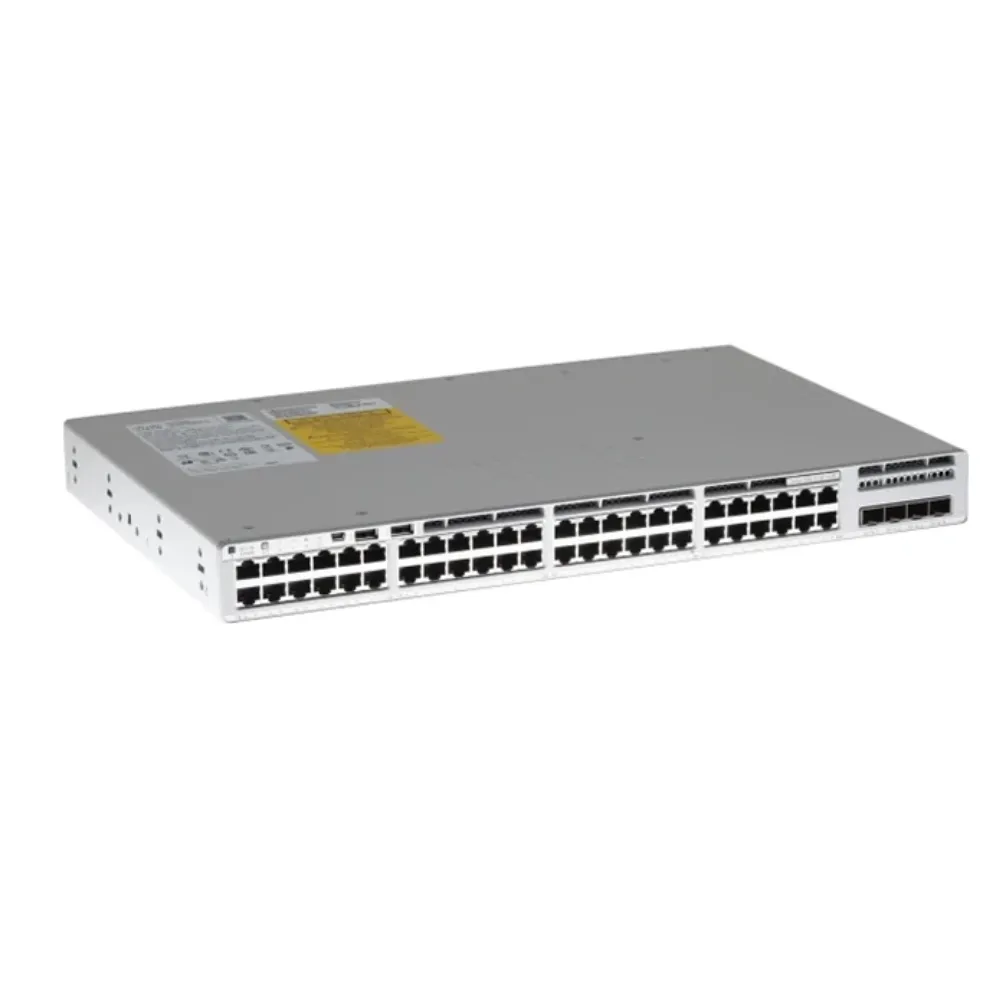
Shortlist by role and mandatory requirements before comparing brands. Remove configurations that cannot satisfy a required interface, power, software, or support condition. Keep the reason for each exclusion so the decision can be reviewed later.
A useful enterprise network switch shortlist is small enough to evaluate in detail. It should include the exact proposed configuration and the outstanding evidence for each candidate, rather than a long list of recognizable product names.
Use a consistent comparison sheet
| Comparison field | Candidate A | Candidate B |
|---|---|---|
| Exact hardware and condition | Enter part numbers | Enter part numbers |
| Deployment role and topology | State fit and assumptions | State fit and assumptions |
| Ports, optics, and power | Attach supported configuration | Attach supported configuration |
| Software and entitlements | List included items | List included items |
| Management and support | State service scope | State service scope |
| Unresolved evidence | Name questions and owner | Name questions and owner |
Use the network switch brands comparison for a deeper look at brand portfolios. This guide keeps brand choice within the wider selection process rather than reproducing a top-ten list.
An enterprise network switch candidate should not receive a pass simply because another product in its family has the required feature. Check the proposed part number and release. Where an alternative changes the operating model, show that change as part of the decision.
Use specifications as evidence, not guarantees
The Cisco Catalyst 9500 data sheet lists the C9500-48Y4C with 48 ports supporting 1/10/25G and four supporting 40/100G. It gives switching capacity up to 3.2 Tbps and forwarding rate up to 1 Bpps.
Those values describe a model under its documented conditions. They do not replace traffic-path analysis, software checks, or acceptance testing. Read the notes and avoid applying a series-wide maximum to a different model.
For an enterprise network switch intended for a data center, start with that architecture’s requirements. The data center switch selection guide provides a separate path. A campus example should not become a recommendation for every leaf-and-spine deployment.
Include the cost of a change in operating model
Ask what the team must learn or change to operate each candidate. Consider configuration review, monitoring, backups, software updates, and fault handling. Describe these as project tasks rather than assigning invented cost savings to a brand.
An enterprise network switch comparison should acknowledge where existing experience helps and where it may hide assumptions. Familiarity can reduce some work, but it cannot make an unsupported connection or missing entitlement acceptable.
6. Compare complete quotations and prepare the RFQ
A request for quotation should make it possible to compare the same scope. Ask suppliers to identify hardware, accessories, software, services, and assumptions in separate line items. Record any substitution or exclusion.
For an enterprise network switch purchase, the lowest number is not automatically the lowest cost for the required configuration. First check whether each offer includes the same working parts. Then compare the commercial terms and responsibilities.
Copy this RFQ structure
| RFQ field | Information to provide or request |
|---|---|
| Project | Site, deployment role, purpose, and constraints |
| Hardware | Exact models or permitted alternatives, quantity, and condition |
| Connectivity | Port speeds, media, optics, cables, and distances |
| Power and installation | PoE plan, supplies, airflow, mounting, and site requirements |
| Software | Required functions, release, licenses, and account requirements |
| Services | Management, support, warranty responsibilities, and renewals |
| Delivery | Destination, required schedule, included documents, and written terms |
| Acceptance | Configuration checks, tests, handover, and unresolved questions |
Attach the topology and requirements worksheet. If you want the supplier to propose alternatives, identify the conditions that cannot change. This keeps the enterprise network switch discussion focused on fit rather than a loosely related replacement.
Verify optics, cables, and accessories
List exact optical module and cable part numbers when they are known. Where they are not, give the intended connection, distance, and device interfaces. Require compatibility evidence for the proposed combination.
A port supporting a speed does not establish support for every old module at that speed. Ask for the relevant model and software conditions. For Cisco equipment, the optics compatibility tool is one place to check the combination; an accessible tool is not itself a completed compatibility assessment.
An enterprise network switch bill of materials should also cover power supplies, mounting parts, and other required accessories. Confirm what ships with the device and what is a separate item. Do not assume a product image shows everything included in the offer.
Separate entitlements, subscriptions, and support
Ask which functions are included, which require additional entitlement, and which services have a term. Request the supported software release and the process for activation or account assignment. Keep these details separate from hardware warranty.
For an enterprise network switch with subscription-based services, ask what happens at renewal or expiry. Purchase-time ordering requirements and continuing base functions are different questions. A complete answer should refer to the current offer and product documentation.
The Cisco Licensing Hub provides official resources for its licensing processes. Use the relevant vendor’s current documents rather than applying one brand’s terminology to every proposal.
Put supplier evidence and ownership cost in writing
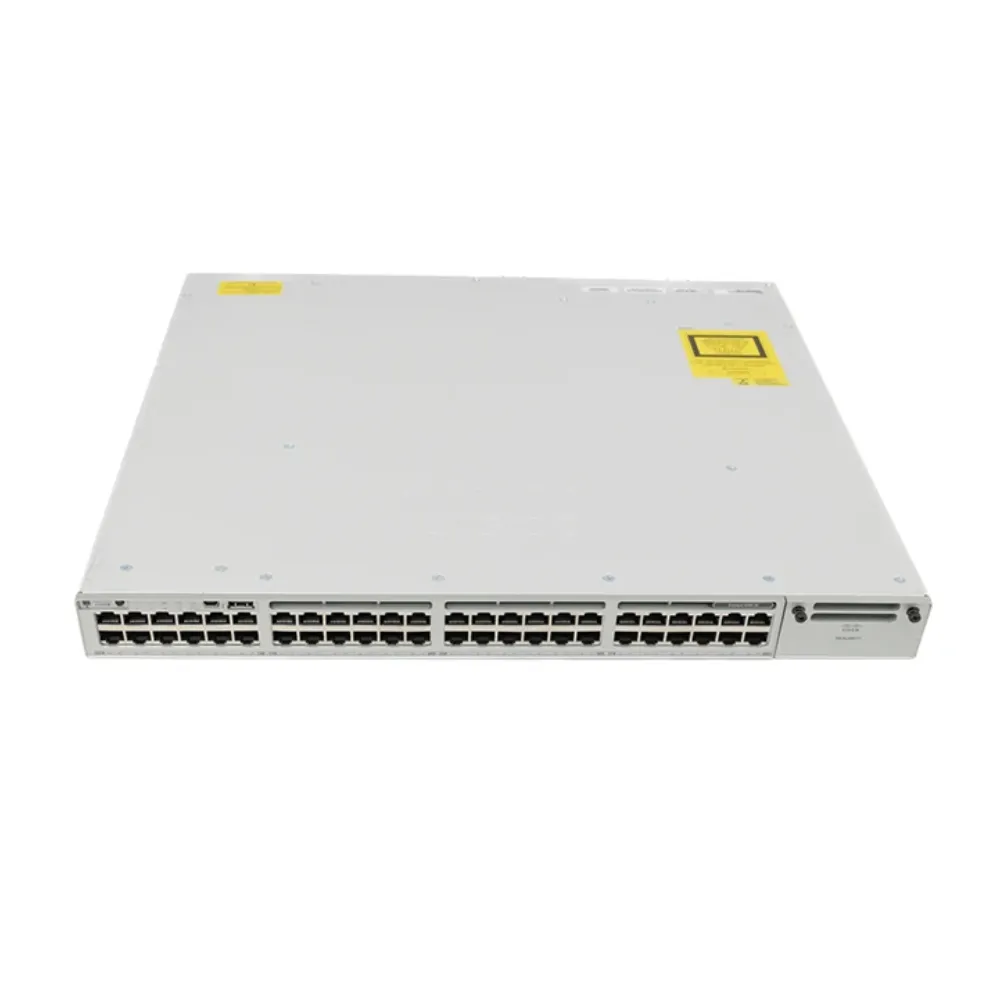
Request the source documentation available for the offered equipment, warranty terms, return conditions, and support responsibilities. If the project requires an authorized sales channel or a particular service entitlement, obtain evidence for that requirement.
Compare ownership cost over a stated period and matching scope. Include applicable purchase items, renewals, installation, migration, training, and spare-equipment plans. Mark unknown costs instead of filling them with a guessed percentage.
Illustrative scenario: Two suppliers quote different totals for an enterprise network switch project. Procurement discovers that one offer omits optics and management services. The team requests matching line items before comparing price. This hypothetical example shows a review method; it does not claim that either supplier is cheaper or that a customer saved money.
If your BOM is ready, submit it through the CREA DAS TECH catalog’s quote route. Ask for the proposed configuration, included services, and unresolved assumptions to be identified in writing.
Plan verification and handover
Before deployment, check delivered identities and configuration against the approved offer. Review software, entitlements, accessories, and the agreed documents. Resolve substitutions before treating the equipment as ready for acceptance.
Keep a handover record for the enterprise network switch installation. Include the topology, interface assignments, configuration backup location, management access procedure, support details, and the owner of future changes.
Use a short acceptance record for the enterprise network switch:
- Test the agreed normal-operation and fault cases under controlled conditions.
- Record the configuration and traffic used in each test.
- Compare the observed result with the agreed requirement.
- Name the owner and next step for every open item.
A test plan describes work to be done. It does not prove that the equipment has passed.
Assign responsibility for keeping the record current. A precise offer loses value if later changes are not reflected in the operational documents. Make sure the team receiving the network can find the evidence used to approve it.
7. Frequently asked questions and your next step
What is the best switch for an enterprise network?
The best fit depends on role, connections, traffic, power, software, and service requirements. Build a common requirements sheet and compare complete configurations. An enterprise network switch chosen for one campus role may be unsuitable for a different site or data center design.
What are the two types of network switches?
There is no single two-part classification that answers every buying question. Managed versus unmanaged describes one distinction, while Layer 2 versus Layer 3 describes another. PoE capability, physical design, and deployment role add further dimensions. State the question you need to answer rather than treating these labels as alternatives on one scale.
Which Cisco enterprise switch should we investigate?
Start with the required role and interfaces, then identify the relevant product family and exact model. Check the software, accessories, and commercial arrangement. This enterprise network switch guide uses a C9500 example to explain evidence, not to recommend that platform for every project.
Does a higher capacity number guarantee better performance?
No single specification establishes the behavior of the complete network. Compare interface requirements, traffic paths, packet processing, and the selected feature combination. Validate the proposed configuration under the project’s acceptance conditions.
How much spare capacity should we buy?
Use known additions, measurements, and explicit growth assumptions. Keep contingency separate from the current connection count. A fixed percentage without a reason can lead to either unnecessary cost or a design that still lacks the right interfaces.
Can we reuse existing optics and licenses?
Only after checking the precise equipment, software, and entitlement conditions. Record what will be reused and obtain the appropriate compatibility or commercial evidence. Do not infer reuse rights or technical support from matching brand names.
What should we do before asking for a final quote?
Complete the requirements worksheet, topology, traffic assumptions, PoE plan, and BOM. Identify the service terms and acceptance evidence you need. Leave unresolved questions visible so a proposed answer can be reviewed.
CREA DAS TECH supplies network communication equipment across multiple brands. Explore the catalog and submit your requirements for quotation, then confirm availability, configuration, documentation, and terms for the specific offer. A sound enterprise network switch purchase starts with a clear requirement and ends with a configuration your team can deploy and maintain.