How to choose an access switch starts with a device inventory: count the connections, identify power needs, and map the traffic that must leave the access layer. Then verify the proposed model’s interfaces, software, management, and support as one complete configuration.
Buying on port count alone leaves too many questions unanswered. A switch may connect the required number of devices yet lack the power, uplink arrangement, or operating features the site needs. This guide turns those questions into a practical worksheet and uses the Juniper EX4400-48T as a clearly identified non-PoE example.
Key takeaways
- Match ports and speeds to actual endpoints and documented additions.
- Check both per-port PoE support and the total power budget where endpoints need power.
- Specify the uplink arrangement, modules, cables, and traffic assumptions.
- Separate management, VLAN requirements, and routing decisions.
- Confirm the exact model, software, accessories, and services before comparing quotations.
How to choose an access switch from your endpoint requirements
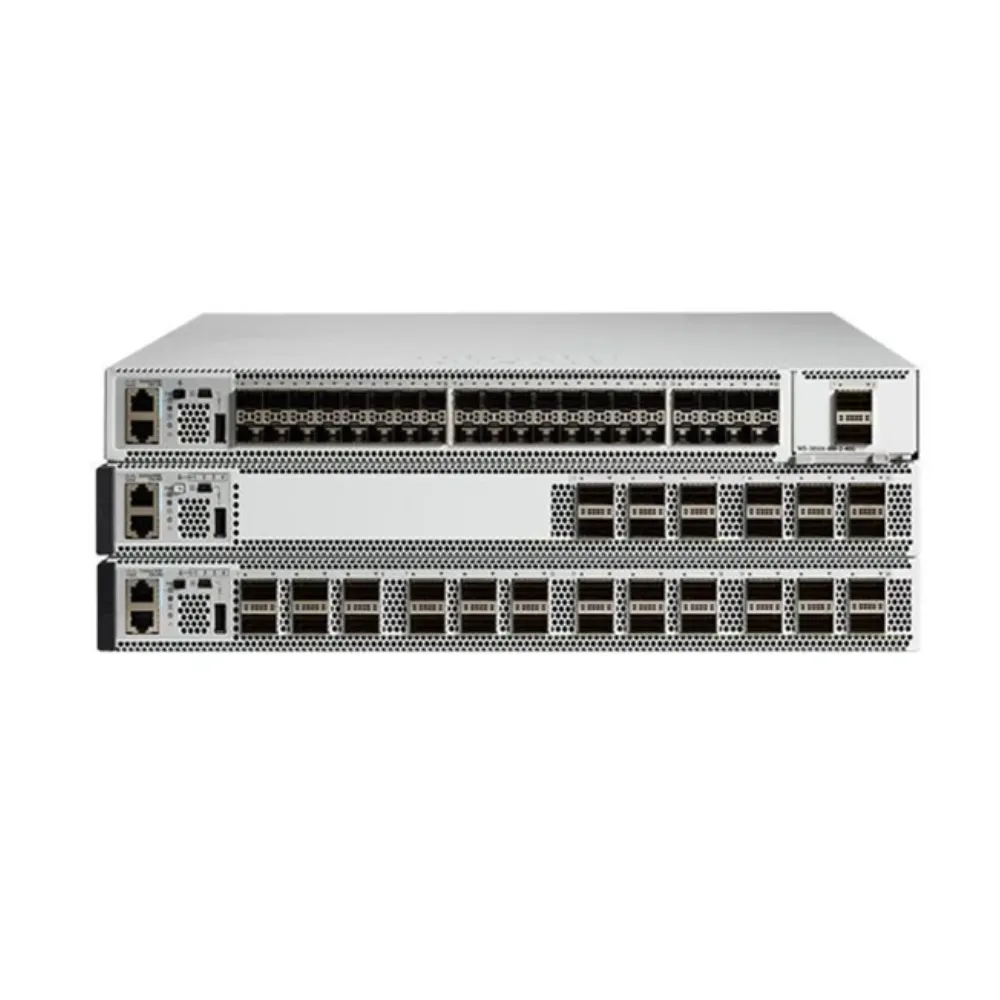
An access switch connects devices at the edge of the business network. Those devices may include computers, printers, phones, cameras, and wireless access points. Their connection and power requirements can differ even when they share the same equipment closet.
The first step in how to choose an access switch is to describe that environment. Identify the floor or building, the endpoint types, the available cabling, and the team that will maintain the equipment. Keep required functions separate from optional preferences.
Count current connections and planned additions
List the devices that need a physical connection now. Add confirmed expansion separately, then explain any spare allowance. A general percentage is less useful than a known office expansion, additional cameras, or a planned access-point installation.
For teams deciding how to choose an access switch, a worksheet prevents assumptions from disappearing into a model recommendation. Record unknown fields as questions rather than letting a supplier guess.
| Requirement | Record for this location | Confirm against |
|---|---|---|
| Endpoint connections | Type, count, and interface | Device inventory |
| Growth | Named additions and spare allowance | Project plan |
| Power | Devices needing PoE or another supply | Endpoint documentation |
| Upstream links | Destination, speed, media, and distance | Topology and compatibility records |
| Operations | Management, monitoring, and maintenance | Team procedures |
Do not make “close to 24 ports” an automatic reason to buy a 48-port model. Compare the full requirement, including power, media, management, and the practical cost of adding equipment later.
Illustrative scenario: An office counts its desktops and printers, then adds phones and wireless access points to the inventory. The revised worksheet separates data connections from powered endpoints. The team requests a configuration that answers both needs instead of asking only for more ports. This is a hypothetical example, not a customer result.
If you are working out how to choose an access switch for a specific site, submit the endpoint worksheet through the product catalog. Include what is known and what still needs clarification before a quotation is prepared.
Match access speed to the endpoint
Check the interface supported by each connected device and the application requirements. Do not assume every endpoint needs the highest available speed, or that an old cable installation supports every proposed upgrade.
How to choose an access switch for mixed endpoints is a connection-by-connection task. Group similar needs, identify exceptions, and ask whether the proposed model handles them without additional equipment. Keep access ports and inter-switch links in separate parts of the worksheet.
Choose PoE and uplinks as separate design checks
Power and traffic capacity answer different questions. A suitable PoE budget does not prove that the uplink can carry the required traffic. A fast uplink does not establish that phones or access points can receive power from the proposed switch.
Understanding how to choose an access switch means checking both conditions before comparing prices. Where endpoints use another approved power source, document that arrangement rather than assuming the switch supplies it.
Verify per-port power and the total budget
For endpoints that need PoE, record the documented power requirement and the relevant supported mode. Then check the exact switch model’s powered ports, total budget, and power-supply configuration.
Use a stated assumption for any calculation. For example, eight endpoints each allocated an assumed 12 W give a simple total of 96 W. That is an illustrative input calculation, not measured consumption or proof that a particular model supports the installation.
When reviewing how to choose an access switch, keep normal operation and any required power-failure case separate. Ask how the usable budget changes under the proposed supply arrangement. The answer needs model-specific evidence.
Size the path leaving the access layer
Map which traffic must travel to upstream networks. Record direction, expected concurrency, and important busy periods. Adding every access-port rate describes a possible load, not necessarily the traffic crossing the uplink at the same time.
A useful example of how to choose an access switch is a clearly bounded capacity check. Assume 24 devices simultaneously send 1 Gbps each toward a single 10 Gbps uplink. The offered load is 24 Gbps, giving a nominal 2.4:1 ratio under that assumption. It does not predict the site’s everyday traffic.
If the design includes alternative links, assess the remaining paths during a fault or maintenance event. Do not promise congestion-free service from an interface rate or a switching-capacity total alone.
Validate the complete connection
Check the switch interface, optical module or cable, transmission medium, distance, and upstream interface together. Ask for the supported part numbers and software conditions. Port-speed support does not mean every existing transceiver will work.
How to choose an access switch also includes knowing which interfaces remain available after expansion or multi-device links are assigned. Request a port-use drawing. For upstream architecture, use the separate core switch buying guide rather than treating access and core roles as the same purchase.
Decide management, routing, and maintenance requirements
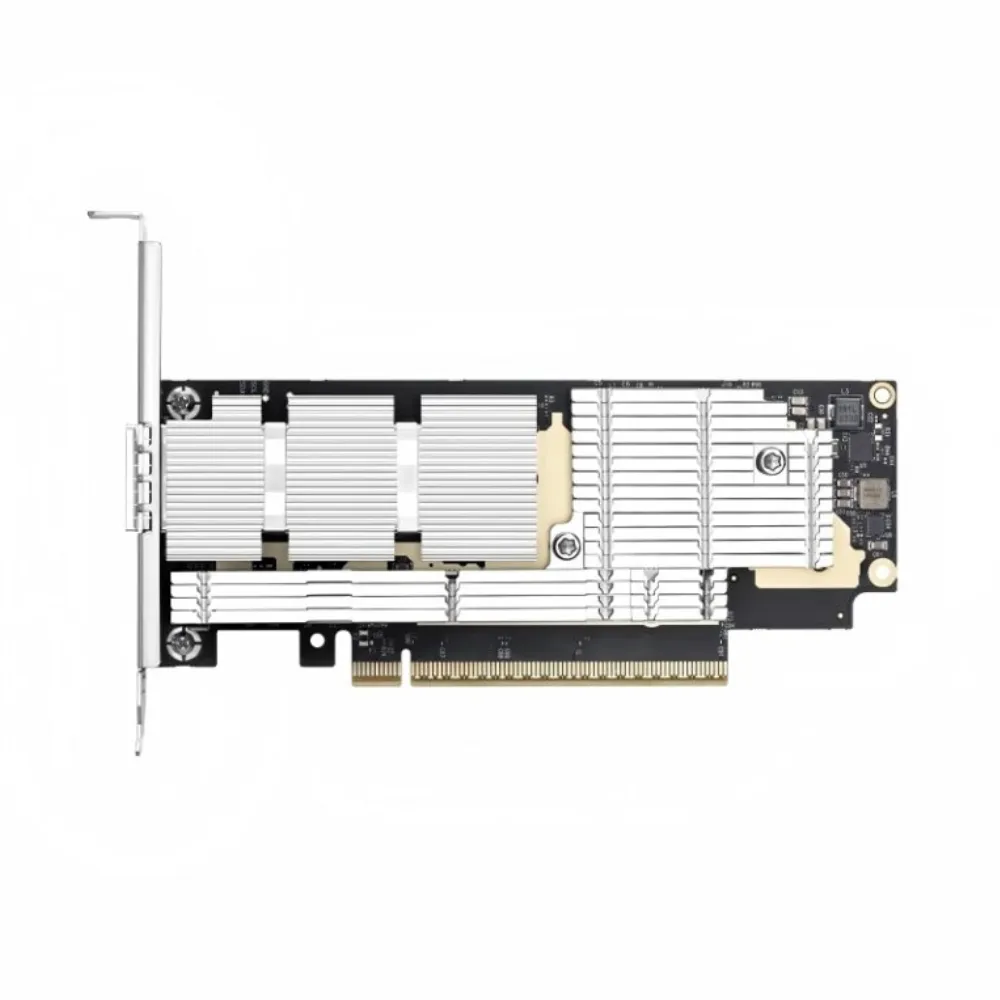
Choose capabilities around the way the network will be operated. Name who configures the device, checks faults, updates software, and maintains backups. Document the management access and monitoring methods they need.
One practical answer to how to choose an access switch is to test the operating workflow as carefully as the physical connections. An unused feature does not solve an operating problem, while a missing management function can create daily work.
Separate VLANs from routing
VLANs help define network segments, while routing decisions determine how traffic moves between segments in the design. Grouping employee, guest, and voice devices does not automatically require the access switch to perform all routing functions.
State where routing will occur and which functions the access platform must provide. Ask for support on the exact model, software release, and entitlement combination. Avoid a vague request for “full Layer 3” when a precise feature list is possible.
How to choose an access switch should remain a role-based decision. If the proposed platform changes where routing occurs, show that change on the topology and review its operating impact before ordering.
Plan expansion and failure checks
Multi-device management and expansion features need their own compatibility review. Identify the permitted hardware combination, software, interconnects, and maintenance procedure. Do not assume any two devices in a family can be combined without conditions.
Illustrative scenario: A business expects to add another access closet. Its engineer asks how the proposed multi-switch arrangement uses interfaces, which software versions are supported, and what happens during maintenance. The proposal is reviewed against those questions before equipment is added. This hypothetical scenario makes no recovery-time claim.
For anyone learning how to choose an access switch, this is a useful distinction: a supported expansion feature is a design option, not a guarantee of uninterrupted service. Define the fault and maintenance checks the project actually needs.
Check installation and service arrangements
Confirm rack space, mounting, power input, airflow, and environmental requirements for the proposed equipment. Identify accessories included in the offer and those that must be ordered separately.
How to choose an access switch for a branch also depends on support responsibilities. Ask who handles software questions, hardware replacement, warranty claims, and configuration changes. Obtain the proposed scope and terms in writing rather than assuming every service accompanies the device.
Check the Juniper EX4400-48T example accurately
The EX4400-48T is one candidate to investigate where its exact configuration fits the requirement. It should not be the automatic answer for every office or powered endpoint deployment.
Juniper’s EX4400 models and specifications classifies the EX4400-48T as a non-PoE model. That distinction is essential when deciding how to choose an access switch for phones, cameras, or wireless access points that depend on switch power.
Distinguish access, uplink, and interconnect ports
The official EX4400 specifications page lists 48 × 1GbE access connections and 4 × 10/25GbE uplinks for the 48P/48T models. The hardware documentation also identifies rear QSFP28 ports and an extension-module arrangement.
Do not combine those statements into a claim that every quoted unit includes every module or has two unconditionally available 100G business uplinks. Identify the installed extension module and the proposed use of rear ports, including Virtual Chassis duties, against the exact hardware and software configuration.
| Review item | What the buyer must confirm |
|---|---|
| Model identity | EX4400-48T and the precise orderable variant |
| Endpoint power | Non-PoE; another suitable power design is needed for powered endpoints |
| Access interfaces | Required devices match the supported access speeds |
| Uplink configuration | Installed module, supported media, and assigned ports |
| Multi-switch design | Port roles, compatible equipment, software, and cables |
| Delivery scope | Supplies, fans, mounting, licenses, and services included |
This is how to choose an access switch from a product family without treating the family name as a complete configuration. Request an annotated port map and an itemized offer, not just a front-panel photograph.
Keep the example within its limits
The EX4400 range includes different power and interface options. A feature available elsewhere in the range does not establish that it is present on the 48T. Juniper’s system overview provides another starting point for checking those differences.
Use the Juniper switch category to review listed equipment. The EX4400-48T product listing identifies the item under discussion; verify its configuration against the original vendor documentation, including any listing shorthand.
If the inventory requires PoE from the switch, ask for a suitable PoE configuration rather than assuming the 48T can supply it. That single check can change the shortlist before price comparisons begin.
How to choose an access switch using comparable quotations
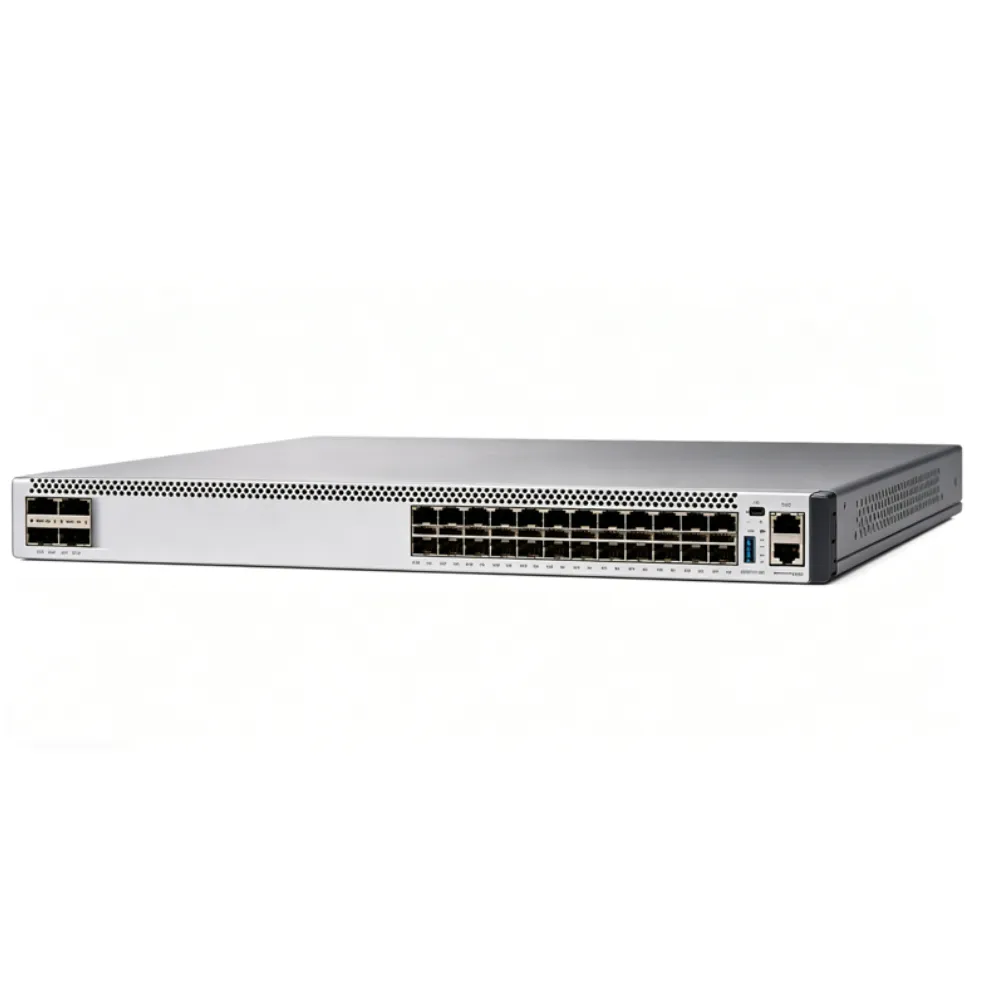
The final stage in how to choose an access switch is to align technical requirements with a complete offer. Use one bill of materials for every candidate and ask suppliers to identify substitutions and exclusions.
When deciding how to choose an access switch, include hardware identity, quantity, condition, software, required functions, optics, cables, power, mounting, support, and delivery terms. Mark open questions clearly. A lower quoted total is not a valid comparison if it omits necessary components or services.
Use an acceptance checklist
Before deployment, agree how the delivered equipment will be checked. Match model identities, accessories, entitlements, and configuration to the approved offer. Define functional checks and the evidence that will be retained.
How to choose an access switch does not end at delivery. Identify the owner of the configuration, backup files, interface records, and future software changes. Keep the approved requirements with the handover so the operations team can see why the equipment was selected.
Illustrative scenario: Two quotes look similar until the buyer checks the included uplink modules and support terms. The team asks for matching line items before comparing totals. This is an example of procurement review, not a claim of customer savings or a tested deployment.
If your configuration needs review, send the device list and proposed bill of materials to CREA DAS TECH through the catalog’s quote route. Confirm the specific offer’s availability, documentation, warranty responsibilities, and delivery terms before ordering.
Frequently asked questions and next steps
Is a 48-port model always better than a 24-port model?
No. Compare current devices, planned additions, power, interfaces, operating needs, and costs. More ports alone do not establish the best configuration. How to choose an access switch depends on the whole requirement, not a single threshold.
Can the EX4400-48T power my wireless access points?
The EX4400-48T is a non-PoE model. If the access points rely on power from the switch, select an appropriate powered model or document another supported power arrangement. Check each endpoint’s requirements.
Are the rear 100G ports simply spare uplinks?
Do not assume that role. Check the proposed configuration, software support, and whether those ports are assigned to Virtual Chassis or another supported use. List the installed extension module and port assignments in the offer.
Do VLANs mean I need routing on the access switch?
Not by themselves. Decide where routing belongs in the design, then identify the functions needed on the access platform. Management and segmentation requirements should be described separately.
What information should I send before requesting a quote?
Provide endpoint types and counts, power needs, access speeds, uplink destinations and media, routing requirements, management, growth, accessories, services, and delivery location. Explain which choices remain open.
For broader portfolio comparisons, consult the network switch brands guide. Keep the access-layer worksheet focused on this site’s devices and operating requirements.
Knowing how to choose an access switch means turning those requirements into a configuration that can be verified. Explore the CREA DAS TECH catalog and submit your requirements for quotation, then review the evidence and included items before approving the purchase.