The managed vs unmanaged switch choice comes down to control: managed models provide supported configuration and monitoring tools, while unmanaged models mainly provide fixed, plug-and-play connectivity. Choose by the settings, visibility, and operating tasks your network needs, then verify those functions on the exact model.
Two switches can have the same Gigabit port count yet offer different tools when something fails. A product label alone will not tell you which readings you can collect or which settings you can change. This guide explains the differences, shows three planning scenarios, and turns the decision into a requirements and acceptance checklist.
Key takeaways
- Start with required configuration and diagnostic tasks, rather than company size alone.
- Keep management, Layer 3 routing, PoE, and link speed as separate buying checks.
- Treat smart and easy-smart labels as prompts to inspect the feature list.
- Include accounts, software, configuration backup, and recovery in the operating plan.
- Compare complete quotations and agree on tests for the functions you need.
1. Managed vs unmanaged switch: the practical difference
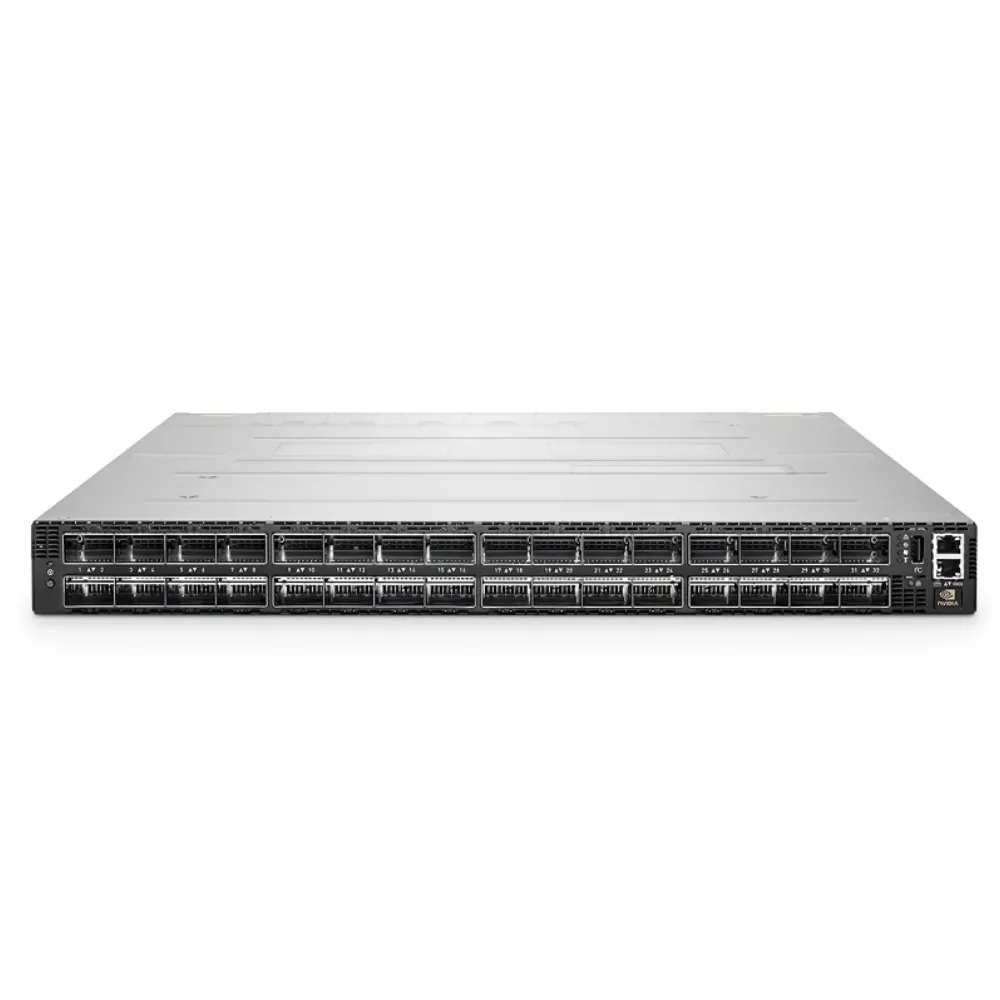
Begin a managed vs unmanaged switch review by asking what an administrator must do after installation. Is basic connectivity enough, or must the team change how ports behave and inspect device status? Write down those tasks before requesting model recommendations.
Cisco’s managed and unmanaged switch overview describes configuration and control as the central distinction. It also identifies monitoring and the expertise needed to operate configurable equipment. Use those differences to frame requirements, then check the specific device documentation.
| Requirement | What to verify |
|---|---|
| Basic wired connection | Port count, interface type, speed, and installation needs |
| Configurable traffic groups | Supported VLAN settings and the intended upstream design |
| Diagnostic access | Required counters, logs, mirroring, or alerts |
| Remote operation | Management interface, access path, accounts, and permissions |
| Endpoint power | PoE port capability, total budget, and any required controls |
| Routing between subnets | Exact routing functions, software, and entitlements |
For the overall selection process, see our enterprise network switch buying guide. For an equipment inquiry, send CREA DAS TECH your required port, management, and monitoring functions. Ask for a configuration that can be checked against the same list.
Separate forwarding from administration
An unmanaged device is intended to provide connectivity without a user configuration workflow. A managed device exposes supported controls and information through its management tools. The available controls vary by product, so avoid treating every managed model as having the same functions.
The managed vs unmanaged switch comparison should also distinguish a supported feature from a feature you have actually configured. A menu option does not prove that the deployed settings match your plan. Include configuration review and a suitable test in the handover.
Keep adjacent capabilities separate
Management does not automatically establish Layer 3 routing, PoE output, or a higher link speed. Specify each requirement independently. Our Layer 2 vs Layer 3 switch guide explains the separate question of where routing happens.
Likewise, do not infer a full security policy from the presence of an administration page. Define who should access that page and how changes will be controlled. Then check whether the proposed equipment supports your operating plan.
Illustrative scenario: a fixed test bench. A team needs additional wired connections for a bench with a known purpose. It first checks ports, speed, and the surrounding network design, then asks whether any settings or diagnostic records are required. This teaching example does not claim that all test benches need unmanaged equipment or that a particular device count settles the choice.
2. Compare the features you need to operate
A useful managed vs unmanaged switch comparison describes actions rather than a long list of unexplained acronyms. Build the managed vs unmanaged switch checklist around what the operator must configure, read, or restore. Ask the supplier to identify the supported method for each action.
Check VLAN settings against the design
If the network needs separate device groups, document the intended VLAN membership and links to upstream equipment. Ask which port settings the switch must enforce. Passing traffic through a device is not the same requirement as configuring that device to apply the intended grouping.
Do not approve VLAN isolation merely because a frame can cross the link. Have the network owner define the expected paths and policy checks. The upstream gateway and other devices may also be part of that design.
This managed vs unmanaged switch requirement needs a functional answer: which VLAN settings are supported, where are they applied, and how will they be verified? Avoid accepting only a category label. Keep the approved configuration with the port map.
Request the diagnostic information you will use
List the information required to investigate an issue. That might include port status, error counters, event logs, or a supported traffic-mirroring function. Confirm each one for the exact product and software rather than assuming every managed device includes it.
For example, “remote monitoring” is too broad for a quotation. State the readings required, the collection method, and where the operator expects to view them. Ask whether the device can retain or export the necessary records.
A managed vs unmanaged switch decision should include access to those readings during an incident. Identify the management path and the person allowed to use it. A feature that cannot be reached through the deployed design may not meet the operational need.
Verify PoE and physical connections separately
If endpoints need Power over Ethernet, or PoE, list their documented requirements. Check the available ports and output budget on the proposed configuration. If remote power control is also required, request that specific function separately.
Do not use the managed vs unmanaged switch label as evidence of a power budget or remote reset capability. Confirm the power-supply configuration and any control features by model. Agree on a controlled test where the function is important to the project.
Port speed, uplinks, cooling, and installation still need their own review. The access switch selection guide covers these wider requirements. The EX4400-48T example is non-PoE. Do not use it as a choice for powering endpoints.
3. Where do smart and easy-smart switches fit?
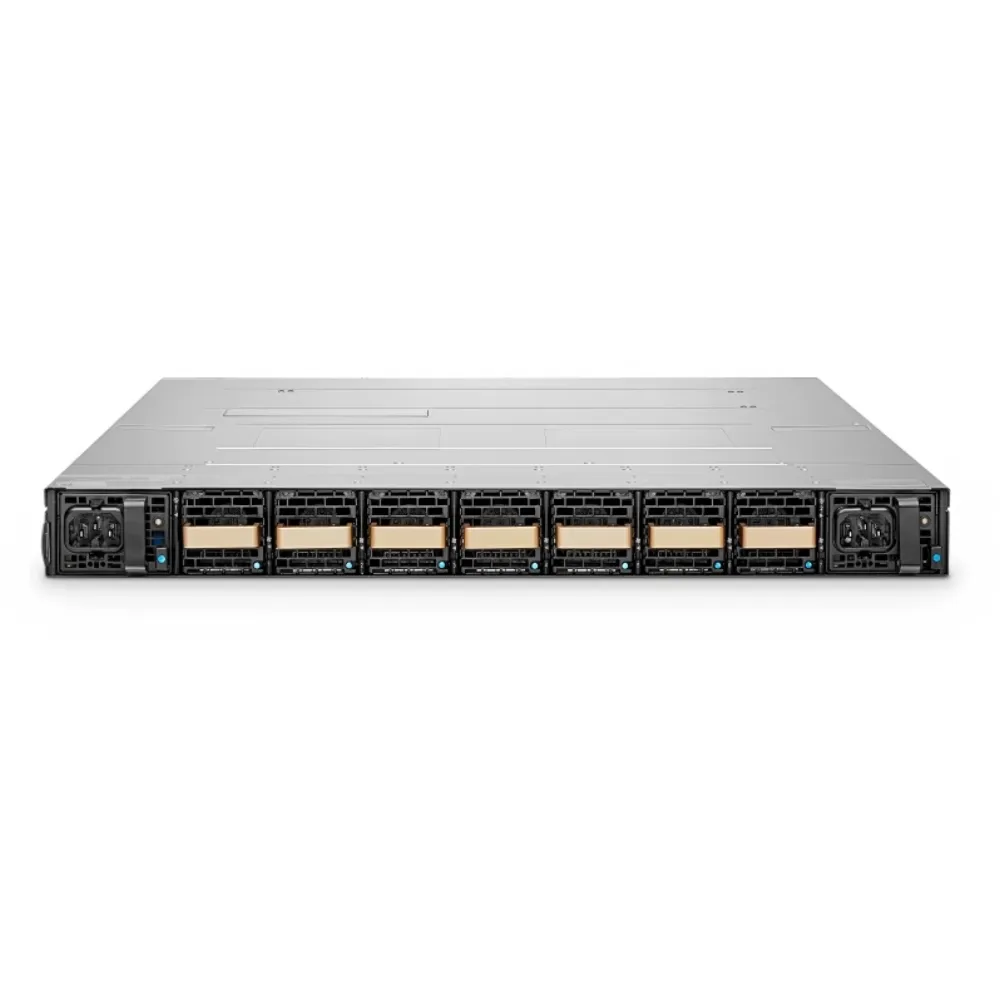
Smart and easy-smart names can help organize a vendor’s range, but they do not replace a feature list. In a managed vs unmanaged switch shortlist, treat these products as configurations to evaluate. Do not assume identical functions across vendors or hardware revisions.
Use a documented product example
NETGEAR’s GS308v3 unmanaged product page lists eight Gigabit ports. Its GS308E easy-smart product page also lists eight Gigabit ports, together with specific configuration-related limits. The shared port count does not settle the managed vs unmanaged switch decision.
| Official specification field | GS308v3 unmanaged | GS308E easy-smart |
|---|---|---|
| Gigabit ports | 8 | 8 |
| MAC table entries | 8K | 4K |
| VLAN count | Check exact model documentation | 64 |
| Link aggregation groups | Check exact model documentation | 2, with up to 4 members each |
These are examples of published specifications, not a recommendation or a claim that CREA DAS TECH supplies these models. The smaller MAC table in the easy-smart example also shows why “managed means more of every resource” is not a sound buying rule. Recheck the exact hardware revision before using a value in an order.
Do not infer a particular aggregation protocol or single-flow speed from the group count. The cited GS308E page also lists its PoE budget as not applicable. That example cannot establish the suitability of a PoE configuration.
Check local, controller, and cloud access
For your managed vs unmanaged switch review, identify how the selected device is administered. Ask whether the required functions use a local interface, a controller, or a cloud service. Record the accounts, software, and any commercial requirements involved.
Do not assume that managed equipment always requires a cloud subscription. Equally, do not assume a local interface offers every function of an optional management service. Have the supplier confirm the arrangement that applies to the quoted model.
Ask what remains available when an upstream connection or management service is unavailable. Request a documented answer for the product, then test the conditions relevant to the site. Do not turn an assumption about one platform into a general rule for managed switches.
4. Choose managed vs unmanaged switch by scenario
Translate the managed vs unmanaged switch discussion into the tasks your team expects to perform. A small site can have demanding policy or monitoring needs. A simple fixed connection may have few configuration requirements regardless of the organization behind it.
Review a shared office’s device groups
Illustrative scenario: office and guest devices share an access area. The network team wants each device group to follow its approved path. Before selecting equipment, it lists the VLAN settings, upstream gateway, and permitted communication that the design requires. This is a planning scenario, not evidence of a customer deployment or a security outcome.
The useful question is whether the proposed switch supports the required settings and verification. Have someone responsible for the full network review the path beyond the switch too. A successful local connection does not prove the grouping or policy is correct.
For this managed vs unmanaged switch case, attach the relevant port map to the request. It helps reviewers check what must change when a device moves to another port. Keep responsibilities clear so the configuration is maintained after installation.
Decide what evidence a remote site must provide
A remote location may need diagnostic access even when it has few connected devices. List the observations that an operator must make before an on-site visit. Specify how that operator will reach the equipment and what actions are permitted.
The managed vs unmanaged switch label alone does not prove that remote access works through the chosen network. Check the full access path and any account or service dependency. Agree who will restore access if a configuration change causes a problem.
Do not estimate a fixed saving in travel or recovery time without project evidence. Use the operational requirement to compare products instead. The quotation should identify the supported functions and any items needed to use them.
Compare requirements, not business labels
Use three questions to keep the choice practical:
- Which settings must the switch enforce?
- Which readings or controlled actions must the operator access?
- Who owns configuration, records, and recovery?
If answers are incomplete, resolve them before final model selection. This managed vs unmanaged switch approach gives engineering and procurement the same basis for comparison. It avoids buying functions that nobody plans to use or discovering a missing function after delivery.
5. Plan ownership, configuration, and acceptance
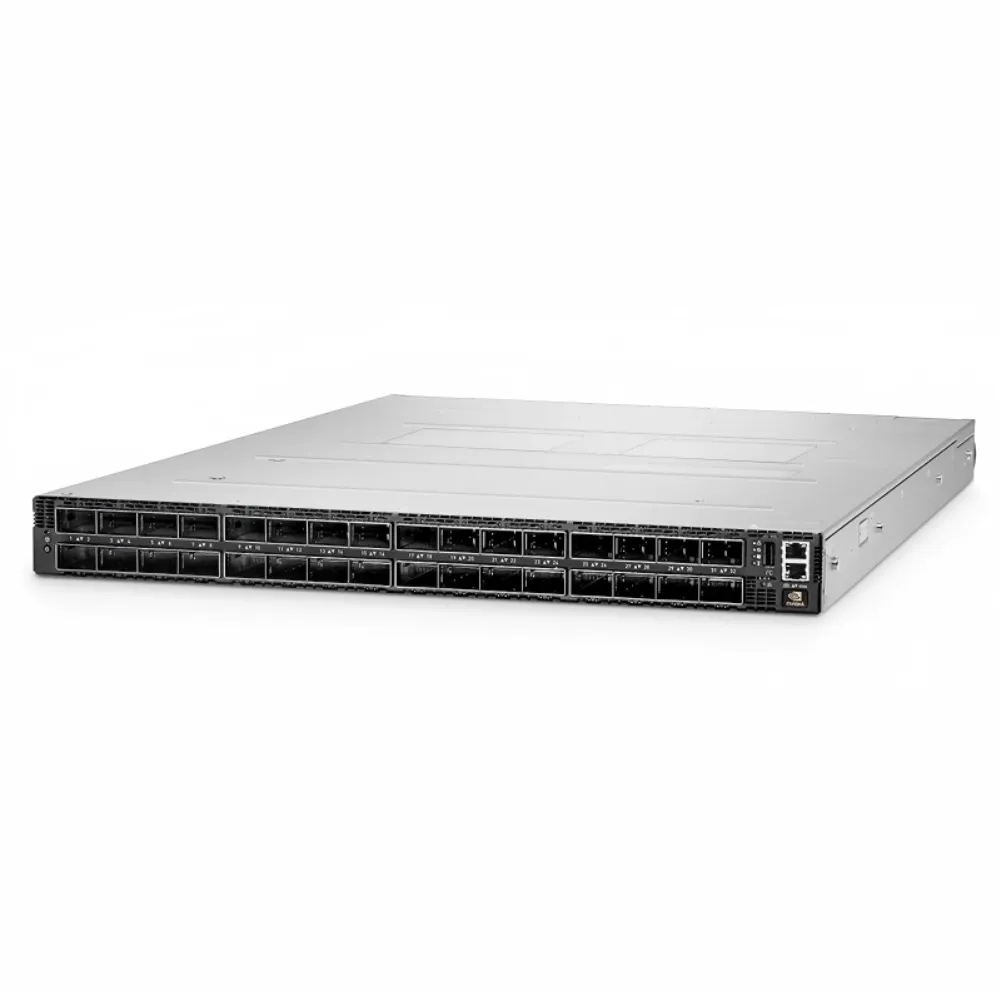
A managed vs unmanaged switch purchase should include an operating plan alongside the hardware list. Decide who approves settings, who keeps records, and who handles replacement. A simple device still needs a documented role in the network.
Record the owner and recovery method
For configurable equipment, request an approved configuration record and a supported backup process. Identify where the backup will be kept and who can retrieve it. Agree on a restore test appropriate to the device and the project.
Illustrative scenario: a remote link develops a fault. The operations team wants link readings and a controlled port action before deciding whether to send someone to the site. During purchasing review, it asks the supplier to confirm those functions and the recovery process. No diagnosis, remote fix, or saved labor is claimed in this example.
Keep management access within the approved operating design. Record the authorized accounts and the escalation path for a lost credential or failed device. Do not regard access to an administration page as a complete security check.
Compare the whole quotation
Use the network switch procurement checklist to define a comparable scope. Ask suppliers to identify:
- Exact hardware and power supplies.
- Required software and management access.
- Mounting parts and installation accessories.
- Support, warranty, and commercial terms.
- Exclusions and proposed substitutions.
When reviewing a managed vs unmanaged switch quote, keep recurring services separate from hardware. Confirm whether the required management method depends on a particular account, entitlement, or subscription. Obtain the answer for the actual proposal rather than the vendor’s range as a whole.
Request a configuration-specific quote from CREA DAS TECH with the feature matrix and port plan. Ask for itemized parts and explicit software and support scope. Avoid approving an alternative solely because it has the same port count.
Test four different outcomes
A managed vs unmanaged switch acceptance plan should define what evidence demonstrates each requirement. Agree on the method and expected result before installation. Keep connectivity and policy as separate checks.
| Check | Evidence to agree before acceptance |
|---|---|
| Connectivity | Required endpoints and application paths work as intended |
| Policy | Required groups and permitted or denied paths match the design |
| Visibility | Named operators can obtain the required status and diagnostic information |
| Recovery | Approved configuration and access can be restored using the agreed process |
Test relevant changes or failures under controlled conditions. Record what was tested, what remained outside scope, and who approved the result. A product description cannot replace this project-specific evidence.
6. Managed vs unmanaged switch FAQs and next steps
How can I tell whether a switch is managed?
Check the exact model’s documentation for supported configuration and monitoring methods. Identify the functions you need and their interface. In a managed vs unmanaged switch comparison, the feature list is stronger evidence than the product name alone.
Is every managed switch a Layer 3 switch?
No. Management and routing describe different capabilities. If the switch must route traffic, verify the required functions, software, and configuration separately.
Does a managed switch assign IP addresses?
Do not assume it does. Keep address assignment separate from the managed vs unmanaged switch choice. Your design needs an appropriate service for that task. Check whether the exact product supports the required function and whether that function belongs on the switch.
Can I connect a managed switch without custom settings?
Check the model’s default behavior and installation guide. Do not assume that a factory configuration matches your VLAN, policy, or management requirements. Review those requirements before using it in production.
Do PoE cameras always require a managed switch?
Decide power and management requirements separately. Confirm the endpoint power needs, switch budget, port capability, and any required monitoring or control. The managed vs unmanaged switch label cannot answer those checks by itself.
Are unmanaged switches always a bad choice?
No. Evaluate the actual connectivity and operating requirements. If the project needs configurable controls or diagnostic information, verify that those needs are met rather than assuming a plug-and-play device is sufficient.
What should I send before requesting a quote?
Provide ports, speeds, power needs, VLAN or policy settings, diagnostic tasks, and the intended management method. Add software, support, installation, and acceptance requirements. Mark anything that still needs confirmation.
The right managed vs unmanaged switch decision starts with what the network team must control and observe. Compare exact configurations against those tasks, then agree on ownership and acceptance. That produces a reviewable buying decision without relying on a category label.
Send your switch requirements to CREA DAS TECH and request an itemized equipment quote. Include the operating checklist so the proposed hardware and software can be checked before ordering.