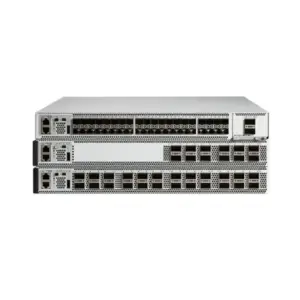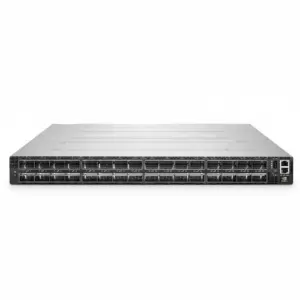
The useful Brocade G620 vs G720 comparison starts with your installed equipment and the complete configuration you need. The G620 product brief describes a 32G Gen 6 platform, while the G720 brief describes a 64G Gen 7 platform. Both documents describe 1U switches with expansion up to 64 logical ports, but their interfaces and media arrangements differ.
An existing, supported G620 configuration may meet an approved requirement. A G720 merits evaluation when its supported capabilities fit your storage roadmap and operating needs. Neither conclusion follows from the model name alone. Check hardware identity, active ports, optics, software, and support before approving an order.
This guide turns Brocade G620 vs G720 into a configuration decision. It preserves the distinction between a product family’s published capabilities and what a particular supplier will deliver. It does not assume that a faster switch guarantees faster applications or that every older unit has the same support status.
Brocade G620 vs G720: establish the hardware baseline
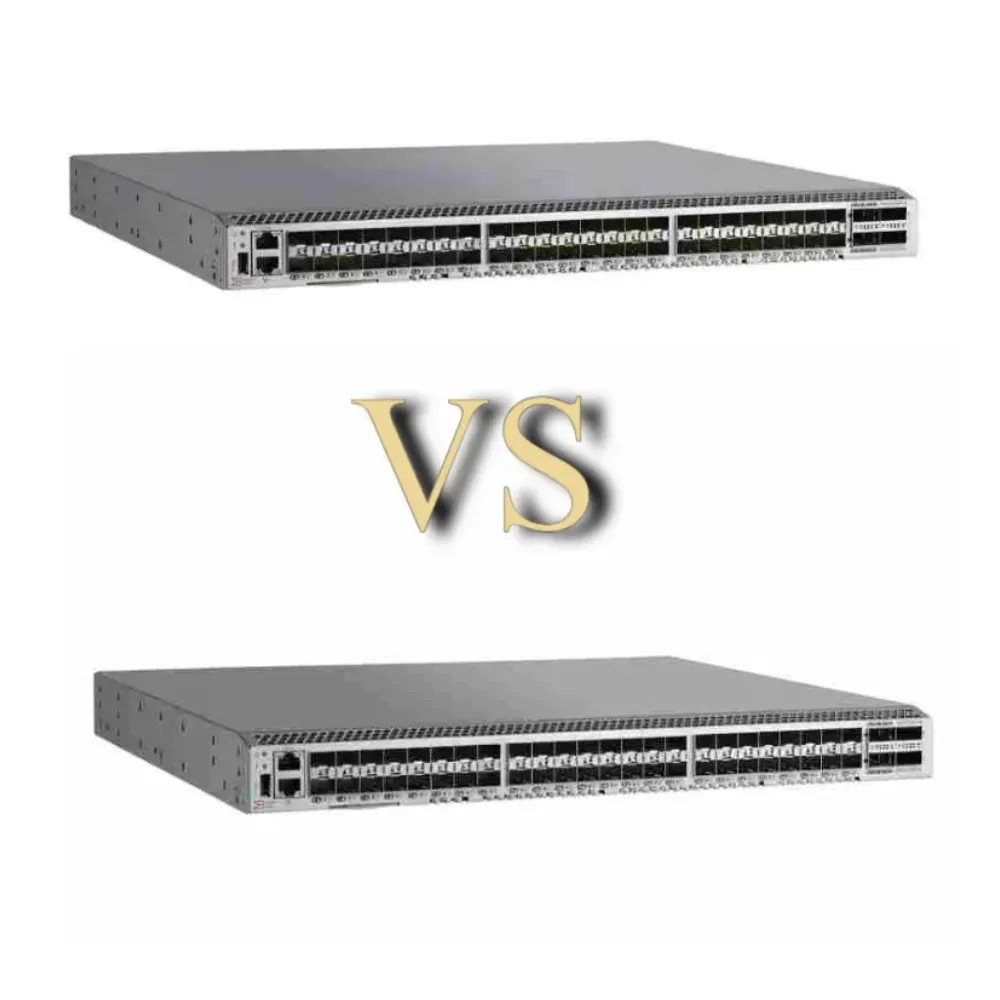
Start with the exact equipment being retained, replaced, or purchased. Record the full part number, hardware identifier, switchType where available, installed Fabric OS release, activated ports, and existing media. Keep serial numbers and support records in your internal asset documentation.
The G620 product brief and G720 product brief provide the family baseline below. They do not replace the ordering and support information for a particular hardware revision, OEM offering, or quoted package.
| Comparison point | G620 family baseline | G720 family baseline |
|---|---|---|
| Positioning in the cited brief | Gen 6, 32G Fibre Channel | Gen 7, 64G Fibre Channel |
| Chassis height | 1U | 1U |
| Published expansion range | 24 to 64 logical ports | 24 to 64 logical ports |
| Interface arrangement | 48 SFP+ and four Q-Flex interfaces | 48 SFP+ and eight double-density SFP-DD interfaces |
| Configuration question | Which ports, media, and features are supplied? | Which ports, media, and features are supplied? |
Read this Brocade G620 vs G720 table as a starting point, not a universal order description. Physical openings, logical connections, enabled ports, and included optical modules are different quantities. A quotation should identify each one that matters to your deployment.
Identify revisions before comparing features
Do not use a broad generation label as the only way to identify installed hardware. When equipment records, OEM documentation, or software output distinguish revisions, retain those identifiers in the comparison. Match the relevant support documentation to that exact device.
For Brocade G620 vs G720, ask the supplier to resolve any mismatch between the advertised model, the equipment identifier, and the proposed software. An unresolved identity question should remain a purchase condition. It should not disappear because the chassis looks familiar.
Resolve conflicting specifications
The current G720 brief describes a 1U chassis. A 2U description should therefore not be used for that platform. Older documents or OEM configurations may also describe different connection capacities from the current family brief. Record the source, date, and applicable configuration instead of combining incompatible figures.
If a proposed Brocade G620 vs G720 comparison lists a number without its scope, ask what it measures. Is it a chassis limit, active capacity, a media-dependent arrangement, or the contents of a specific bundle? The answer determines whether it belongs in your decision table.
Match ports, media, and speed to the actual fabric
Count the required connections on each side of the storage design. Separate host connections, storage connections, inter-switch links, and approved growth. Then compare those requirements with the active capacity and supported media in each offer.
A Brocade G620 vs G720 decision should not begin by assuming that both quotations contain the same usable configuration. Two offers with similar active-port counts can include different optical modules, expansion rights, software features, and support arrangements.
Treat media as a separate approval item
The two families use different expansion interfaces. Ask for exact module and cable details, including the supported link arrangement at both ends. Check the intended speed, fiber route, connectors, and platform support. Similar-looking interfaces do not establish interchangeability.
Keep existing media on the requirements sheet if reuse matters. Ask which items can be retained in the proposed supported configuration and which would change. Do not label the entire Brocade G620 vs G720 project a simple replacement while leaving those link-level questions unanswered.
If the storage roles are still unclear, start with our SAN switch explanation. It separates the switch from host adapters, storage controllers, and the software needed to make the complete path usable.
Decide what higher speed would address
Identify a measured constraint or an approved future requirement. Review the host adapters, storage connections, workload, and software before making speed the investment case. The switch’s advertised link capability is only one part of the storage service.
For Brocade G620 vs G720, compare the whole proposed path at the intended speed. If some endpoints remain unchanged, document those connections separately. A platform upgrade can be part of a staged plan without proving that all existing links or applications immediately benefit.
Illustrative scenario: A team plans a storage refresh but will retain several host adapters. It compares two configurations against the same connection map, marking the retained links and future links separately. The exercise clarifies what needs approval before ordering; it does not assume a performance improvement or report a customer result.
For a requirements-based discussion, send CREA DAS TECH the installed identifiers and connection plan. Include the target software environment and any media that must be reused so those conditions can be addressed in the proposed offer.
Brocade G620 vs G720: compare software and support scope
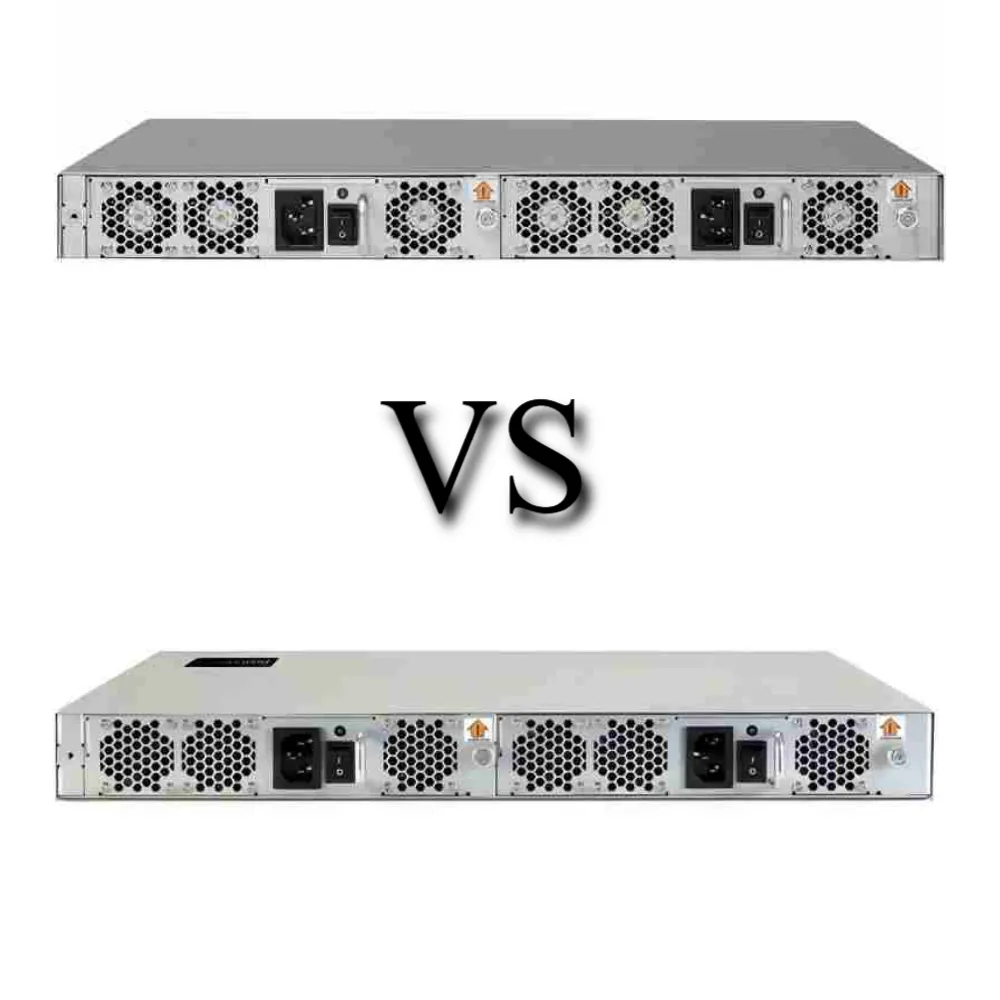
Check software compatibility and operating responsibilities alongside hardware. A product brief can describe a capability without settling every question about a specific version, license, subscription, or sales channel. Ask which required functions are included and how they are supported.
Broadcom’s Make the Switch comparison provides historical upgrade context and a comparison of several generations. Use it to identify questions, while confirming current licensing and lifecycle conditions through the applicable documentation and written offer. Its discussion of another model’s support dates does not establish a G620 deadline.
Separate activation, features, and management
For each proposed configuration, distinguish enabled connections from functional capabilities and management services. Where Ports on Demand applies, confirm the initial activation and supported expansion steps. Do not assume that port activation also provides unrelated software rights.
The Brocade G620 vs G720 license review should identify the functions your design actually needs. Ask whether those functions are part of the quoted bundle, require a separate entitlement, or depend on a particular release. Have the supplier state exclusions as clearly as inclusions.
Assign an owner for management tools, monitoring, software access, and renewals. Buying a chassis does not answer who can obtain the required software or who will investigate a problem involving both switch and storage equipment. Record the support path before deployment.
Verify the supported combination
List the switches, Fabric OS releases, host adapters, drivers, array software, and intended storage protocol. Ask the relevant vendors or support providers to confirm the proposed combination. Use release-specific information rather than a general assurance that two generations can coexist.
For Brocade G620 vs G720, this matters both when retaining equipment and when introducing a different platform. The supported design may require changes beyond the chassis. Do not describe a migration as nondisruptive until the responsible team has approved its specific path and procedure.
Lifecycle also needs a precise question: which hardware, software maintenance, and support conditions apply to the actual device and contract? Request a current reference. A historical brochure, a reseller label, or a date for another model cannot settle that question.
Choose the configuration that meets the requirement
There is no useful unconditional winner in Brocade G620 vs G720. Compare mandatory requirements first. A lower price cannot compensate for an unsupported required combination, while a newer platform does not automatically justify changes that the project does not need.
When a G620 proposal remains worth evaluating
Consider a G620 proposal where its exact configuration meets the approved connection and performance requirements, its support position is acceptable, and the required software and media are available under suitable terms. For an installed environment, distinguish retaining a working asset from buying another unit with a potentially different history.
Keep the reasoning explicit. In Brocade G620 vs G720, “matches the existing environment” should mean a documented supported combination, not a visual match or an assumption about the name. Record any replacement horizon and dependencies that could affect the decision later.
When a G720 proposal merits closer review
Evaluate the G720 when its supported capabilities fit the planned storage environment and justify the complete change. Confirm whether the required links, media, software, and operating arrangements are included in the plan. Keep higher-speed capability separate from a claim about measured application results.
Use the Brocade equipment catalog to identify product listings for further discussion. Treat each listing as a reference to investigate, not evidence of current stock or a guarantee that every family capability is included in the offered configuration.
Illustrative scenario: Two offers appear to meet the same port requirement. One clearly lists the media and support term; the other leaves both unspecified. Before deciding Brocade G620 vs G720 on price, the buyer requests matching scope and written answers to the missing items. The scenario illustrates a comparison method, not an achieved saving.
Consider alternatives when neither proposal fits
If neither option meets the approved requirement, revisit the shortlist. The comparison should help decide whether these two configurations belong in the project at all. It should not force a choice between them because they were the first models requested.
For the broader selection process, use our Fibre Channel switch buying guide. Keep the Brocade G620 vs G720 evaluation focused on the differences and conditions that change this particular decision.
Compare two complete quotations before approval
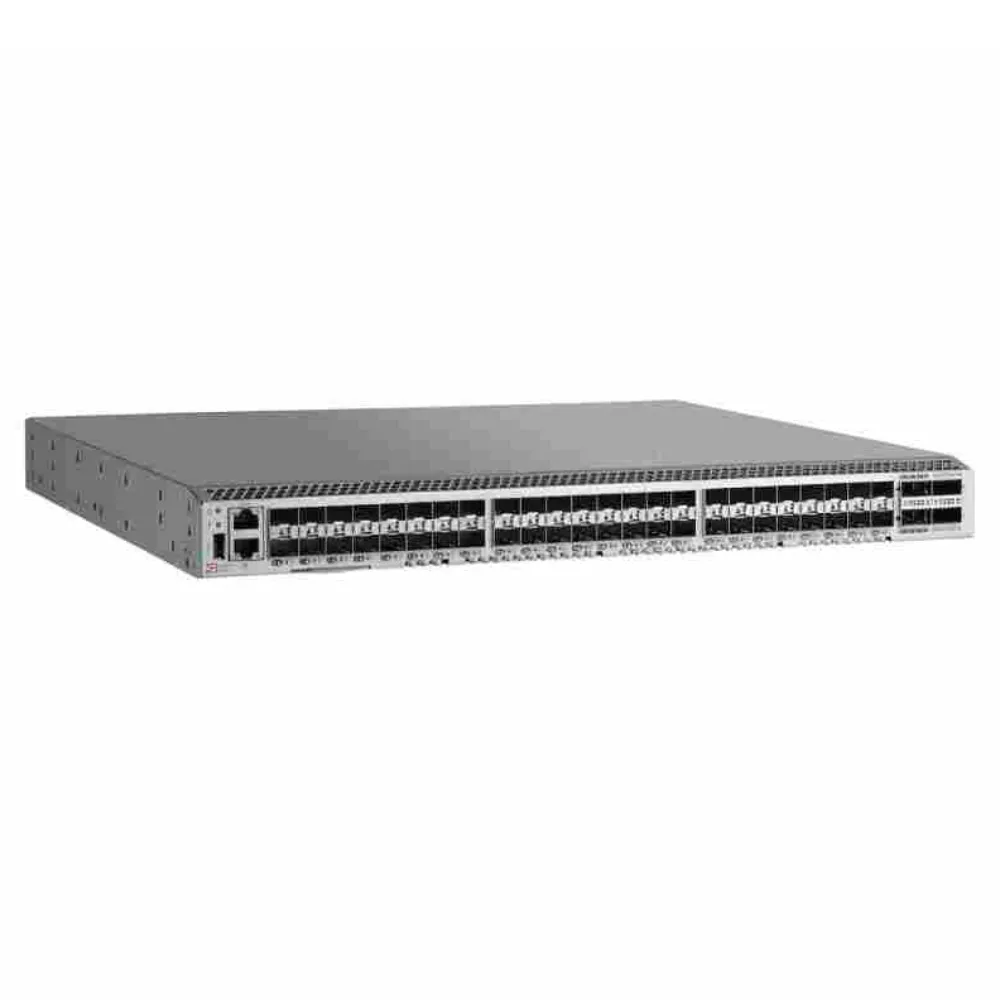
Put each offer into the same worksheet. Ask the supplier to identify the equipment, included components, licenses, support, and exclusions. Keep an approval column for items that need engineering confirmation rather than assuming that every blank means “included.”
| Order item | G620 proposal | G720 proposal | Approval question |
|---|---|---|---|
| Hardware identity and condition | Supplier to specify | Supplier to specify | Does it match the reviewed device and condition? |
| Initial active ports | Supplier to specify | Supplier to specify | Is the approved launch capacity covered? |
| Optical modules and cables | Exact part numbers and quantities | Exact part numbers and quantities | Are both endpoints and the route supported? |
| Required software features | Named inclusions and exclusions | Named inclusions and exclusions | Does the design have the required rights? |
| Fabric OS and software access | Release and access arrangements | Release and access arrangements | Can the intended configuration be maintained? |
| Installation components | Airflow, power, rails, and cords | Airflow, power, rails, and cords | Does it fit the approved rack plan? |
| Support and commercial warranty | Provider, term, and scope | Provider, term, and scope | Who handles which failure or software issue? |
This is a blank comparison template, not a pair of actual quotations. Use it to keep Brocade G620 vs G720 on a common basis. Add destination, quantity, delivery assumptions, and an evaluation period when those affect the commercial decision.
Do not compare isolated chassis prices across different conditions or generations. Also avoid using an unexplained power figure as a total-cost calculation. Any operating-cost estimate needs the applicable configuration, measurement assumptions, duty period, and local cost inputs.
Before approval, request an itemized configuration quote with the required capabilities and open questions attached. Ask for substitutions to be identified before delivery, especially where a changed component would invalidate an engineering check.
Set acceptance conditions for the selected offer
Translate the approved comparison into checks at receipt and staging. Match the delivered identifiers, components, and documented activation to the order. Assign an owner to investigate discrepancies before the equipment enters service. For Brocade G620 vs G720, this closes the gap between selecting a family and accepting a usable configuration.
Keep service validation separate from the receiving checklist. The operating team should approve the connection checks, observations, and rollback conditions for the intended environment. Record any remaining restrictions in the handover. A Brocade G620 vs G720 approval is more useful when the next operator can see what was checked, what was supplied, and which assumptions still require attention.
Frequently asked questions and the final decision
Are both platforms the same rack height?
The product briefs cited here describe both as 1U platforms. Confirm installation requirements for the specific offer, including mounting hardware, airflow, power, and service clearance. Rack height alone does not establish that a replacement will fit the complete installation plan.
Does 64 logical ports mean 64 identical front-panel interfaces?
No. Read the interface arrangement and media requirements in the applicable product documentation. Separate chassis capacity, enabled connections, and supplied modules. That distinction is essential in Brocade G620 vs G720 because the expansion arrangements differ.
Can I reuse all existing optics and software?
Do not assume so. Check the exact modules, hardware identifiers, releases, and connected devices. Record the retained and changed items in the proposed configuration. A general platform comparison is not a compatibility approval for every link.
Is the G720 always the better purchase?
No. Its suitability depends on the approved design, supported combination, complete cost, and operating requirements. Brocade G620 vs G720 should compare configurations that can actually be delivered and maintained, rather than treating model age or maximum speed as the entire decision.
What should the final approval record contain?
Keep the requirements, hardware identities, compatibility evidence, itemized offer, support responsibilities, and acceptance conditions together. Name the people responsible for unresolved items and the change procedure. The final Brocade G620 vs G720 decision should be traceable to those records, with a clear reason for the selected configuration.