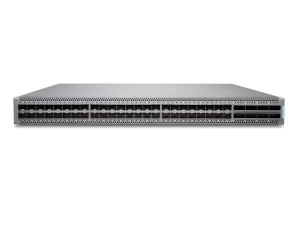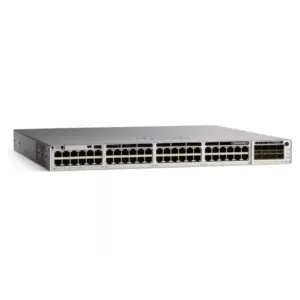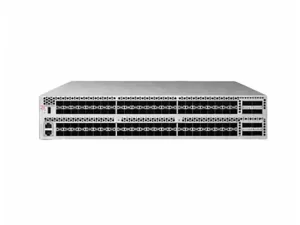
The practical Layer 2 vs Layer 3 switch difference is forwarding: Layer 2 switches move Ethernet frames within VLANs using MAC addresses, while Layer 3 switches add IP routing. Choose based on where traffic must be routed and controlled, then verify the exact model’s features and software.
Two switches may both support VLANs and have an IP address for management. Those facts alone do not tell you which one can act as a gateway for connected clients. This guide gives you a comparison table, a traffic-path example, and a checklist for turning that distinction into a buying decision.
Key takeaways
- Separate VLAN switching from routing between IP subnets.
- A management IP does not prove that client routing is supported or enabled.
- Multiple VLANs can use a gateway elsewhere in the network.
- Verify routing features, software, licenses, and hardware scale for the proposed configuration.
- Test permitted traffic and security policy separately before accepting equipment.
1. Layer 2 vs Layer 3 switch: the practical difference
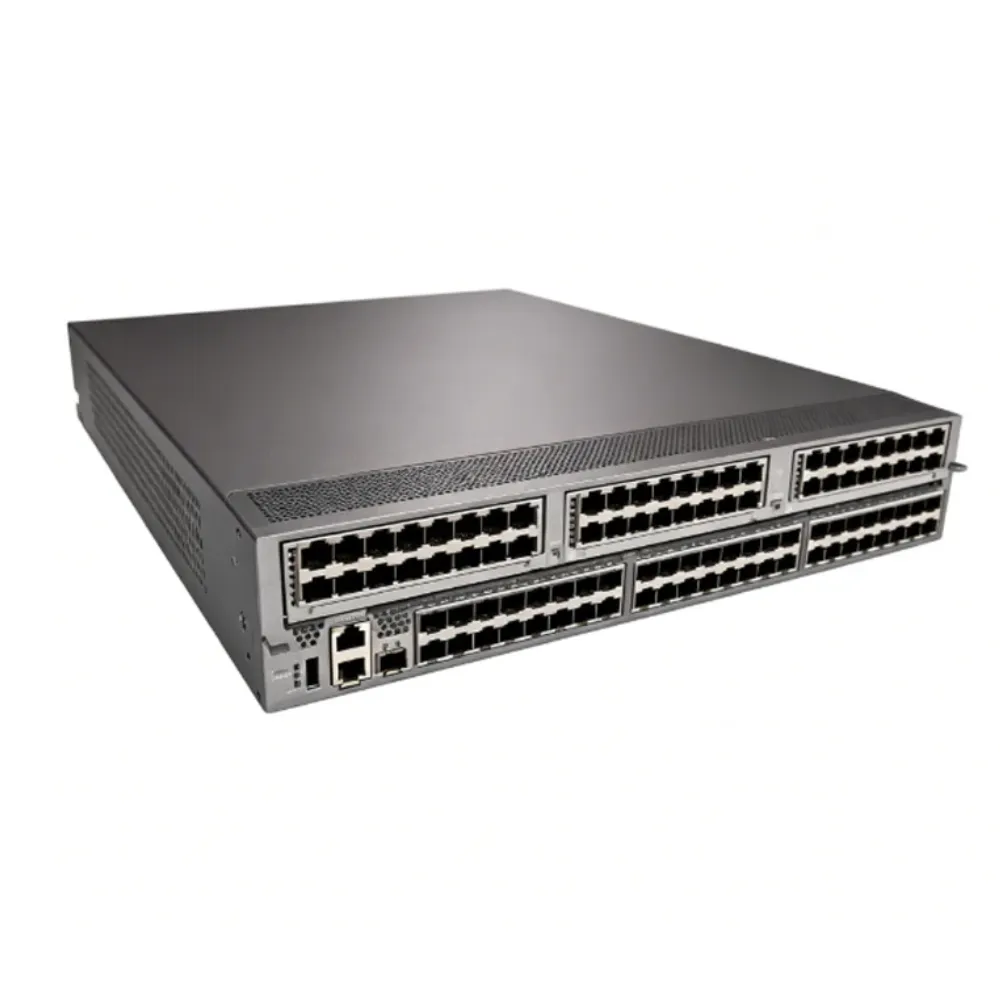
Start the Layer 2 vs Layer 3 switch comparison with the task assigned to each device. Does it connect clients within VLANs, serve as their gateway, or perform both roles? Write down that answer before the Layer 2 vs Layer 3 switch shortlist is approved.
| Buying question | Layer 2 switching | Layer 3 switching capability |
|---|---|---|
| How is local traffic forwarded? | By destination MAC within the relevant VLAN | Still supports Layer 2 forwarding |
| Can it carry multiple VLANs? | Supported models can | Check the proposed configuration |
| Can it route between subnets? | Uses an external routing device | Can provide routing when supported and configured |
| Can it have a management IP? | Yes, on supported managed devices | Yes; management alone does not establish routing |
| Which routing protocols are included? | Not established by Layer 2 functionality | Verify each protocol, software release, and entitlement |
| Does it replace a firewall? | No such conclusion follows | Routing capability alone does not establish firewall functions |
Use our enterprise network switch buying guide for the broader selection process. To request equipment against a defined requirement, send CREA DAS TECH your VLAN, gateway, and feature list. Include the routing role you expect the quoted switch to perform.
Keep management separate from client forwarding
A management address lets administrators reach a supported device’s management services. It does not, by itself, prove that the switch routes traffic between client networks. Make the documented routing functions part of your Layer 2 vs Layer 3 switch checklist.
In a Layer 2 vs Layer 3 switch review, ask the supplier to identify the relevant capability rather than simply confirming an IP address exists. A screenshot of a management page is not enough evidence for inter-VLAN routing. Request the applicable feature documentation and software details.
Illustrative scenario: an IP address creates the wrong assumption. A buyer sees a managed switch in a browser and assumes it can become the office gateway. The engineer instead checks its routing support and the upstream design. This is a teaching example, not a reported customer problem or outcome.
Separate capability from deployment role
Access, distribution, and core describe positions or roles in a network design. Layer 2 and Layer 3 describe forwarding functions. Don’t infer that every Layer 3-capable switch belongs at the core, or that every access switch must operate only at Layer 2.
For a Layer 2 vs Layer 3 switch purchase, define the required role and then test whether the configuration fits. Port types, uplinks, power, management, and support still matter. The layer label does not replace those checks.
2. Follow traffic within a VLAN and across VLANs
A traffic-path sketch makes a Layer 2 vs Layer 3 switch decision easier to review. Show the sender, destination, VLANs, gateway, and policy point. Use the same diagram when discussing requirements with engineering, security, and procurement.
The Cisco Meraki comparison guide illustrates local switching and routed communication. Its examples distinguish the destination MAC used on a local segment from the gateway MAC used to reach a remote subnet. That distinction is the foundation for the following example.
Same-subnet traffic uses the local switching path
Consider two hosts in the same VLAN and IP subnet. The sender resolves the local destination’s MAC address as needed, and the switch forwards using its learned MAC information. The client does not need a default gateway for this local exchange.
For IPv4, Address Resolution Protocol, or ARP, provides neighbor address resolution. An ARP table is not a replacement for a routing table. Keep local address resolution, MAC forwarding, and IP route selection separate in the explanation.
Remote-subnet traffic goes to the configured gateway
In this Illustrative scenario, office users occupy VLAN 10 with subnet 192.168.10.0/24. A server occupies VLAN 20 with subnet 192.168.20.0/24. The numbers are teaching assumptions, not a customer design or a required naming scheme.
The common one-VLAN-per-subnet arrangement is assumed here. VLAN and IP subnet remain different concepts; the example should not be read as a universal mapping rule.
| Intended exchange | Simplified path |
|---|---|
| User A to User B in VLAN 10 and the same subnet | User A → Layer 2 forwarding → User B |
| User A to the server in VLAN 20 | User A → configured gateway → destination network → server |
The gateway may be on an upstream device or on a suitably configured Layer 3 switch. Place that gateway explicitly in the diagram. A trunk carrying the VLANs does not, on its own, provide the routing function.
The Layer 2 vs Layer 3 switch question is therefore partly a question of location. Which device owns the gateway address, and which path should the traffic take next? Confirm the return path too, rather than approving the design from one successful connection.
Distinguish the interfaces used by the design
Access links, trunks, routed ports, and switch virtual interfaces have different jobs. A switch virtual interface, or SVI, can provide the routed interface associated with a VLAN on a supported platform. Use the vendor’s terminology for the chosen device.
The Cisco inter-VLAN routing example demonstrates gateway and routing configuration on specified Catalyst equipment. Use it to understand the mechanism. Check the exact platform guide before applying commands, defaults, or assumptions to another model.
3. Choose where inter-VLAN routing belongs
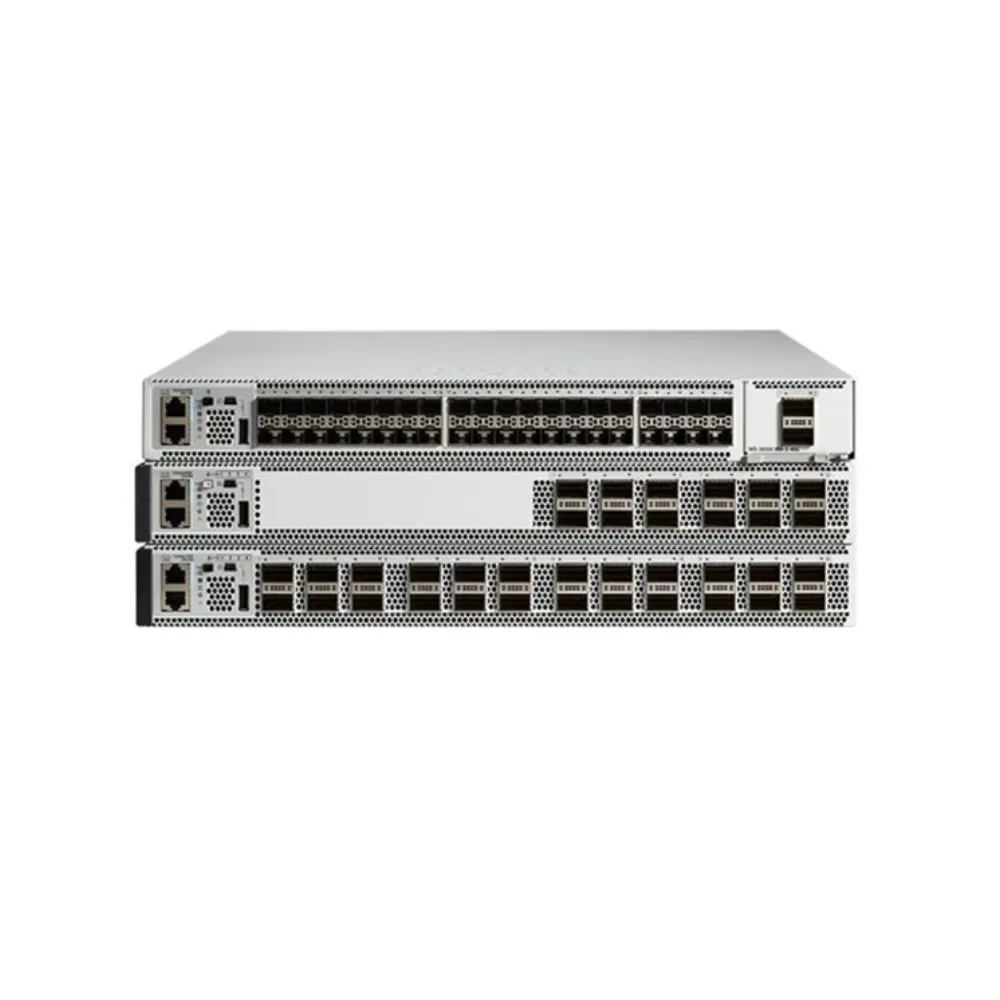
Don’t reduce a Layer 2 vs Layer 3 switch selection to a rule about office size. Begin with traffic destinations and the controls each flow must pass. Then choose a gateway location that supports those requirements.
Compare three possible arrangements:
- Layer 2 access with an upstream router or firewall.
- Layer 2 access with a Layer 3 distribution gateway.
- Routed access where the design requires local routing.
For each, check capacity, failure behavior, and policy. The list is not a ranking from basic to advanced.
Keep gateways on an upstream router or firewall
Layer 2 access can carry the required VLANs toward an upstream routing device. The endpoint gateways then sit on that upstream device. This can be a useful arrangement to investigate when the intended traffic must pass through a particular policy point.
Before selecting it, document the actual flows and required controls. Have the responsible engineer verify the proposed gateway’s interfaces, supported functions, and capacity. A diagram cannot establish its inspection throughput or resilience.
This Layer 2 vs Layer 3 switch option does not eliminate the need to inspect access-switch requirements. Check usable ports, VLAN support, uplinks, power, and operational access. The upstream gateway also remains part of the acceptance plan.
Use a Layer 3 distribution gateway
Another design keeps Layer 2 access while assigning gateway functions to a distribution device. Record which VLANs reach that device and where traffic goes after routing. Identify the policy enforcement needed for each destination.
Our enterprise core switch guide discusses broader campus roles and configuration checks. Use it alongside the Layer 2 vs Layer 3 switch comparison, rather than treating the two topics as interchangeable.
A distribution gateway should not be approved merely because the product is sold as Layer 3. Review the required features, forwarding scale, software, and recovery behavior. Ask for evidence tied to the proposed configuration.
Consider routed access when the design calls for it
Some designs place routed boundaries closer to endpoints. If you are evaluating that option, show where the local subnets terminate and how upstream paths are learned. Confirm that operations staff can support the chosen approach.
A useful Layer 2 vs Layer 3 switch review also identifies what changes during a failure. List the affected clients, gateway behavior, and surviving paths. Define the expected outcome before selecting a redundancy feature.
Keep port planning separate from this architectural choice. Our access switch selection guide covers endpoints, uplinks, and installation. Those requirements still apply whether routing sits locally or upstream.
4. Compare features, software, and hardware scale
The Layer 2 vs Layer 3 switch label is only the start of the specification. Build a feature list that the supplier can confirm line by line. Avoid asking for “full Layer 3” without explaining what the network needs.
Name the routing and policy functions
List static routing and any required dynamic routing protocols separately. Record whether the design needs IPv4, IPv6, separate routing instances, or specific policy functions. For each item, request the supporting model, release, and license information.
Do not infer all of those features from one supported function. Static routes do not establish support for every routing protocol. Similarly, a management platform does not prove that all required forwarding capabilities are present.
A Layer 2 vs Layer 3 switch quotation should distinguish hardware, software rights, subscriptions, and support. Ask what is included and what costs extra. If the answer depends on an account or contract, obtain written confirmation before ordering.
Read table capacity in its actual configuration
Juniper’s Layer 2 forwarding table documentation provides an example of shared hardware resources. Its EX4400 profile table lists different MAC and host-entry capacities. This shows why the selected profile matters when reading scale figures.
| EX4400 profile in the cited table | MAC entries | IPv4 unicast host entries |
|---|---|---|
| l2-profile-one | 112K | 16K |
| l3-profile | 48K | 80K |
These are model-specific table values, not universal switch limits. Host entries are not interchangeable with arbitrary prefix-route counts. Do not combine separate published maxima into a promise that all resources are available at once.
For your Layer 2 vs Layer 3 switch shortlist, request the supported scale for the required feature mix. Include the selected profile and software version. Check whether a configuration change has operational consequences before scheduling it.
Keep adjacent buying questions separate
Managed versus unmanaged concerns control and operation; it is not a synonym for Layer 2 versus Layer 3. Treat labels such as Layer 2+ as prompts to inspect the actual feature list. Do not use the label as a complete standard capability statement.
There is also no universal Layer 2 vs Layer 3 switch price or speed winner. Compare exact configurations against the same traffic test and commercial scope. Don’t replace that comparison with an unsupported claim that one layer is always faster, cheaper, or more secure.
5. Build a selection and acceptance checklist
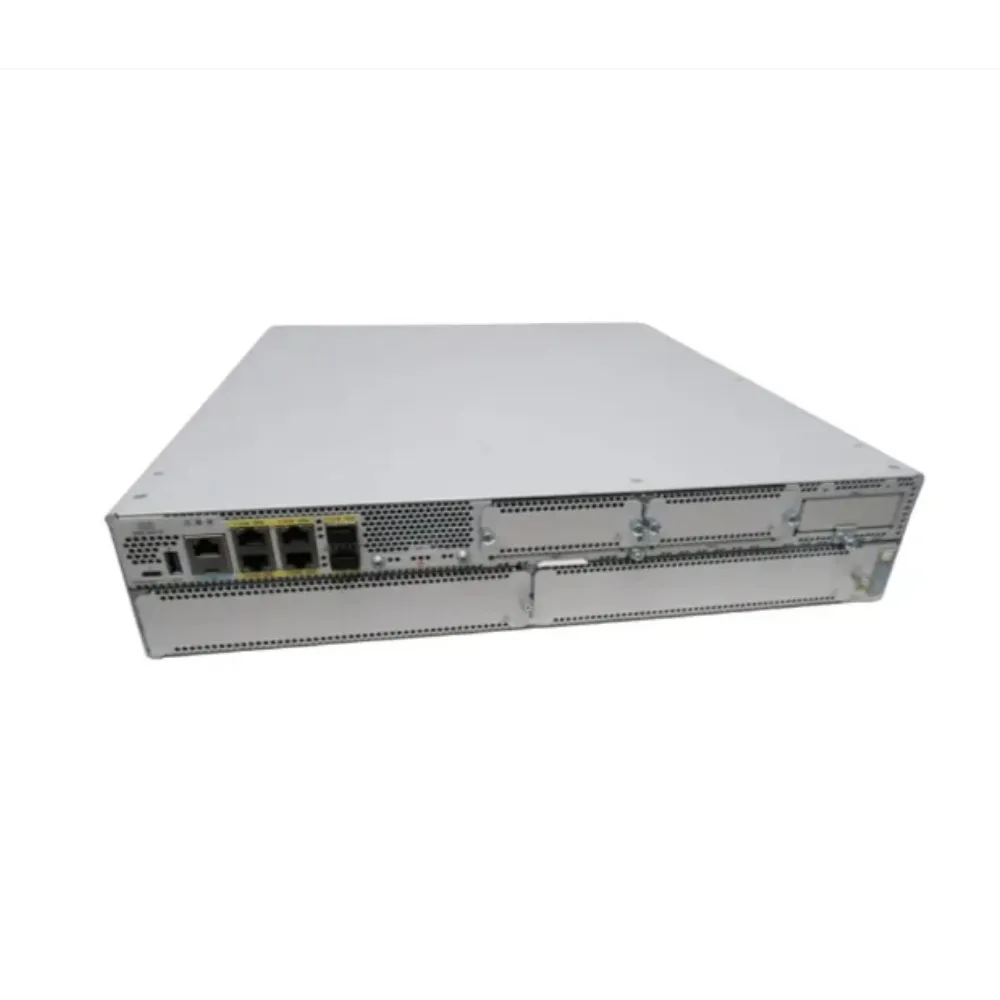
Translate the Layer 2 vs Layer 3 switch decision into evidence that another engineer can check. The diagram should show VLANs, IP networks, gateway ownership, and the intended path between them. A companion matrix should describe the traffic that is allowed and denied.
Record requirements before requesting a quote
Prepare the following items:
- Endpoint groups, VLANs, IP networks, and gateway locations.
- Required routing protocols, policy functions, and software support.
- Expected hardware scale, including relevant table types and feature combinations.
- Port speeds, uplinks, power, optics, and installation requirements.
- Required operation during maintenance or a specified failure.
- Acceptance tests, handover records, and responsibility for unresolved items.
Use our network switch procurement checklist to turn these requirements into an itemized bill of materials. Require proposed substitutions to identify differences clearly. A matching port count alone is not enough to approve an alternative.
At this point in the Layer 2 vs Layer 3 switch review, request a configuration-specific quote with the diagram and feature matrix attached. Ask for exact parts and explicit exclusions. Keep any unconfirmed feature visible until the supplier provides applicable evidence.
Test reachability and policy separately
Illustrative scenario: a new gateway changes the traffic path. A team plans to move gateways onto a switch while retaining a security review point upstream. Before approving the order, it draws the resulting paths and asks whether each required flow still crosses that point. The example has no claimed customer outcome; it highlights a question that the design must answer.
A successful ping establishes only a limited connectivity result. Your acceptance plan should also test the required application flows and expected denials. Have the security and network owners agree on those tests before the change.
For the Layer 2 vs Layer 3 switch handover, record the approved configuration and evidence from the agreed failure checks. Include steps to restore access or roll back the change. Don’t accept a generic redundancy claim in place of the specified behavior.
6. Layer 2 vs Layer 3 switch FAQs and next steps
Are VLANs a Layer 2 or Layer 3 feature?
VLANs separate Layer 2 forwarding domains. Routing provides communication between IP subnets when the design permits it. In the common design used here, each VLAN has its own subnet, but the two terms describe different things.
Can a Layer 2 switch have an IP address?
A supported managed device can have an address for administration. That does not prove it can route traffic for client networks. In a Layer 2 vs Layer 3 switch comparison, verify management and client forwarding independently.
Do multiple VLANs require a Layer 3 access switch?
They require an appropriate routing function when traffic must cross between their subnets. That function can sit upstream rather than on every access switch. Identify the gateway location before deciding which devices need routing capability.
Can a Layer 3 switch replace my router or firewall?
Only an exact feature and design review can answer that question. The ability to route does not, by itself, establish the required stateful inspection, address translation, VPN, or WAN functions. List those requirements separately and check the proposed platform.
How do I tell whether a specific switch meets the requirement?
Check its exact model, software release, required entitlements, feature documentation, and scale limits. Then agree on a configuration and acceptance test. The Layer 2 vs Layer 3 switch name is a starting point, not proof of the complete solution.
What should I do before placing the order?
Finish the Layer 2 vs Layer 3 switch gateway diagram and list every open feature or capacity question. Compare quotes on the same equipment, software, and support scope. Assign an owner to each item that still lacks evidence.
The right Layer 2 vs Layer 3 switch decision follows the traffic path and operating requirements. Keep routing location, policy, hardware scale, and commercial scope in one review. That gives both engineering and procurement a clear basis for acceptance.
Send your switch requirements to CREA DAS TECH with the VLAN plan, gateway locations, routing features, and required software. Request an itemized quote that can be checked against those requirements before ordering.