Cisco end-of-life is a retirement process with separate dates for sales, software fixes, security support, and final service. A working switch can pass its sales cutoff while still having support available. Check the exact bulletin and whether the unit qualifies for service.
A cheap replacement can become an expensive planning mistake if you check only whether it powers on. Your team needs to know what happens when it fails, needs a security fix, or outlives its service contract.
That problem affects both engineers keeping a stable network running and buyers comparing replacement quotes. A supplier’s warranty, a Cisco support contract, and the right to use software answer different questions. Treating them as one package can leave a gap after the purchase.
This Cisco end of life guide shows how to find the right notice and read its milestones. It explains when to keep a unit, buy a spare, or replace it.
The sources are Cisco’s published policy and a specific Catalyst 2960-X notice. Dates were checked on November 12, 2026. The goal is a decision you can put in an inventory record and act on before the next deadline.
Key Takeaways
- End of sale ends standard ordering through Cisco; some bulletins describe limited refurbished-program exceptions.
- Match the exact product identifier and software release to their relevant lifecycle notices.
- The cited 2960-X bulletin lists October 31, 2027 for both security support and last hardware support.
- A spare unit or supplier warranty does not restore Cisco software fixes or extend Cisco’s support deadline.
What Cisco end of life means for your network
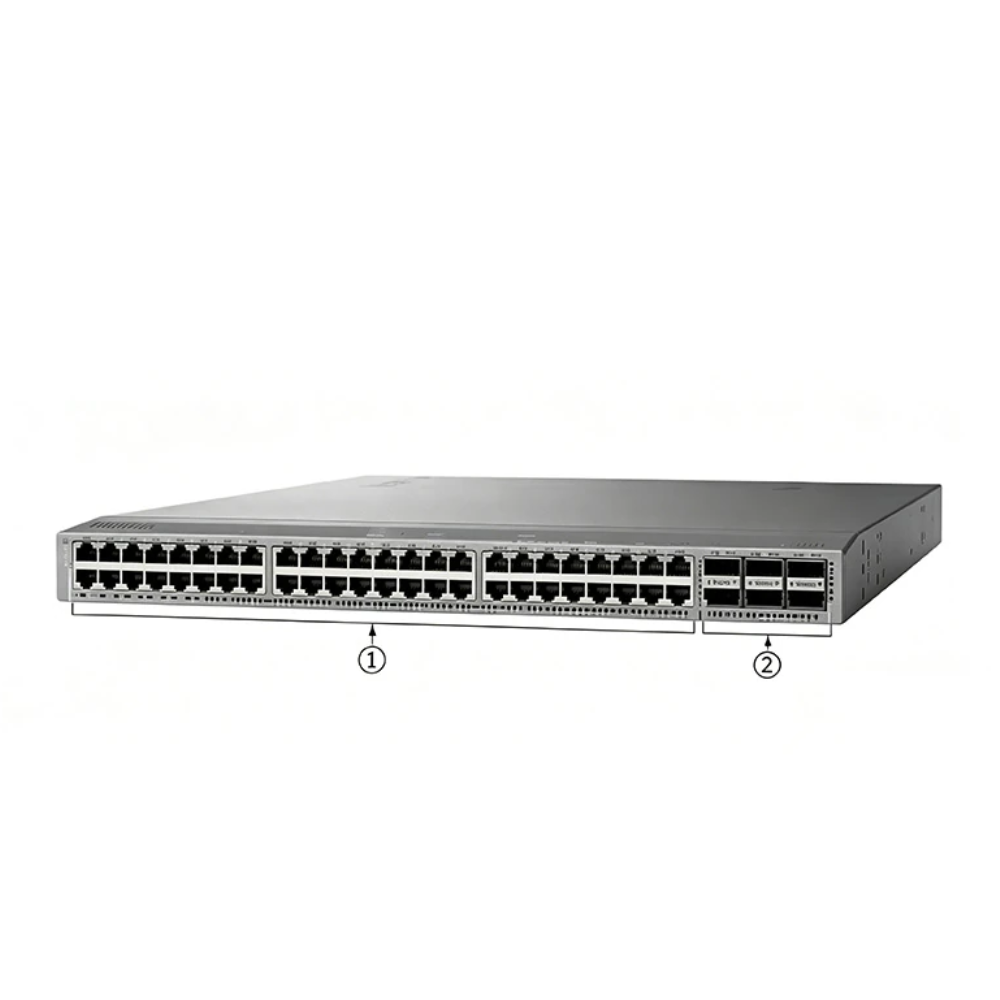
Cisco end of life describes a process, rather than one universal shutdown date. Its milestones change what you can buy, renew, repair, or receive from Cisco. Read the full names: “EOS” is also used informally to mean end of support. Cisco’s policy uses it for end of sale.
Use these distinctions when reviewing a notice:
| Milestone | Practical meaning |
|---|---|
| Cisco end of sale | Last date for standard orders through Cisco; check any refurbished-program exception in the notice |
| End of software maintenance | Routine software maintenance or bug-fix work ends as stated in the notice |
| End of vulnerability/security support | Last date Cisco may provide the planned or scheduled security remedies described in the bulletin |
| End of new service attachment | Cutoff for adding eligible uncovered units to support |
| End of contract renewal | Last date to renew or extend the relevant service contract |
| Last date of support | Final date for Cisco service under the relevant coverage terms |
For the purchasing side, start with our Cisco procurement guide and add these lifecycle fields to your device list.
Which policy applies?
The Cisco End-of-Life Policy covers new end of life (EOL) notices from September 29, 2022 onward. It excludes products already under an EOL notice by that date. Meraki and Splunk have separate policies.
Under this policy, sale notices are typically issued six months ahead. Eligible customers need active support contracts. The policy provides five years of hardware Technical Assistance Center (TAC) support and replacement parts after end of sale. That isn’t five years of the same software fixes for every product.
Cisco end of life planning therefore starts with the relevant notice. An older notice can have its own dates, and your unit’s service coverage still needs checking. Don’t assume a device qualifies for support based on its age or the general policy alone.
How to check Cisco end of life by exact model
A useful Cisco end of life lookup produces an evidence record. A search result saying “2960” or “Nexus” is too broad to approve a purchase or schedule a migration.
- Capture the exact product identifier (PID). Read the device label or inventory output. Include suffixes, revision details, and the serial number.
- Record the software release. A supported chassis and an obsolete software train can have different timelines. Record the installed version, not just the operating-system family.
- Open the official notice. Start with Cisco’s end-of-sale and end-of-life index, then select the relevant family and bulletin.
- Match the affected PID table. Check whether your exact part appears. Review separate notices for modules, power supplies, licenses, or software where relevant.
- Copy the dates into your inventory. Save the bulletin URL, its revision date, and the date you checked it. Keep sale, maintenance, security, renewal, and final support in separate fields.
- Verify coverage separately. Cisco end of support dates do not prove current service coverage. Ask Cisco or your service provider to confirm the covered serials, contract dates, and service terms.
If a Cisco EOL lookup finds no matching notice, mark the record unresolved. Absence from one search is not evidence that the product remains supported. Resolve the status with Cisco before relying on it for a critical purchase.
A model name can hide different deadlines
Hypothetical example: Alex is reviewing 24 access switches for a branch refresh. Their spreadsheet records only “Catalyst 2960.” Alex collects the full PIDs and lists the installed software versions before requesting quotes.
They then match each group against the affected-product tables and flag unmatched devices for follow-up. The outcome is a purchase list with evidence attached, rather than one assumed support date for all 24 switches.
This is why Cisco end of life records need part-level detail. A familiar family name helps you search; the matching notice shows which products and deadlines you can use.
Cisco end of life dates: a 2960-X example
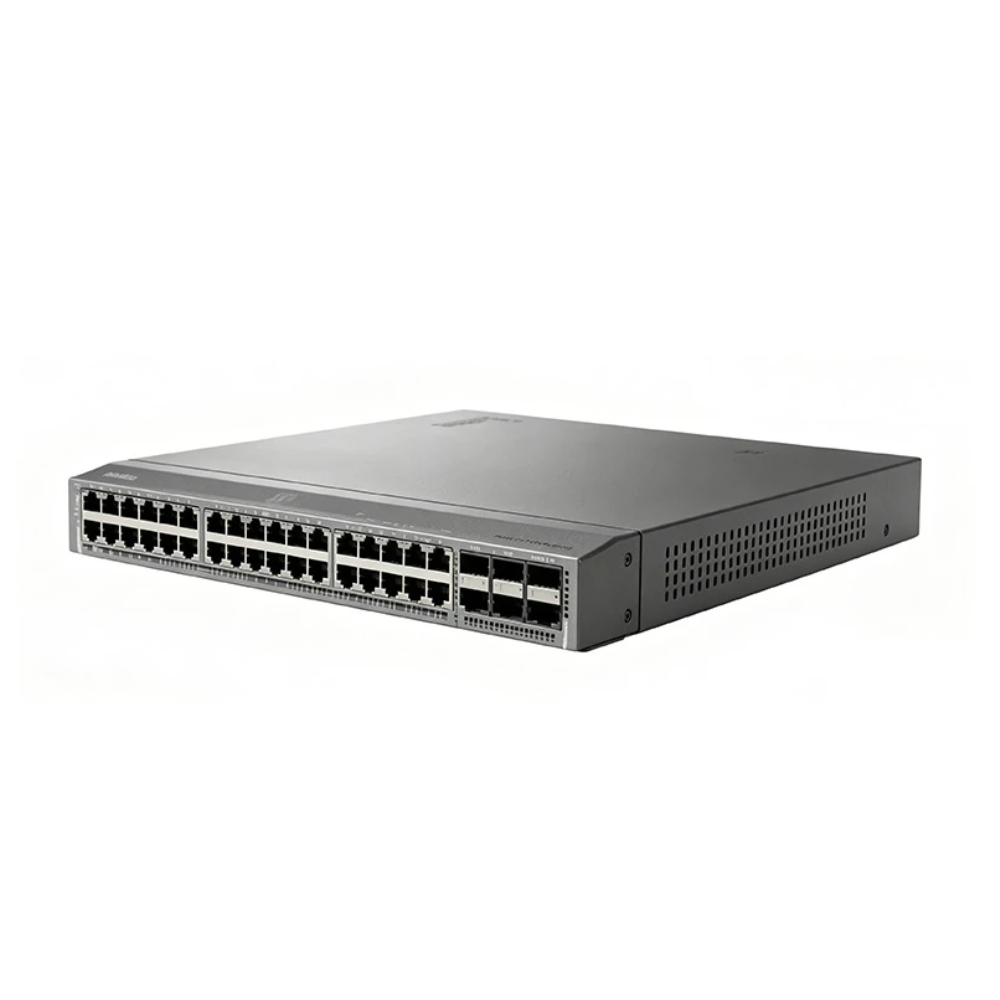
The Catalyst 2960X Product Family announcement, bulletin EOL13603, shows how the milestones differ. Its affected-product table includes WS-C2960X-48FPS-L. Check your own PID against the table before applying these dates.
| Milestone in the cited bulletin | Date |
|---|---|
| Initial announcement | October 31, 2020 |
| End of sale | October 31, 2022 |
| Last ship date | January 30, 2023 |
| End of software maintenance releases | October 31, 2023 |
| End of new service attachment | October 31, 2023 |
| End of service contract renewal | January 29, 2027 |
| End of vulnerability/security support | October 31, 2027 |
| Last date of hardware support | October 31, 2027 |
As of November 12, 2026, the listed dates for sales and routine software fixes have passed. The listed security and final support deadlines are still ahead. Service depends on the relevant contract or warranty terms. A future date does not prove that an uncovered unit can obtain coverage now.
This Cisco end of life notice began in 2020, before the current general policy’s cutoff for new notices. Use the bulletin’s dates rather than working them out from a newer policy summary.
The bulletin also describes possible sales through the Cisco Certified Refurbished Equipment program until the last date of support. Supply and country limits apply; check current availability with Cisco. This exception does not establish stock or program participation by any other supplier.
Read the security row precisely
The security milestone is the last date Cisco may release a planned maintenance release or scheduled software remedy for a vulnerability. It isn’t a guarantee that every issue will receive a fix. Check the relevant security advisory, installed release, and upgrade route for your device.
For a Cisco end of life review, distinguish those remedies from routine software work. You can have a later security milestone and an earlier routine maintenance cutoff, as this example shows.
Decide whether to retain, bridge or replace hardware
Cisco end of life decisions depend on exposure, recovery needs, and the work needed to migrate. Device age alone doesn’t answer those questions.
Retain only with a defined review point
A Cisco end of life review may justify continued use if the platform meets your needs. You must also accept its support and security limits. Record that decision with an owner and a review date. Check your patch route, saved settings, spare-unit procedure, and ability to recover from a failure.
Give priority to devices exposed to untrusted networks and to systems whose failure stops a critical service. Network isolation and tighter management access can reduce exposure, but they don’t replace a missing vendor patch.
Use spares as a temporary bridge
A tested spare can restore failed hardware during a Cisco end of life bridge. It cannot fix a software flaw or create new rights to Cisco support. Set an exit date for the bridge. This prevents another low-cost spare from silently extending the platform’s life again.
Hypothetical example: Morgan manages 12 branch switches with a migration window scheduled for June 2027. They assess one spare as a temporary recovery option while keeping the planned refresh funded. Morgan records the spare’s test needs, software rights, and deployment steps.
The plan remains a bridge with a named owner and end date. Buying the spare does not become a reason to cancel migration.
These fictional examples illustrate planning choices, not CREA DAS TECH customer results.
Replace when the remaining gap is unacceptable
Move the refresh forward when the system lacks an acceptable patch route, cannot meet recovery needs, or fails your organization’s requirements. Compare migration effort as well as purchase price. Changes to settings, licenses, optics, power, rack space, and testing all matter.
When assessing Cisco switches, build the replacement specification around your port, power, uplink, and management needs. For routing projects, review the separate Cisco routers catalog against your wide area network (WAN) needs. Neither catalog proves stock or a drop-in replacement for your model.
The practical output of a Cisco end of life assessment is a dated action, not simply a red or green status cell.
Buying discontinued hardware without support surprises

A Cisco end of life purchase needs two checks: whether the device suits the job and whether the sales terms cover your recovery needs. A familiar part number answers only part of that assessment.
Separate the three kinds of protection
Hardware condition and testing describe the physical unit you will receive. Ask whether it is unused, used, or refurbished, and what testing supports that claim. Request evidence tied to the offered units, including serial details and the relevant ports or functions tested.
Supplier warranty sets out what the seller will do if a covered fault occurs. For Cisco end of life purchases, confirm the warranty’s length, exclusions, and return process in writing. Also agree on shipping costs and replacement terms. A warranty document is not, by itself, proof of authenticity or Cisco authorization.
Cisco support and software rights depend on Cisco’s terms and whether the unit qualifies. Do not assume a seller’s hardware warranty includes TAC, downloads, security updates, transferable licenses, or access to a new support contract.
Keep those distinctions visible in your Cisco end of life quote request. Ask what is included and what you must arrange separately before accepting the order.
Make the request specific enough to evaluate
For Cisco end of life sourcing, provide a bill of materials: the exact parts and how many you need. Add the software version, site, required delivery date, accessories, and the role of each item. For a temporary spare, state the planned retirement date and the recovery test you need to complete.
Use a record like this for every affected device group:
| Record field | Information to retain |
|---|---|
| Identity | Full PID, serials, revision, installed software |
| Cisco lifecycle evidence | Bulletin URL, affected PID match, date checked |
| Deadlines | Sale, maintenance, security, renewal, last support |
| Service position | Existing coverage, whether the unit qualifies, exclusions |
| Purchase requirements | Condition, testing, accessories, software rights |
| Decision | Retain, bridge, or replace; owner and completion date |
Preparing a sourcing request? Send the full part numbers, quantities, and required dates to CREA DAS TECH for a quote. Ask for written details of availability, condition, testing evidence, warranty, and delivery terms for the exact order.
Before installing a spare or replacement, test the settings and recovery steps in a controlled environment. Matching the chassis label doesn’t prove that software, licenses, modules, and saved settings will work as required.
Cisco lifecycle questions buyers ask
Is Cisco end of life the same as end of support?
No. Cisco end of life is the retirement process; the last date of support is one milestone within it. “Cisco end of support” searches can also return software-release deadlines. Check the full milestone name and the exact product notice before treating a date as the end of all assistance.
Where can I find my device’s lifecycle dates?
Use Cisco’s official EOL index and the relevant product notice, then match the exact PID. Record software-release dates separately. A Cisco EOL lookup should also retain the bulletin URL and check date. This lets another person verify the decision without repeating the search.
Does a device stop working at EOL?
A Cisco end of life notice does not switch off a hardware device. However, continued use does not prove that a device is secure, reliable, or covered by support. Check separate license, subscription, or cloud-service terms. Those can affect what works even while the hardware still runs.
Can a support renewal extend the last date of support?
A renewal does not extend Cisco’s published hardware support deadline. The policy allows certain Cisco Networking Subscriptions beyond hardware LDOS, meaning last date of support. These do not extend hardware, software, or TAC support of that hardware. Confirm both the renewal cutoff and final service date before approving a contract.
Is discontinued Cisco hardware a sensible purchase?
It can suit a defined replacement or temporary spare if fit, software rights, security limits, and recovery needs are acceptable. Cisco end of sale describes the ordering cutoff, not the unit’s condition. Compare a time-limited bridge with migration costs, and obtain order-specific terms before buying.
Turn the notice into a dated action plan
Start your Cisco end of life review with the devices you depend on most. Capture the full PID, installed software, and current coverage. Then match those records to the official notices and separate the maintenance, security, renewal, and final support deadlines.
For each affected group, choose one action: retain it with an approved review point, source a temporary spare, or begin replacement. Assign an owner and completion date. That makes the decision useful to engineering, purchasing, and finance without asking each team to interpret “EOL” differently.
Keep the purchase checks just as specific. Confirm the offered unit’s condition, testing evidence, software rights, warranty, and delivery terms. A low quote cannot answer an unresolved support question, and a spare cannot restore vendor software maintenance.
When you are ready to price the next step, send your part list with quantities and required dates. Compare the written terms with your Cisco end of life evidence. Then approve a bridge or refresh that fits your network’s needs.