Cisco Smart Net Total Care is Cisco’s legacy device-support service, with technical help, software updates, and the hardware parts options you buy. Cisco renamed it Cisco Support effective June 15, 2025; the terms that apply depend on your contract and purchased services.
A familiar service name can hide an expensive assumption. You may expect a replacement switch on Saturday, while the quote specifies business-day delivery. Or the part may arrive promptly, but nobody has the saved configuration or site access needed to install it.
If you’re responsible for network availability, you need a support plan that matches those site details. This guide explains the naming changes, what coverage includes, how to read replacement levels, and what to check before renewal. The distinctions below come from Cisco’s service descriptions, including the current revision dated November 2, 2026.
Key Takeaways – Smart Net Total Care became Cisco Support in June 2025; legacy and current service descriptions have different rules on when they apply. – A hardware replacement window and a TAC response time describe different commitments. – Next-business-day delivery differs from shipment on the next business day; onsite installation is a separate option. – Verify each device’s serial number, installed location, software rights, and lifecycle dates before buying or renewing support.
What is Cisco Smart Net Total Care today?
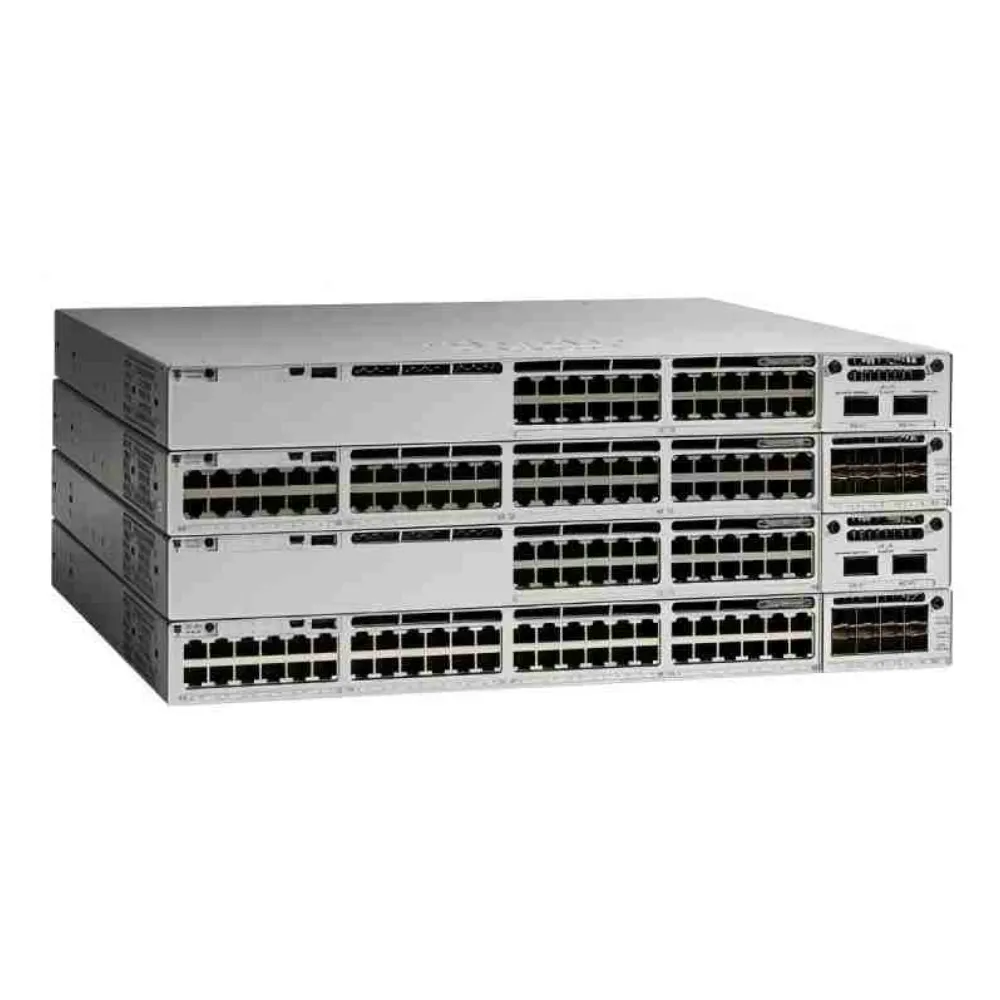
Smart Net Total Care, often shortened to SNTC or called SMARTnet, provides support for covered Cisco devices. It can include access to the Technical Assistance Center (TAC), software downloads, and return material authorization (RMA) services. The purchased scope determines which replacement and onsite options apply.
Cisco’s legacy SNTC service description applies to contracts created before June 15, 2025. It directs later contracts to the applicable Cisco Support description.
There is a second date to check. The current Cisco Support description, revised November 2, 2026, applies to orders received or quotes issued on or after April 24, 2026. Earlier orders or quotes refer to Cisco Support – Legacy. Keep those document generations distinct when reviewing a renewal.
Current Cisco Support has Basic, Standard, and Signature tiers. These tiers describe combinations of support capabilities; a hardware delivery label such as 24x7x4 describes a parts option. Don’t treat a tier name as a complete explanation of delivery, installation, or recovery terms.
For a new hardware purchase, start with the device list and the intended support arrangement together. Use our Cisco equipment procurement checklist to organize the hardware handover before accepting a quote.
What does Cisco Smart Net Total Care cover?
TAC access, response, and resolution
TAC helps with product use, configuration, and troubleshooting. The legacy description provides 24/7 access, with initial response times that vary by severity and business hours. Current Cisco Support also provides 24/7 TAC access, while tier and severity affect initial response.
These are separate stages. Opening a case, receiving an initial response, identifying the fault, and restoring service take different amounts of time. A response commitment alone doesn’t specify when your application or network connection will work again.
When assessing a contract, ask who can open cases, how accounts associate with coverage, and which escalation contacts your team should use. Check access while the network is healthy. A contract number stored in procurement records won’t help quickly if the on-call engineer cannot use it.
Software updates and rights
The legacy service includes operating-system updates and patches for supported software under its terms. Current Cisco Support describes software releases and maintenance support as applicable to the covered product.
That doesn’t establish rights to every software feature or subscription. Confirm the installed platform, release, license, subscription term, and permitted update path. Support renewal and software-license renewal may require separate checks.
A device that boots successfully doesn’t prove its software rights are correct. Keep the license evidence with the hardware and support records, especially when equipment changes owners.
Inventory and lifecycle visibility
The legacy SNTC portal helps users inspect installed equipment, service coverage, and lifecycle information. Cisco’s SNTC portal user guide documents those reporting functions. Current Cisco service information also describes newer digital capabilities, so use the tools associated with your purchased service.
Reports support decisions; they don’t replace record checks. Match portal records against the equipment in use at the site, its address, and the contract. Investigate missing devices, duplicate entries, expired coverage, and equipment that has moved before relying on a dashboard summary.
How to read SMARTnet hardware replacement levels
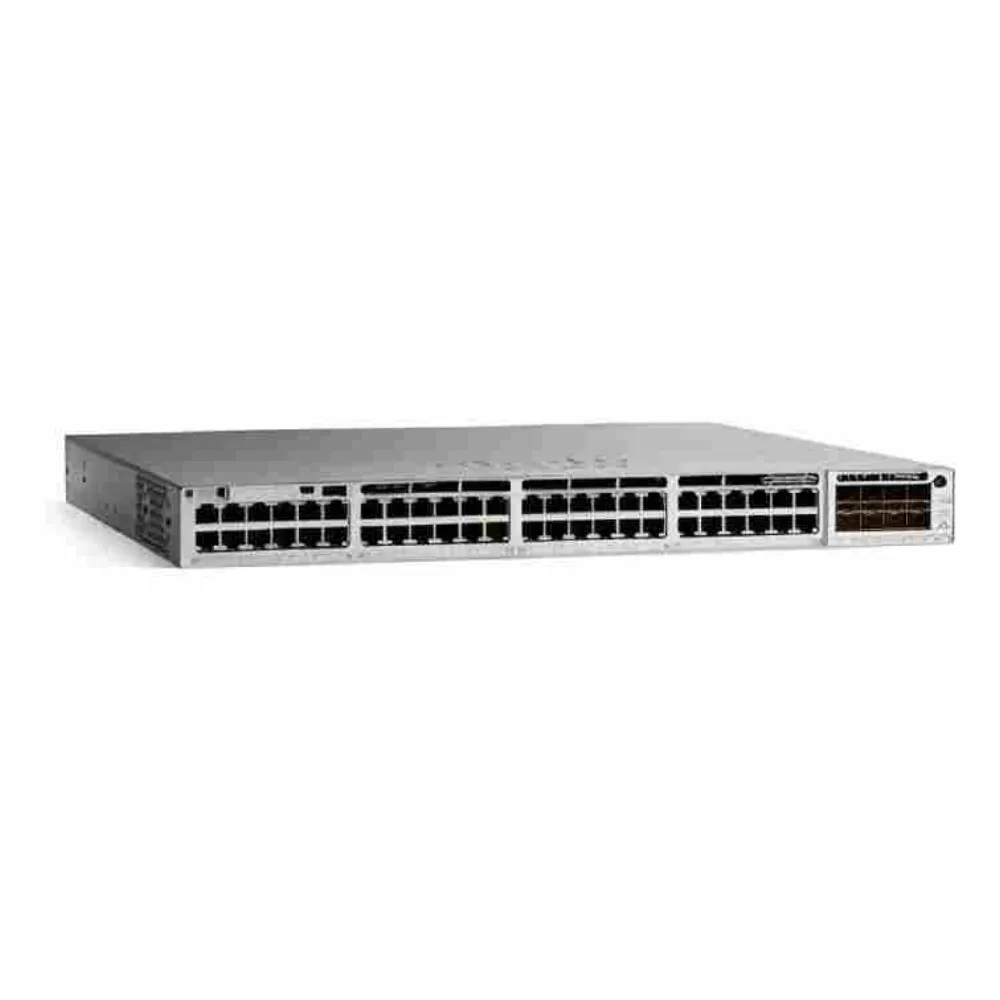
Read the hardware option separately from technical assistance. The current service description lists the following replacement choices where available; location, product, and purchased terms still control.
| Hardware option | What the label describes | What to verify |
|---|---|---|
| Delivered 24x7x2 | A 2-hour parts-delivery service operating around the clock | Exact-site availability and applicable conditions |
| Delivered 24x7x4 | A 4-hour parts-delivery service operating around the clock | RMA process, delivery conditions, and who installs it |
| Next calendar day, or NCD | Delivery on the next calendar day, subject to the defined service window | Cutoff, local availability, and onsite plans |
| Next business day, or NBD | Delivery on the next business day under the service terms | Business calendar, cutoff, and destination |
| Ship next business day, or SNBD | Shipment on the next business day | Transit time after shipment and customs exposure |
The legacy SNTC description also lists delivered 8x5x4. That option does not appear in the current November 2026 table. If it appears on a quote, ask which service description and product offering govern it rather than assuming universal availability.
Delivery is only part of recovery
Cisco makes advance replacement subject to geographic and weight restrictions. Import requirements and customs can affect delivery. RMA cutoffs also matter, and unavailable delivery services can have different shipment plans. Confirm the rule for the actual installation address.
Onsite support is an option, not an automatic feature of every replacement order. The current description states that NBD/NCD field-engineer arrival can be scheduled only for the day or days after the part arrives. Parts and labor therefore need separate planning.
Illustrative scenario: Lina manages a branch that operates on weekends. At 16:00 on Friday, a switch fails. The quote says NBD, and the branch has no configured spare. Lina checks the business calendar and RMA cutoff instead of promising Saturday recovery. The review exposes a weekend gap, so the team plans an interim connection and reassesses coverage for that site.
A 4-hour parts label alone doesn’t establish a 4-hour network-restoration commitment. Cisco Support Signature has separately governed response and restoration service-level agreements (SLAs). Read those terms if you’re buying that scope; don’t infer them from the replacement label.
Support contracts, warranties, and software licenses
These protections answer different questions. Treat each as a separate line in the purchase review.
| Arrangement | Main question it answers | Evidence to request |
|---|---|---|
| Manufacturer warranty | What remedy applies to a qualifying product defect? | Exact product warranty, who can claim, term, and claim process |
| Cisco support service | What technical assistance and purchased replacement services apply? | Covered devices, service scope, dates, location, and applicable description |
| Supplier warranty | What will the supplier repair, replace, or otherwise remedy? | Written supplier terms and return instructions |
| Software license or subscription | What software use and features are permitted? | Entitlement, ownership or assignment records, and subscription dates |
A supplier’s replacement promise doesn’t establish Cisco TAC access. A manufacturer’s warranty doesn’t automatically include the same services as a paid support contract. Cisco’s 90-day limited hardware warranty terms, for example, restrict that warranty to the original end user. Check the warranty applicable to your exact product rather than applying that example to every device.
This separation matters when purchasing pre-owned equipment. Ask Cisco or the relevant authorized channel to confirm support eligibility and any ownership, inspection, or software-relicensing requirements in writing. A serial-number lookup is useful evidence about a record; it doesn’t by itself establish ownership or transferable software rights.
Also distinguish changing a support partner from changing the equipment owner or installed location. Those are different account and contract questions. Confirm the permitted process before treating an existing contract as part of a hardware sale.
When comparing Cisco switches, record hardware condition and required support scope alongside the model. That keeps a low hardware price from concealing an open support or license question.
Cisco SMARTnet renewal and cost checklist
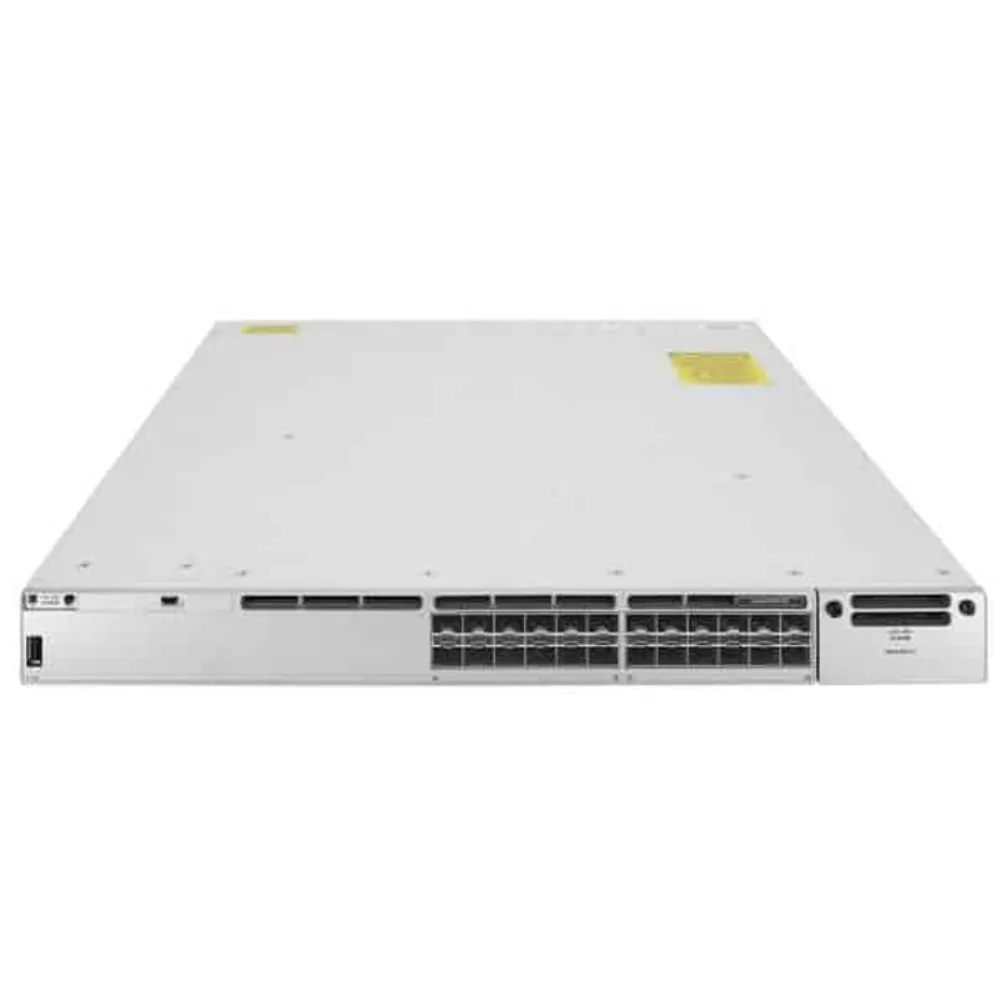
Begin a Cisco SMARTnet renewal by matching the installed equipment against the planned coverage. Ask for a device-level schedule you can inspect, rather than relying on an unchanged contract total.
- Confirm product identifiers and serial numbers. Match each covered unit to the physical asset. Identify which chassis, modules, or other components need their own coverage entries.
- Confirm the installed address. Check the country, site, and delivery access details. Ask how moves affect coverage and service availability.
- Check the contract dates. Compare the existing end date with the new start and end dates. Resolve gaps or overlapping lines before accepting the renewal.
- Identify the purchased scope. Record the support tier, RMA delivery or shipment option, onsite choice, and any separately governed SLA.
- Read the product lifecycle notice. Find the exact model’s end-of-sale date, support milestones, and last support date. Don’t substitute a broad product-family assumption.
- Verify software rights. Check license ownership or assignment, subscription end date, and access to the required releases separately from hardware support.
- Check support access. Confirm the customer account association, case-opening contacts, escalation route, and responsibility for maintaining asset records.
- Test the recovery handover. Assign installation, restoring settings, failed-part return, and site access. Store backups and return instructions where the on-call team can find them.
Compare equivalent quotes
Cisco SMARTnet cost needs a quote tied to the actual equipment and service requirement. Compare the same serial-number schedule, term, installed sites, parts option, and onsite scope. A lower total is difficult to assess if one proposal omits devices or changes delivery to shipment.
Ask the quoting party to explain currency, taxes, and any treatment of expired coverage. Obtain written terms for any proposed reinstatement or eligibility work. Don’t budget around a universal percentage of hardware price, or assume every lapsed contract can be restarted on identical terms.
Illustrative scenario: Sam reviews renewal lines for 12 branch routers. Two units have been retired, and one has moved to a different office. Sam matches serial numbers and addresses before comparing proposals. The resulting schedule identifies what requires a coverage decision and location check; the team can compare scope without assuming a particular discount or savings figure.
Choose coverage around your recovery plan
Start with the service the device supports. How long can users tolerate an outage? What happens if its redundant peer is already unavailable? Who can replace and configure it outside office hours?
A lab device with a tested spare may tolerate a longer replacement window. A single device serving a critical application may expose a much larger gap. These are planning examples, not universal rules that assign one support level to every branch, data center, or industry.
For Cisco routers at remote sites, consider local hands, console access, saved configurations, and connectivity during recovery. Faster parts won’t solve a missing plan for fitting the device. Equally, an onsite spare won’t replace vendor troubleshooting or software access when those are required.
Check whether your team can restore the replacement to the correct state. Preserve the configuration, software version, licenses, credentials, and cabling records needed for the job. Test failover and recovery procedures during planned work rather than assuming a written diagram is enough.
Lifecycle is another boundary. Cisco’s end-of-life policy distinguishes end of sale from the final support date. Consult the product-specific announcement and applicable policy. A subscription that continues beyond a hardware support milestone does not necessarily extend that hardware’s support.
For hardware sourcing, you can send CREA DAS TECH your part list and site needs. Ask for order-specific availability, condition, testing documentation, and supplier warranty terms. Confirm Cisco support eligibility and the required support contract separately with Cisco or the relevant authorized channel.
Cisco Smart Net Total Care FAQs
Is SMARTnet still called Smart Net Total Care?
Cisco renamed Smart Net Total Care to Cisco Support effective June 15, 2025. The older names still appear in contracts, catalogs, and searches. Use the applicable service description for your contract, order, or quote date; don’t assume a name change gives every legacy contract the current tier’s features.
Does 8x5xNBD limit TAC to office hours?
The legacy SNTC description provides 24/7 TAC access; 8x5xNBD describes a hardware parts option. Initial response still depends on the service terms and severity. For current Cisco Support, check the purchased tier and current response terms separately from the parts-delivery window.
Does four-hour replacement mean four-hour recovery?
No. A 4-hour parts-delivery label alone doesn’t establish a 4-hour network-restoration promise. Diagnosis, RMA processing, fitting the part, restoring settings, and testing remain part of the recovery process. If the purchase includes a separate restoration SLA, review its covered products, conditions, and remedies explicitly.
Can used Cisco equipment get support?
Support needs a check for the exact equipment and transaction. Supply the product identifier, serial number, ownership details, and installed location to the appropriate channel. Request written confirmation of support eligibility and software rights before treating support as included with a used-hardware purchase.
Can I renew after end of sale?
Potentially, within the applicable product milestones and service conditions. End of sale and the last support date are different events. Check the exact lifecycle notice and proposed contract end date; don’t assume a renewal can extend manufacturer support beyond the device’s final support milestone.
Choose Cisco Smart Net Total Care coverage by checking the applicable contract, covered devices, replacement terms, and recovery duties. Keep that support decision alongside the hardware purchase and software-rights records, so the next incident starts with a usable plan.