For a resilient Brocade SAN design, plan each fabric separately, count its connections, and check traffic paths during normal operation and agreed failure conditions. Then confirm that the hardware, software, media, and host-to-storage paths form a supported configuration before ordering equipment.
A tidy diagram can hide missing ports, shared dependencies, or an unsupported software combination. Those gaps often become visible only when someone turns the drawing into an installation plan. This guide gives you a practical way to expose them earlier, using a connection budget, a traffic worksheet, and a record of evidence and ownership.
You will finish with a Brocade SAN design package that engineering and procurement can review together. The worksheets are planning aids, not a certified reference architecture or approval for a production change.
Key takeaways
- Keep fabric A and fabric B distinct from redundancy inside either fabric.
- Count host, storage, inter-switch, and reserved connections on each side.
- Check traffic assumptions again after the failure you intend to tolerate.
- Match published limits to the actual hardware and Fabric OS release.
- Hand over the configuration, test evidence, and unresolved questions with the equipment request.
Start a Brocade SAN design with requirements
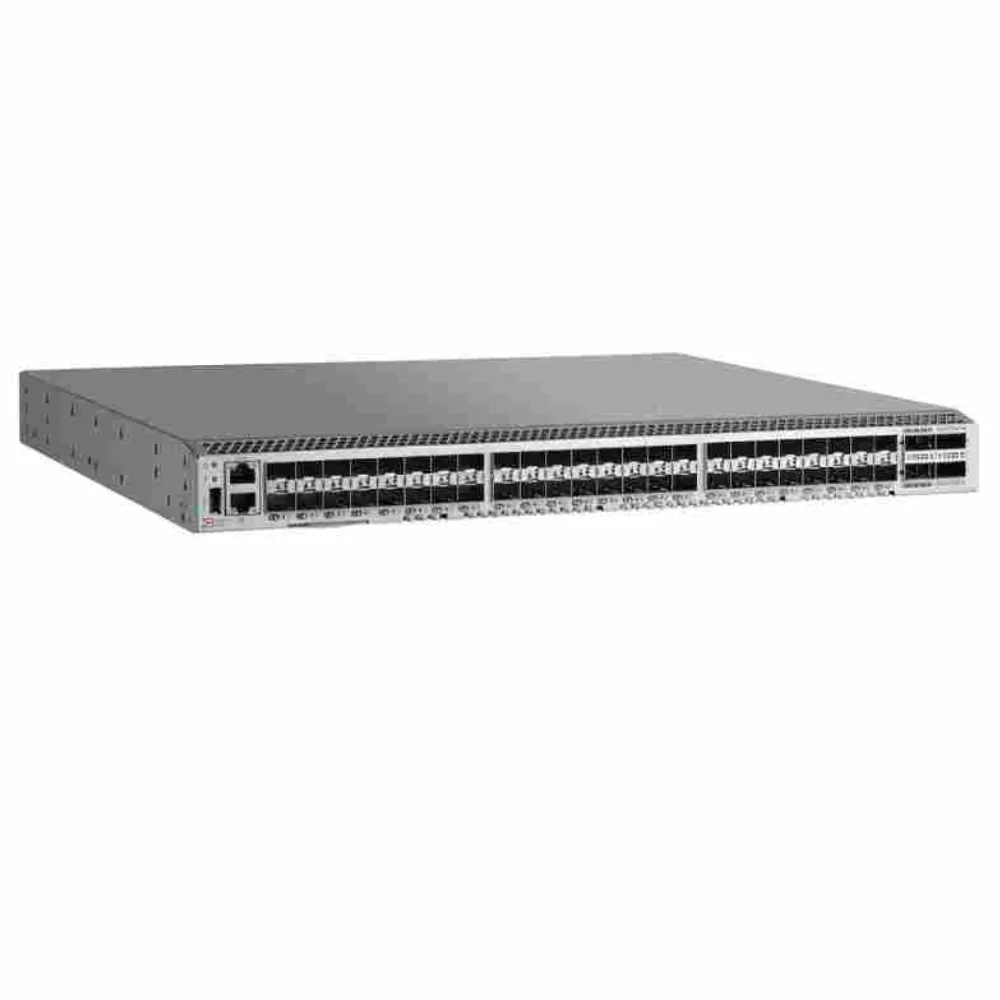
Begin with the service you need to support. Record the applications, hosts, storage systems, and expected changes. A replacement project has different constraints from a new fabric or an expansion of an existing one.
If the equipment roles are unclear, read our SAN switch explanation. Establishing the path from host to shared storage helps keep Brocade SAN design focused on the whole service, rather than on a chassis specification.
Collect identifiers and define the change
Use exact models and versions. Record each switch’s hardware identifier and Fabric OS release. Add the host bus adapter (HBA), its driver, the storage controller software, and the intended protocol. Name an owner for each missing item.
| Input | What to record | Who should confirm it? |
|---|---|---|
| Existing fabric | Hardware identifiers, software, connections, and features | Fabric owner |
| Hosts | Adapter models, firmware, drivers, and operating systems | Host owner |
| Storage | Controller models, software, and available connections | Storage owner |
| Workload | Busy periods, observed traffic, and service needs | Application and storage owners |
| Change scope | Equipment retained, added, or removed | Project owner |
| Maintenance | Allowed service conditions and rollback authority | Change owner |
Do not guess at blank fields. Your Brocade SAN design should show which combinations are approved and which still need checks. Keep that status visible when the requirements move into a quote.
Set the design boundaries
Write a short statement of what the project will change. Define the expected growth and the service conditions that must remain acceptable during maintenance or a failure. Avoid vague objectives such as “future-proof the network” without a scope or review date.
To begin an equipment discussion, send CREA DAS TECH your known models and connection requirements. Include open questions and the intended change. A sourcing inquiry can then distinguish requested equipment from parts of the Brocade SAN design that still need engineering approval.
Illustrative scenario: A team plans to add hosts but has only counted server-facing connections. During the requirements review, it adds storage-facing links, inter-switch connections, and a separate growth allowance. The worksheet exposes work still to be approved; this is a teaching example, not a customer deployment or a measured saving.
Separate fabrics from redundancy inside a fabric
A fabric is a connection and communication domain within the storage network. Redundant paths require more than duplicate switch names on a diagram. Hosts, adapters, storage controllers, power, software, and the operating procedure all affect the intended service behavior.
The IBM Fibre Channel SAN design chapter describes two production fabrics as a typical redundancy arrangement. That is useful context for Brocade SAN design, but it does not prove that any pair of switches provides complete failure coverage.
Draw the two sides without merging them
Use separate labels for fabric A and fabric B. Show the host-side and storage-side connections assigned to each. Keep the paths distinct in the drawing; an ordinary inter-switch link should not be added between the two sides merely to make the picture look connected.
Host path A ---> Fabric A ---> Storage path A

Host path B ---> Fabric B ---> Storage path B

Conceptual paths only: actual adapters, controllers,
multipathing, power, and supported combinations need review.
This diagram shows separation, not a prescribed device count. Each side can contain the equipment required by its approved architecture. Brocade SAN design must account for the supported behavior of the endpoints as well as the switches.
Choose a topology for the actual traffic
Compare the topology with the connections and traffic you expect. Consider where hosts and storage attach, which flows cross switch boundaries, and how growth changes the arrangement. Do not choose a more complex topology solely because it appears more capable on paper.
The Broadcom SAN design guide discusses collapsed-core, core-edge, and full-mesh arrangements. Use its topology guidance with the applicable platform documents. In your Brocade SAN design record, state why the selected arrangement fits the specific environment.
List the shared dependencies
Walk through a proposed failure and name what remains in service. Check whether paths still share a host adapter, controller, power dependency, or operating assumption. A diagram can show two lines while both still depend on an overlooked component.
Keep the resulting questions with the design. An unresolved shared dependency is not automatically a reason to reject the project, but its effect needs a decision. Define the service condition that the responsible owners will accept and the evidence needed to validate it.
Build the Brocade SAN design port budget
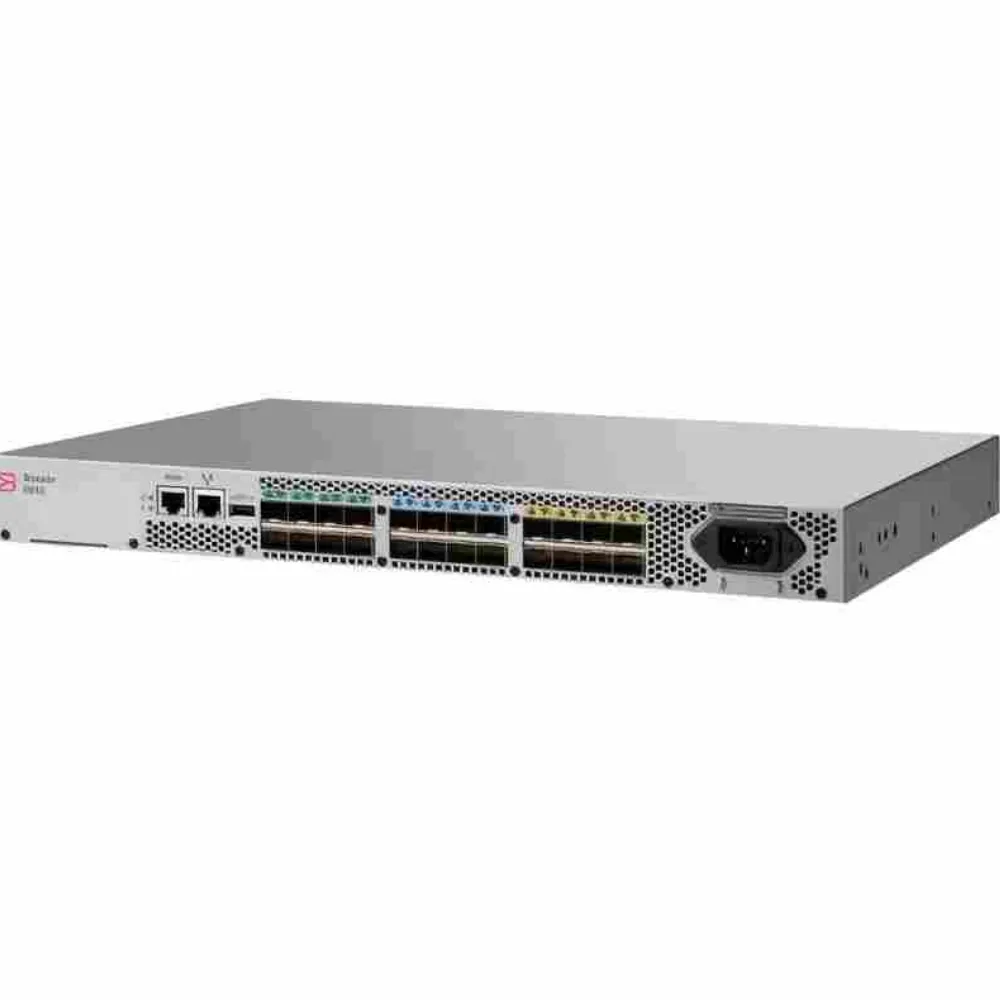
Create a budget for each fabric instead of one combined total. Separate host-facing, storage-facing, and inter-switch connections. Add growth or reserved capacity as an explicit assumption, not an unexplained percentage that every project is expected to follow.
The Brocade SAN design worksheet below uses invented quantities to show the arithmetic. It is not a vendor sizing rule. Actual quantities must come from the approved connection map.
| Connection purpose | Fabric A | Fabric B | Confirmation needed |
|---|---|---|---|
| Host-facing connections | 10 | 10 | Match the supported host path plan |
| Storage-facing connections | 4 | 4 | Confirm available controller connections |
| Inter-switch connections | 2 | 2 | Confirm the intended arrangement |
| Reserved connections | 4 | 4 | Approve the growth assumption |
| Illustrative planned total | 20 | 20 | Check physical, active, and media capacity |
The example adds 10 + 4 + 2 + 4 to reach 20 connections per side. Fabric B does not cancel fabric A’s requirements. It needs its own connection allocation and validation.
Give every planned link an identity
For each connection, record an identifier, source, destination, purpose, proposed port, media, and approval status. This makes the Brocade SAN design easier to check when a supplier suggests a different configuration or an installer asks where a cable belongs.
Use a consistent naming scheme that the operating team can maintain. Keep planned, installed, and reserved connections distinguishable. If the project changes, update the record rather than leaving the port map and purchase request to drift apart.
Separate sockets, activation, and media
A chassis can have physical interfaces that are not all enabled or equipped for the intended connections. Compare the quoted active capacity and included media with the plan. Do not treat the maximum family port count as proof that the offer covers every planned link.
Our G620 and G720 configuration comparison explains why those distinctions matter between specific platform proposals. Use it for the equipment decision while keeping this Brocade SAN design worksheet focused on the required connections.
Illustrative scenario: An expansion request appears to fit the available chassis capacity. The engineer separates unused physical interfaces from enabled, equipped connections and asks for clarification of the proposed expansion. The example identifies a purchasing question; it does not assume that a license or module is included.
Plan ISLs for normal and degraded operation
An inter-switch link, or ISL, carries traffic between switches within the intended fabric. Its role depends on device placement and the paths that traffic uses. A total of all host port speeds is not, by itself, a complete ISL requirement.
Start this part of Brocade SAN design by mapping sources and destinations. Identify which flows stay local and which cross an inter-switch boundary. Record busy periods and maintenance conditions so that the capacity discussion has a defined basis.
Build a traffic worksheet before selecting a trunk
For each boundary, list the traffic assumption, its evidence, and the condition being checked. Label measurements, forecasts, and unknown values separately. Give each unknown an owner before approving the links.
| Condition | Traffic evidence or assumption | Available path to verify | Acceptance decision |
|---|---|---|---|
| Normal operation | Observed busy period and approved growth | Intended active links | Define the service criteria |
| One specified link unavailable | Expected rerouted traffic | Remaining supported links | Confirm acceptable operation |
| Planned equipment maintenance | Approved maintenance workload | Paths retained during the change | Define limits and rollback |
| Future host expansion | Explicit project forecast | Proposed expanded configuration | Recheck before ordering |
Leave capacity cells blank when the design team lacks the required evidence. Brocade SAN design gains little from a precise-looking number that no one can explain. A named question is more useful than an invented utilization threshold.
Evaluate the failure that matters
State exactly which link, switch, or service condition the plan evaluates. Then ask how traffic is expected to move and what capacity remains. The answer depends on the approved topology and endpoint behavior; it should not be inferred from the presence of spare cables.
Keep separate records for different failure assumptions. A link maintenance case may differ from a fabric outage or a storage controller event. Your Brocade SAN design should identify the cases that need engineering review without pretending that one test proves every form of resilience.
Verify platform-specific link features
Check the selected platform’s port grouping, media, software, and entitlement requirements before relying on a trunking feature. Treat published maxima as scoped product facts, not a recommendation to populate every possible link. Effective service capacity also needs an agreed interpretation and validation method.
Before moving from the traffic worksheet to equipment quantities, request an itemized equipment response. Attach the proposed ports, media, existing versions, and unresolved conditions. Keep Brocade SAN design approval with the responsible engineering team rather than treating a quotation as that approval.
Validate support, access controls, and deployment
Match each requirement to documentation for the actual platform and software. Keep the document identifier, relevant section, date checked, and approval owner with the configuration. This gives the operating team a traceable reason for the selected limits and settings.
The Brocade FOS 9.x scalability guide distinguishes tested and supported limits and explains the scope of its platform guidance. It also directs readers to release-specific information. Do not apply that document’s limits to a different software family simply because the products share a vendor name.
Use the applicable limits
For Brocade SAN design, record the proposed hardware identifiers and releases before choosing a scalability value. Check the meaning of the metric and its assumptions. A number for one combination does not establish the limit for every mixed environment.
If the project needs a software generation not covered by the available document, obtain the appropriate material before filling in the limit. Mark the decision pending when that evidence is unavailable. This is better than presenting an older table as a universal rule.
Keep access responsibilities clear
Fabric access controls and storage-side permissions need coordinated ownership. Zoning should be reviewed alongside the intended storage access, without treating it as a replacement for the array’s controls. Use the applicable vendor procedures for the real configuration.
This Brocade SAN design guide does not provide production commands. Assign the access review, change approval, configuration backup, and verification tasks to the relevant owners. Detailed zoning and management procedures belong in their own version-specific operating records.
Set acceptance gates before deployment
Agree on checks for receipt, staging, and service validation. Receipt confirms that the supplied equipment and records match the order. Staging checks the reviewed configuration; service validation examines the intended paths and workload under an approved procedure.
Illustrative scenario: A plan references a limit from a different software family. During review, the team marks it unresolved and obtains the applicable guidance before approving the configuration. This is a hypothetical evidence check, not a claim that a real installation failed or that a particular version is unsupported.
For each gate, name the evidence, owner, and stop condition. Keep rollback authority clear before production work begins. The final Brocade SAN design package should make remaining restrictions visible to the people who will operate the fabric.
FAQs and the design handoff
Check that the package can be used without explanation
Give the draft record to someone who did not draw the first diagram. Ask them to trace a host connection, find its assigned port, and locate the evidence for its media choice. If the answer lives only in an email or someone’s memory, add it to the package. This review makes a Brocade SAN design easier to install and maintain.
Also test how the record handles a change. If a host group grows or a component is replaced, the reviewer should know which port, traffic, and support checks need to be repeated. Keep the revision date and approval owners with the drawing. A Brocade SAN design handoff should show both the accepted plan and the questions still open, so a later team can act without guessing.
Do two fabrics mean exactly two switches?
No. Fabrics describe the communication arrangement; the number of devices depends on the approved topology and requirements. Explain both the separation between fabrics and the redundancy inside each. Brocade SAN design should not reduce that decision to counting boxes.
How many ISLs are enough?
Use traffic paths, workload evidence, failure conditions, and applicable platform rules to answer. There is no single link count that fits every installation. Record the assumptions and validation method so the answer can be reviewed when the workload changes.
Can different generations share a design?
Check the exact hardware, software, host adapters, and storage support information. Do not infer approval from family names or a general compatibility statement. Brocade SAN design must identify the specific combination and the evidence used to accept it.
What should go to procurement?
Send the connection map, per-fabric quantities, approved media requirements, software and support conditions, and unresolved questions. Use our Fibre Channel switch buying guide for the complete quotation process, and the Brocade equipment catalog for product references to investigate.
Keep the drawing and tables under the same revision. Include test results and operating ownership when the project is handed over. If a component is substituted, repeat the affected checks rather than assuming the original approval still applies.
For the next step, share your requirements and requested equipment with CREA DAS TECH. A useful Brocade SAN design connects each proposed purchase to a defined role, a supported configuration, and an acceptance record that the operating team can use.