Start Cisco networking equipment procurement with a list of what each site needs and a bill of materials with exact Cisco product identifiers. Ask suppliers to quote that same scope, verify software and support before placing the order, and agree on how your team will check the shipment.
Two quotes can list the same switch and leave you with very different orders. One includes the optics and software term you need. The other leaves those lines open, which means the total will change before you can deploy it. A shared worksheet lets engineering, procurement, and receiving see the same gaps while there is still time to resolve them.
Key takeaways
- Tie each device and accessory to a site, a required function, and an exact product identifier.
- Give every supplier the same request for quote and ask them to mark what is included, optional, or excluded.
- Confirm the license term, account assignment, and support coverage in writing.
- Check the exact product announcement and both ends of every planned optical link.
- Agree on acceptance tests and record who closes each discrepancy before handoff.
Define the scope of Cisco networking equipment procurement
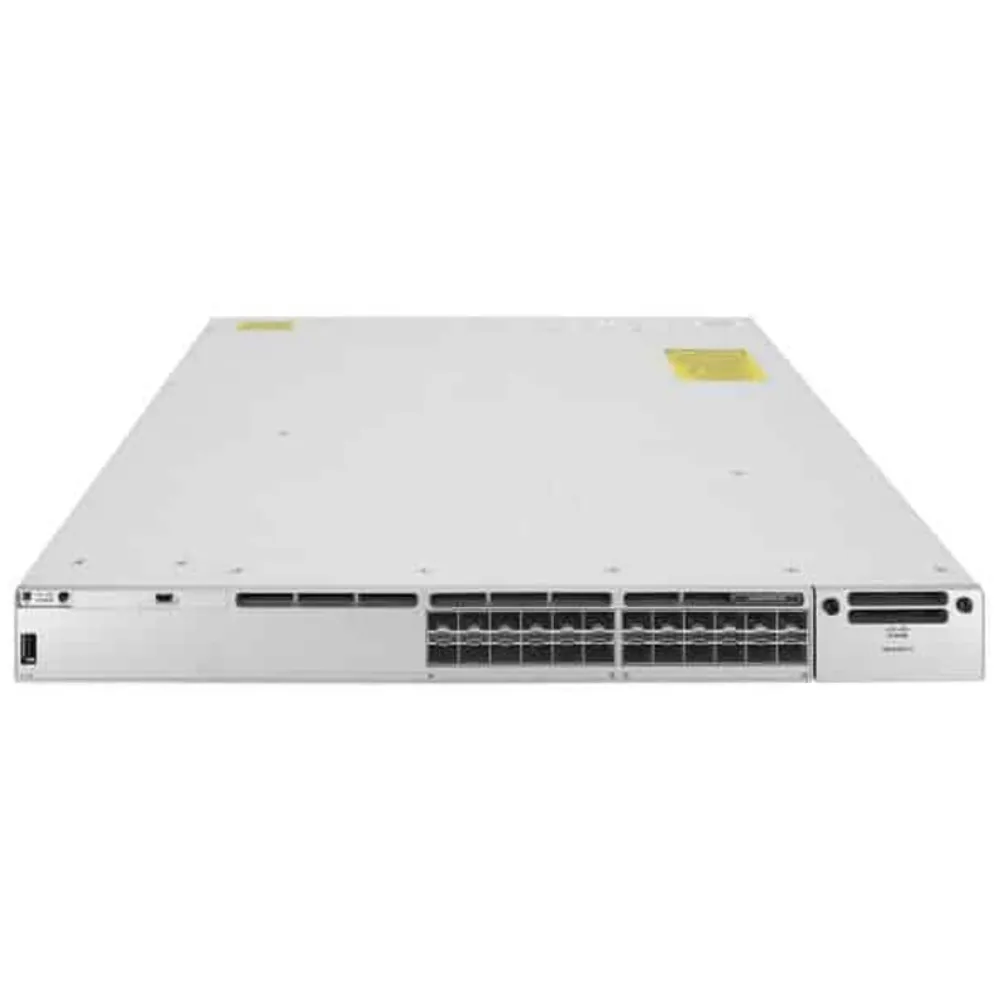
Start with the work each site must do
Begin the Cisco networking equipment procurement record with what will connect to the network, where it will connect, and what must keep working during a failure.
For campus access, include endpoint counts, power needs, and uplinks. For a data center, record the links between racks and the capacity you expect when a path is down.
For a branch, list the circuits and services the router must handle. For wireless, capture the site requirements and how the access points will be powered and managed.
Put confirmed requirements and open questions in separate columns. A planned uplink may already have a known rate, but the port on the far end may still need review. Give each open item an owner and a due date. In Cisco networking equipment procurement, this record gives the engineer a place to confirm the design before the buyer turns it into an order.
If the project is still choosing a switch class, settle that design question before requesting exact part numbers. Record what will stay in place so the new equipment can be checked against it. Enterprise network switch buying guide
If your team has a shortlist, share the site, models, quantities, port needs, and planned deployment date with CREA DAS TECH. Include the accessories and support you expect the quote to cover. Request an equipment quote
Convert the design into order lines
A bill of materials, or BOM, lists the items that must be ordered. Give each line an exact product identifier, or PID, a quantity, and a purpose. For a line still under review, identify the missing information and keep it open until someone verifies it. This helps the Cisco networking equipment procurement team trace a proposed substitution back to the requirement it must meet.
| Line | What to capture | Evidence to retain |
|---|---|---|
| Chassis or device | Exact PID, quantity, site, and role | Approved design and vendor documentation |
| Power and mounting | Supply, cable, plug, rack kit, and airflow needs | Bill of materials and site checklist |
| Link components | Device, slot, port, optics, media, and far end | Compatibility record and link drawing |
| Software | Feature needs, quoted SKU, term, and account owner | Order details and entitlement confirmation |
| Support | Service line, covered equipment, dates, and terms | Quote and applicable service description |
In the Cisco networking equipment procurement BOM, list spares separately so the receiving team knows what goes into service and what goes into stock. Record which accessories ship with a device and which the supplier must quote as separate lines. Ask for the basis of that answer when it affects the order. Save the revision you send out so later quote changes can be traced to the right version.
Capture the dependencies at the rack
For Cisco networking equipment procurement, the switch line and the rack plan should agree. Check the rack space, mounting hardware, airflow, cable paths, and power feeds at the actual location. Ask whether the proposed power cords match the site and whether the quantities reflect the approved redundancy plan. Treat stacking components and interconnect cables as their own review items when the design calls for them.
Keep a link schedule beside the BOM. List the local and remote devices and the exact ports you plan to use. A fiber path that stays in place still needs an owner to check the media, length, patch points, and far-end module. If the team is buying Fibre Channel switches as part of a wider project, review their host and fabric requirements separately from the Ethernet scope. Fibre Channel switch buying guide
Illustrative scenario. A team sends out a campus refresh BOM with a switch PID and port count. One supplier prices the uplink modules separately, while another includes them in a bundle. The buyer asks both suppliers to identify each module and quantity on the same worksheet. The engineers then review the link design with a clear view of what each quote supplies.
Compare quotes for Cisco networking equipment procurement
Send a request each supplier can answer
A Cisco networking equipment procurement request for quote, or RFQ, should tell the supplier what to price and how to record any differences. Send the same revision to every bidder. Include the deployment region, requested delivery window, condition requirements, support scope, and any rules for proposing alternate PIDs.
Ask the supplier to mark each requested line as included, optional, excluded, or pending. For a bundle, request the component list and the terms attached to it. An open line needs a written answer before it can be priced or accepted. This step makes Cisco networking equipment procurement easier to review when the quote uses different names or grouping from your BOM.
Ask the supplier to identify the legal entity issuing the quote and the entity handling returns and support requests. Record the date of the offer and its validity period. If timing depends on a part that has yet to be confirmed, list the dependency and when the supplier expects to confirm it. Put any approved split shipment into the order so receiving knows which items will arrive together.
Compare the same costs and terms
Use one currency and one evaluation period for each Cisco networking equipment procurement offer. Write down the assumptions for freight, taxes, and ongoing charges before comparing totals. Ask finance or procurement to confirm how those lines should be treated for the purchase. A spreadsheet should make it easy to see which numbers came from a quote and which still need confirmation.
| Review item | Offer A example | Offer B example | Decision before ordering |
|---|---|---|---|
| Required optics | Listed by PID and quantity | Marked as optional | Price the same required links |
| Software term | Term and feature level listed | Feature level pending | Confirm scope and term |
| Support | Separate service line | Seller warranty listed | Compare provider and coverage |
| Delivery | Proposed ship date | Proposed arrival date | Ask for the same milestone |
| Alternate PID | None proposed | Alternate item listed | Obtain technical approval |
The entries above describe a hypothetical comparison. The useful output is a record of which differences affect the job and what each supplier agreed to deliver. Keep the original quote with your comparison sheet. That way, someone who joins Cisco networking equipment procurement later can tell which supplier made each statement.
Before approving a price difference, ask who will cover any missing work or part. The deployment team may be able to reuse an item already on hand. If so, document the source, condition, and compatibility of that item and mark it as buyer supplied. This lets procurement approve a deliberate choice and gives the deployment team a clear list of its own tasks. Network switch procurement checklist
Record how the quote changed
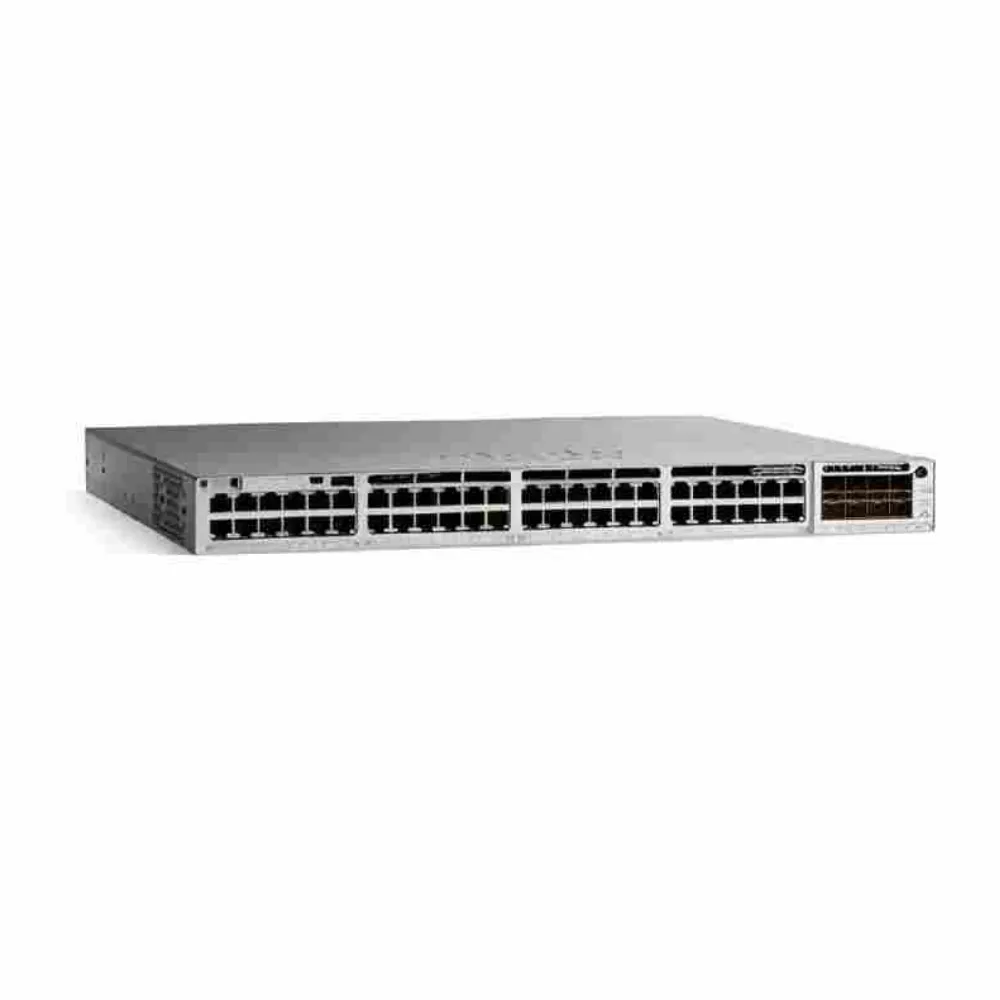
Keep a change log with the Cisco networking equipment procurement comparison. If a supplier revises an offer, record the date, the lines that changed, and the reason. Ask the same reviewer to check whether the revision also changes the support period, the date the site can deploy, or the accessories that arrive.
A change in quantity can affect more than the device line. Suppose the site adds access points after a floor plan review. The buyer should ask the engineer to recheck mounting, power, port use, and the management plan. Then the buyer can request a revised quote for the full set of affected lines.
Use a record like this for each decision.
| Field | Example entry |
|---|---|
| Request | Add access points for the approved floor plan |
| Affected lines | Access points, mount kits, switch port allocation |
| Evidence | Revised floor plan and equipment worksheet |
| Approval | Network owner checks design, buyer confirms terms |
| Handoff | Receiving and installation teams get the new revision |
Keep the change log beside the approved quote. The team placing the order can then reconcile the latest revision with the earlier decisions before committing funds.
Check the seller and purchasing route
Use Cisco’s buying resources to locate the relevant purchasing channel. When an offer depends on partner status, check the supplier’s legal name, location, and scope through the official route or ask for written evidence that you can verify. Record the date and what the check covered.
Give that record a separate place in Cisco networking equipment procurement. A listing can help identify a seller. The quote should still explain the specific product source, equipment condition, warranty provider, support offer, and path for returns. Record any claim you need the supplier to substantiate before you place the order.
Browse the public Cisco catalog when you need to identify candidate devices for the RFQ. Save the PIDs you are considering and confirm the actual offer with the supplier.
Verify Cisco licensing, support, and lifecycle
Check the entitlement before the order
For Cisco networking equipment procurement, ask the engineering owner to list the features and management model needed for each device. Match the list to the software SKU and term on the quote, then check the licensing documentation for the platform and release. Identify the Smart Account and Virtual Account where applicable, the person who can verify the assignment, and the evidence they expect after purchase. Cisco Software Licensing Guide
Treat that handoff as part of Cisco networking equipment procurement. The buyer can ask the supplier to state what will be delivered and when. The license administrator can verify the account details through the approved channel and confirm receipt when the order is fulfilled. Keep passwords and access tokens in the organization’s approved systems.
Read the support offer with the asset list beside it
Identify who provides support and who will open a request. Ask the seller to specify the service line, covered devices, dates, and the terms that apply at the deployment location. If a response or replacement target matters to the project, get the exact terms and conditions in writing. Have the operations owner check that the offer meets the site’s needs.
Put warranty and paid support in separate rows in the Cisco networking equipment procurement worksheet. Include the provider, scope, exclusions, and how the buyer can verify coverage. If the site relies on local spares, capture those quantities and who manages them. If the equipment is being added to an existing agreement, record who confirms the addition and when it takes effect.
In the Cisco networking equipment procurement budget, identify which subscriptions and service terms will renew during the period used to compare quotes. Record the renewal dates, the team that owns the budget, and the point at which it must decide whether to renew. This makes the purchase review useful to the team that will run the network after deployment.
Check the product and software lifecycle
Look for the official announcement for the exact PID and check the software release separately. Record the date and revision of each notice you use. Cisco’s general policy typically provides notice six months before end of sale and lists the last customer ship date for hardware as three months after end of sale. Confirm that the policy applies and use the actual announcement for the purchase decision.
For Cisco networking equipment procurement, the decision often turns on whether the product can serve the intended period with the required software and support. Record the last date of support, the proposed deployment date, and any planned replacement date. Ask the supplier to state what can be ordered and supported for that configuration and region.
Illustrative scenario. A buyer finds a candidate PID for an urgent spare and discovers an end-of-sale announcement for it. The engineer checks the notice and the existing estate before approving a candidate. The procurement lead asks for a quote with the exact condition and support terms for each option. They record whether the order is for a short bridge or a longer deployment.
Choose equipment condition and check compatibility
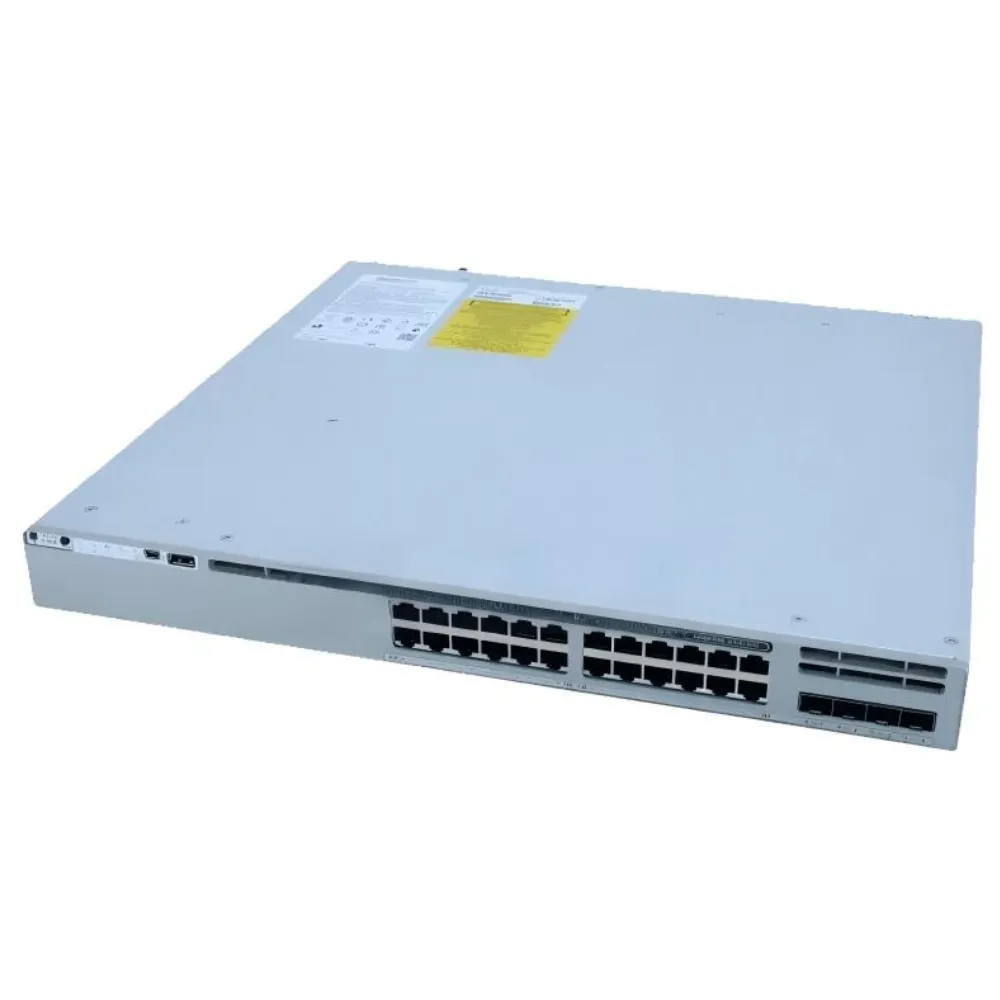
Use an exception record for any Cisco networking equipment procurement line that depends on a reused part or a nonstandard condition. Describe why the line is needed and what evidence would let the team proceed. For example, if an old module is meant to serve as a spare, record which links it can serve and which it cannot.
Separate evidence the supplier can provide from evidence that only the buyer can check. The supplier can state the PID, condition, and quoted terms. Your engineer can compare the part against the planned device and the far end of the link. Your asset team can check whether an existing spare is actually available for the project.
If a check remains open, keep its status visible to the person who releases the PO. The Cisco networking equipment procurement owner should know which parts of the design are ready to order and which would require a later approval. This also helps the project team plan staged orders when some sites are ready before others.
Record the condition you are willing to accept
Set the permitted equipment condition in the Cisco networking equipment procurement RFQ. Use clear categories such as new, Cisco Refresh where applicable, and refurbished by the seller. Ask for evidence that connects each unit or order line to the condition stated on the quote. Write the accepted category into the purchase order.
Check the software and support treatment for each offer. Ask which document demonstrates the right to use the software, which party provides the warranty, and how to resolve a discrepancy. Where a seller offers a Cisco Refresh item, ask for the documentation that identifies it as such. For a seller-refurbished item, review that seller’s written testing, return, and warranty terms.
Cisco networking equipment procurement should leave the receiving team with a clear answer about how to handle condition differences. If a buyer approves an alternate condition to meet a schedule, log the change and tell engineering, asset management, and receiving. Keep a copy with the PO so the team can compare the shipment with the approved exception.
Review both ends of an optical link
Write the local chassis or switch, line card where applicable, port, intended rate, and running release into the link record. Add the far end, its module and port, and the cable path. Check the exact module and platform combination against Cisco’s applicable compatibility resources. Review fiber type, reach, connector, and FEC requirements for the full link.
This check belongs before a Cisco networking equipment procurement approval. If the buyer plans to reuse a module, pull its PID from the inventory and compare it with the intended equipment. Record the supporting source and when it was checked. Give each open match an engineer and a due date.
Ask for an updated compatibility record when the supplier proposes a different PID or when the site changes its planned software release. A short written review can identify whether the same design will work or whether other order lines need to change too. Preserve the old and new BOM revisions so receiving can see which one governs delivery.
Make substitute approval explicit
For each proposed Cisco networking equipment procurement alternate, capture the original PID, proposed PID, reason for the change, and affected site. Review the functions the project requires, the interfaces and power available, and any impact on licensing, lifecycle, and support. If the change affects the rollout, identify who has to approve the new timing.
Keep the substitution decision inside the Cisco networking equipment procurement record and carry it into the PO. A supplier’s note about an alternate can start the review. The updated order should show exactly which configuration the buyer accepted and which team approved it.
Accept the shipment and hand it to operations
Match the shipment to the order
Before the Cisco networking equipment procurement handoff, give receiving the approved PO and any written substitutions before the goods arrive. Compare the packing list and equipment labels with the order lines. Record quantities, visible condition, PID, serial number, and included accessories. Keep records of damage or missing items through the site’s approved process.
Cisco networking equipment procurement continues when an item arrives in a different shipment from its accessories or paperwork. Keep the order open for those lines until the responsible team checks them. Ask the supplier for the remaining delivery details and record any effect on the planned installation date.
| Acceptance item | What to check | Who records it |
|---|---|---|
| Physical goods | PID, serial number, quantities, condition, and accessories | Receiving or asset team |
| Basic readiness | Agreed startup and inventory checks | Network engineering |
| Software handoff | Entitlement, term, and receiving account where applicable | License administrator |
| Service handoff | Covered devices, dates, and request process | Support owner |
| Open difference | Disposition, owner, due date, and approval | Procurement lead |
Test against agreed criteria
Set the acceptance criteria before delivery. For hardware, agree on which startup, inventory, port, and accessory checks are needed and who will run them. For software and services, agree on how to verify delivery through the applicable account or supplier. Write down where the team will save the results and how it will record a failure.
Keep receipt and technical acceptance distinct in the Cisco networking equipment procurement checklist. Receiving can confirm that boxes and labels match. An engineer can verify the equipment against the agreed test plan. Procurement can then check whether each contractual line has been fulfilled or whether a documented exception remains open.
Illustrative scenario. A shipment arrives with the correct switch PIDs, but the receiving team cannot match an accessory to the approved BOM. It logs the discrepancy, checks the approved substitutions, and asks the seller for the missing line detail. The operations team can see which devices are ready and which remain on hold.
Decide how to handle an exception
Keep a separate entry for each Cisco networking equipment procurement exception. Record the order line, the observed difference, the evidence, and whether the item can be used while the issue is reviewed. If the difference affects other sites or the rollout date, send the same record to the teams planning those changes.
Make the decision before someone puts the equipment into use. A buyer may need the seller to confirm a replacement or an engineer to approve a substitute. The record should show whether the team accepted the difference, asked for a correction, or held the affected items for return. Update the installation schedule when the decision changes the equipment available for the site.
Close the handoff and keep the evidence
Close the Cisco networking equipment procurement handoff with an asset record containing the site, serial number, support and subscription dates, license owner, and purchasing reference. Attach the evidence your teams need to check an entitlement or contact support. Store sensitive information in the approved system and share only the details needed for each task.
Use the same Cisco networking equipment procurement record to track pending returns and corrections. Assign each exception an owner and due date and keep the supplier’s response. Before closing the order, confirm the actions are complete or that the relevant owner accepted the remaining difference in writing.
Frequently asked questions
What should I send for a Cisco quote?
For Cisco networking equipment procurement quotes, send the deployment region, exact PIDs if known, quantities, and the function each device must serve. Include accessories, optics, software, support, equipment condition, requested timing, and rules for substitutes. Mark unknown lines so the supplier can tell you which details it needs to confirm.
How do I compare a hardware quote with a bundle?
For Cisco networking equipment procurement, break both quotes into hardware, accessories, software, support, and delivery lines. Match the quantities, currency, terms, and period of comparison. Ask suppliers to identify omissions and state whether a line is included, optional, or excluded.
How do I check the source and condition?
Confirm the legal entity issuing the quote, use the official purchasing resources where relevant, and ask for evidence of the condition and source offered. Verify the applicable warranty, software, support, and returns with the seller and the appropriate provider. Keep those records with the accepted offer.
How do I check whether a specific PID is still supported?
During Cisco networking equipment procurement, find the applicable product notice and record the PID, dates, and scope. Check the proposed software release and the service offer separately. Compare the relevant dates with the period you expect to operate the equipment.
Can I reuse an existing transceiver?
Check both devices, the ports, the module PIDs, software, rate, media, and reach. Record the evidence for the exact link and ask the network owner to approve reuse. If the order includes a substitute, check the new combination before release.
What should I keep after Cisco networking equipment procurement?
Keep the approved BOM, quote, PO, shipment record, serial numbers, entitlement confirmation, support details, and test results. Save accepted exceptions and their approval with the order. Give the operations owner the information needed for support and renewal.
Close Cisco networking equipment procurement with a verified configuration, a record of the rights and coverage delivered, and an agreed acceptance result. For a quote, send CREA DAS TECH your Cisco PIDs or requirements, quantities, delivery region, accessories, and support scope. Request a Cisco equipment quote