Cisco Smart Licensing is Cisco’s system for managing software entitlements and tracking license use across an organization. Your product, software release, license type, and reporting method determine the setup. Newer supported platforms use Cisco Smart Licensing Using Policy (SLP).
A switch arriving at your site is only part of the handover. You also need to know which features you may use, where the entitlements sit, and who will maintain reporting. A registration token, a working feature, and a hardware invoice answer different questions.
This guide explains those differences using Cisco’s published documentation. You’ll learn how accounts fit together, how traditional Smart Licensing differs from SLP, and how to verify a reporting path. You’ll also get a checklist for accepting hardware without leaving licensing responsibilities unresolved.
Last updated: November 10, 2026.
Key Takeaways
- A Smart Account holds your organization’s assets; Virtual Accounts organize them by site, department, or another business boundary.
- Smart Licensing manages both perpetual and subscription entitlements. SLP does not remove the need to acquire the required licenses.
- Supported offline deployments can exchange usage reports manually. When acknowledgment is required, the return file must reach the device.
- Buying used hardware does not automatically transfer Cisco software rights or establish Cisco support coverage.
What is Cisco Smart Licensing?
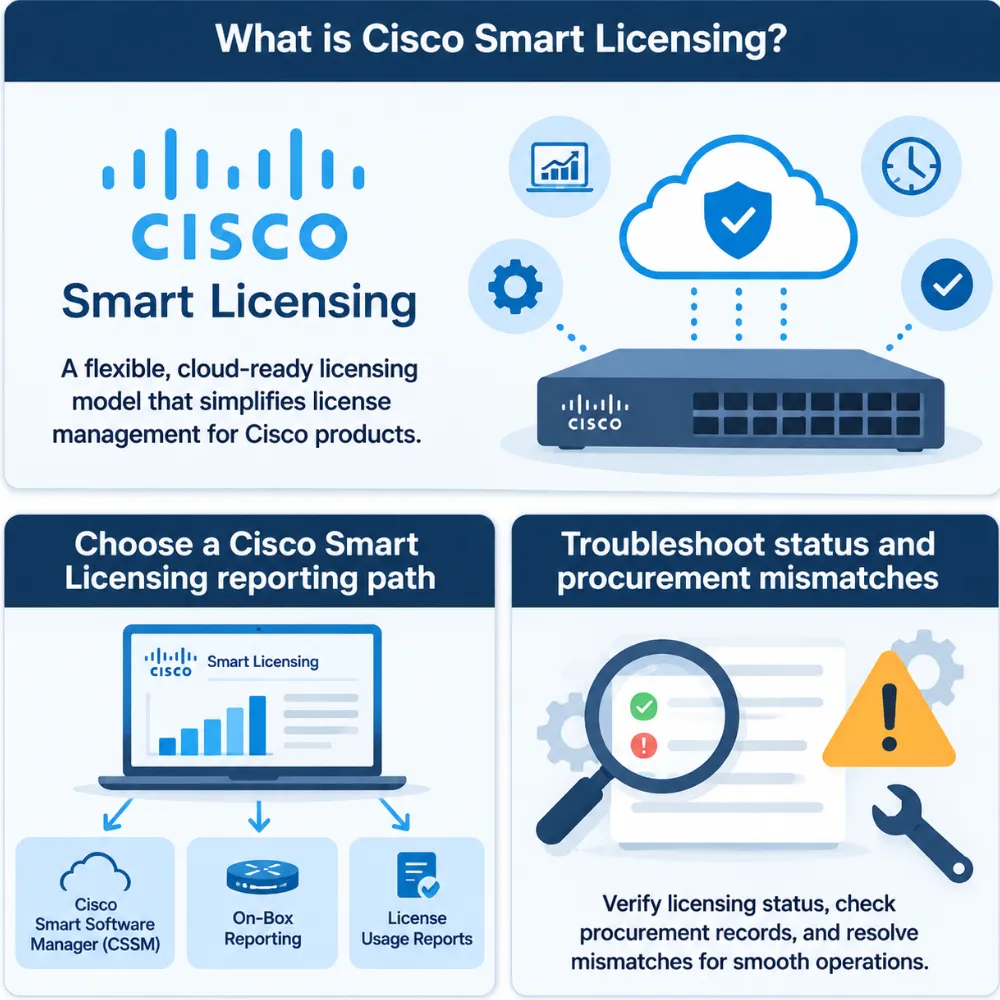
Cisco Smart Licensing lets admins track purchased licenses and reported use in one place. It replaces many device-by-device tasks with shared account tools. The license itself still sets the features, term, and rights of use. The management system does not change those terms.
The most useful distinction is between the organizational account, the management portal, and the device reporting usage:
| Term | What it means | What to check |
|---|---|---|
| Smart Account | Your organization’s repository for licenses and other assets | Correct organization and administrator access |
| Virtual Account | A subdivision within a Smart Account | Intended site, department, or business unit |
| Cisco License Central (CLC) | Cisco’s unified license and asset management interface | Relevant inventory and account selection |
| Cisco Smart Software Manager (CSSM) | The legacy management platform referenced in many guides | Which platform the product workflow uses |
| Product instance | The device or software instance reporting license use | Identity and reported feature usage |
| Entitlement | The software rights your organization has acquired | Product, feature level, quantity, and term |
Cisco’s Smart Licensing overview describes CLC alongside legacy CSSM. Older documentation may use different portal labels, so follow the workflow applicable to your product.
Smart Licensing is also separate from a subscription. For Catalyst switching, a perpetual network license and a term-based add-on can coexist. A hardware quote should identify those components separately from hardware warranty and support terms. Don’t treat “Smart licensed” as a complete description of what’s included.
When comparing Cisco switches, start with the exact platform and required features. That makes the licensing question specific enough to resolve before ordering.
Cisco Smart Licensing vs. Smart Licensing Using Policy
Traditional Smart Licensing and SLP share account-based management, but their operational workflows differ. Applying an older registration procedure to an SLP device can send troubleshooting in the wrong direction.
| Model | Typical workflow | Main verification question |
|---|---|---|
| Classic licensing | Product Activation Key (PAK) and device-specific license workflows | Is the correct license installed for this product? |
| Traditional Smart Licensing | Product registration and license authorization through the supported management path | Is registration and authorization healthy for this platform? |
| Smart Licensing Using Policy | Usage reporting under an installed policy | Are usage, reporting, and required acknowledgments up to date? |
Cisco’s Catalyst documentation identifies IOS XE 17.3.2 and 17.4.1 as SLP introduction points for supported Catalyst 9000 platforms. This is a scoped release example, not a rule for every Cisco product. Check the exact model and software guide before changing an existing deployment.
SLP reduces the initial registration requirements for applicable licenses. It does not make software free or remove compliance obligations. Enforced or export-controlled licenses can require additional authorization, and direct reporting may require trust establishment. A token used to establish trust does not itself provide purchased entitlements.
Hypothetical example: Alex is preparing two Catalyst switches for separate branches. The entitlements are visible in the company’s Smart Account, but the intended Virtual Accounts differ. Before staging, Alex records each branch’s destination account and licensing owner. The team can then reconcile deployment records against the intended account structure instead of treating a shared login as proof of correct assignment.
That account check belongs in the handover even when the software starts without the older registration sequence. Cisco’s documentation describes feature activation, reporting, and account management as related tasks with different checks.
Choose a Cisco Smart Licensing reporting path
Select the reporting architecture before configuring transport. The deciding question is how licensing information can move between the product and Cisco’s licensing service under your security policy.
| Path | How information moves | Operational responsibility |
|---|---|---|
| Direct reporting | The product communicates with Cisco using its supported transport, potentially through a proxy | Maintain connectivity and verify reporting status |
| Mediated reporting | A supported local utility or on-premises service exchanges information for devices | Maintain the local service and its synchronization path |
| Disconnected reporting | An operator transfers supported report and response files manually | Schedule the exchange and verify required return acknowledgments |
Cisco Smart Licensing Utility (CSLU) and Cisco Smart Software Manager On-Prem appear in Cisco deployment documentation. They have different capabilities and release requirements. Confirm that your chosen tool supports the product and workflow rather than treating local tools as interchangeable.
A device without internet access may still reach a local tool that synchronizes externally. A fully air-gapped device needs a supported manual process. Those are different operational designs, even though neither gives the device a direct internet connection.
License reservation is another product-specific option. Use it only where the product, release, and entitlement support it. Do not substitute a reservation procedure for manual SLP usage reporting simply because both involve an offline environment.
The same release check applies to Cisco routers. Cisco’s IOS XE router SLP guide lists platform-specific prerequisites and connected or disconnected topologies. Use the matching guide to decide which architecture your device supports.
Assign an owner to the complete reporting path. A scheduled file export is useful only if someone also handles submission, responses, and exceptions.
Set up licensing and verify the reporting loop
A reliable setup connects the purchase record, account inventory, device identity, and reporting evidence. Work through these steps before calling the deployment complete.
- Identify the product and release. Record the product identifier, serial number, software version, and required features. Establish whether the device uses classic licensing, traditional Smart Licensing, or SLP.
- Confirm the entitlements. Check the exact feature level, quantity, subscription dates where applicable, and any authorization requirements. A product description containing “license” is too broad.
- Confirm account access. Select the intended Smart Account and Virtual Account. Verify that the responsible administrator has the permissions needed for the actual task.
- Choose the reporting path. Check reachability, local-tool compatibility, or the approved manual file-transfer procedure. Include the return path for acknowledgments.
- Follow the product’s release guide. Configure only the transport and trust or registration steps that apply. Avoid copying a generic registration command from a different product family.
- Verify the result. Compare the device’s reported usage with the intended entitlements and account inventory. Where policy requires acknowledgment, confirm that the device received it.
Read the device’s licensing state
For the supported IOS XE Catalyst workflows discussed here, start with read-only checks such as:
show versionshow license summaryshow license statusCommand availability and output vary by platform and release. Use the software guide to interpret the results. These commands inspect state; they do not purchase a license, move entitlements, or establish transfer rights.
For SLP, inspect the installed policy, reporting information, and acknowledgment fields. Record the last successful acknowledgment and next deadline where the output provides them. For traditional Smart Licensing, registration and authorization fields may be the relevant starting points.
Complete the RUM and ACK exchange
SLP uses Resource Utilization Measurement (RUM) reports to record license use. Cisco reads the reports and returns an acknowledgment (ACK) where required. In a manual workflow, saving and uploading the report is only part of the job. Retrieve and import the response, then check receipt on the device.
Cisco’s Catalyst SLP guide provides a default-policy example for unenforced, non-export perpetual licenses. It shows a first report within 365 days, recurring frequency of 0, and reporting within 90 days of a change. Its subscription example shows 90 days for all three fields.
These examples are not universal deadlines. Read the installed policy and applicable license category. A recurring frequency of 0 does not erase first-report or change-report requirements. Likewise, the guide’s separate 30-day report push interval is not a universal compliance deadline.
Troubleshoot status and procurement mismatches
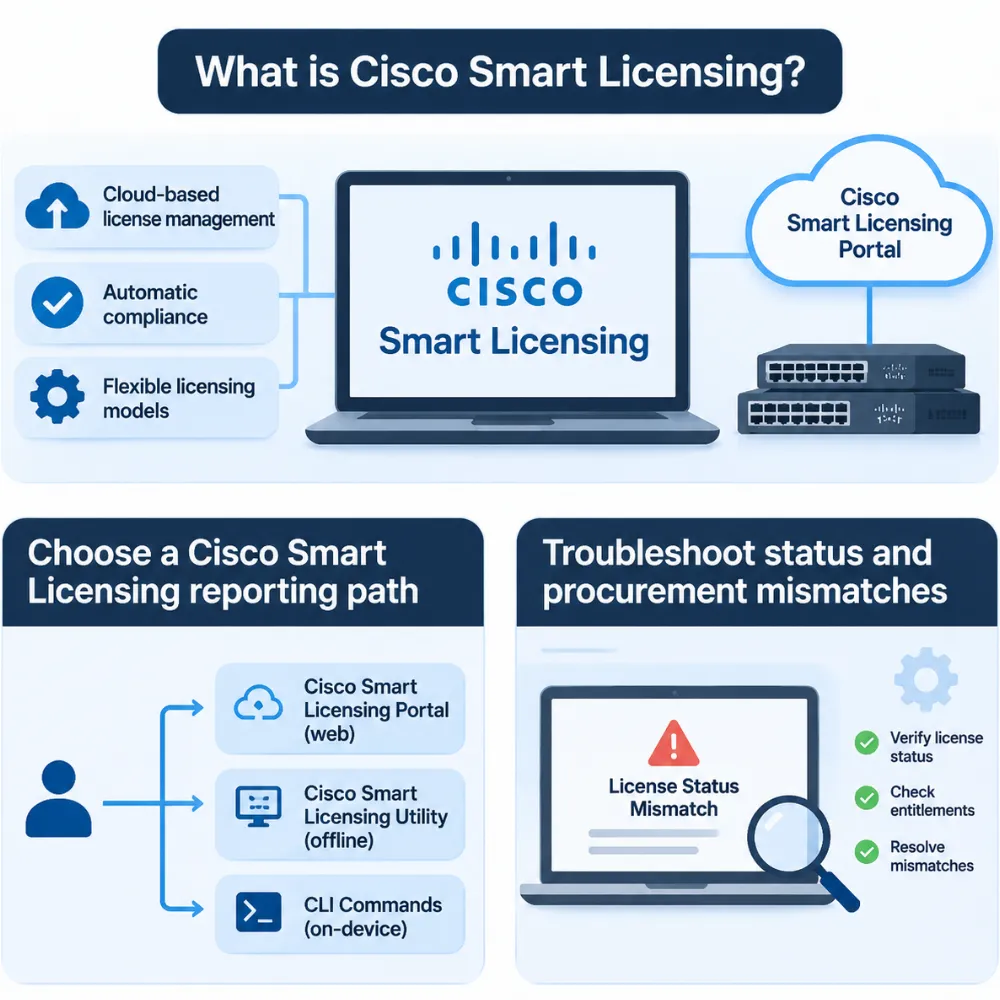
Cisco Smart Licensing troubleshooting starts with identifying which layer failed. A connectivity problem, missing entitlement, and incorrect account selection need different fixes.
| Symptom | Possible cause | Next check |
|---|---|---|
| Purchased entitlement is missing | Wrong account selection or incomplete order assignment | Confirm the order and intended Smart/Virtual Account |
| Usage does not match inventory | Feature level, quantity, or account records differ | Compare configured features, device identity, and order details |
| Traditional registration fails | Token, permissions, connectivity, or workflow mismatch | Confirm the licensing model before retrying registration |
| SLP reporting or ACK is overdue | Transport failure or incomplete manual exchange | Inspect policy, report status, and required ACK return |
| Advice conflicts with device output | Guide covers a different product, release, or policy | Use the exact platform guide and installed policy |
For connected paths, check name resolution, device time, secure connectivity, proxy settings, and the relevant endpoints. Follow release-specific troubleshooting guidance. For an offline path, trace the report and response files through each handoff instead of repeatedly testing internet reachability.
Hypothetical example: Jordan manages a disconnected lab with three supported SLP devices. The maintenance checklist records successful report exports, but nobody records ACK imports. Jordan revises the checklist to track export, upload, response retrieval, import, and device verification for each device. The revised process makes an incomplete exchange visible instead of equating “file saved” with “reporting complete.”
Accept the hardware and software responsibilities together
Before signing off a delivery, record these items:
- Exact hardware identifiers, condition, and target software release.
- Required feature entitlements, quantities, and subscription terms.
- Intended Smart Account and Virtual Account.
- Evidence of software-use rights, including any applicable transfer or relicensing requirements.
- Separate hardware warranty and Cisco support coverage terms.
- Reporting method, responsible owner, and acceptance evidence.
Use our Cisco equipment procurement checklist to connect those checks with the wider hardware order.
For used equipment, check software rights before accepting the order. Cisco’s software relicensing policy states that software cannot transfer unless its policy permits it. The page also describes when relicensing and inspection are needed to obtain support.
Confirm the rules and exceptions for your purchase. Moving licenses between accounts does not by itself establish software rights for a new owner.
Cisco Smart Licensing FAQ
What does a Cisco Smart Account do?
A Cisco Smart Account provides an organizational repository and access controls for software licenses and related assets. Virtual Accounts organize those assets within it. Confirm both the organization and the selected Virtual Account when locating an entitlement; account access alone does not prove that a specific purchase was assigned correctly.
How do I check my Cisco switch license status?
On supported IOS XE Catalyst switches, use show license summary and show license status, then interpret the output for the installed release. Traditional Smart Licensing and SLP show different operational concepts. For SLP, inspect policy and reporting details, including ACK status when required, rather than searching only for legacy registration fields.
Does Smart Licensing require internet access?
Not every supported deployment requires the device itself to access the internet. Depending on the product and release, you may use direct reporting, a local intermediary, or a disconnected workflow. Cisco Smart Licensing offline deployments still need the applicable reporting or reservation process; isolation does not cancel license obligations.
Is Smart Licensing a subscription?
No. Smart Licensing manages entitlements, including perpetual and subscription licenses. The purchased product and license terms determine duration and features. Review each line of the quote rather than assuming everything expires together or that a perpetual network entitlement includes every add-on service.
Can I transfer licenses with a used Cisco switch?
Do not assume that buying the hardware transfers its software licenses. Cisco’s transfer and reuse policies govern eligibility, with restrictions and exceptions. Confirm the transaction-specific route for software rights and support coverage. A running feature, seller screenshot, or account-transfer option is insufficient evidence on its own.
Can I ignore reporting if the device still works?
No. Continued operation does not establish compliance with the applicable license and reporting requirements. SLP reduces deployment friction for relevant licenses, but you still need the required entitlements and reporting process. Inspect the installed policy, address overdue exchanges, and resolve discrepancies with the appropriate Cisco licensing support route.
Prepare a complete hardware and licensing handover
A complete handover connects the hardware you receive with the software rights and operating process you need. Record the exact product and release, confirm the entitlement details, and identify the destination accounts. Then verify the supported reporting path and assign someone to maintain it.
Keep the acceptance evidence together: purchase details, device identity, account selection, relevant status output, and required acknowledgment records. Revisit those records when changing features, replacing equipment, moving accounts, or renewing subscriptions. A checklist has more value when it describes the actual deployment and the person responsible for the next check.
For a hardware sourcing discussion, send your hardware requirements to CREA DAS TECH with your bill of materials, target software release, and required feature set. Confirm license acquisition, transfer eligibility, and Cisco support terms through the appropriate Cisco process. Planning those dependencies alongside Cisco Smart Licensing helps your team accept a usable deployment with clear responsibilities.