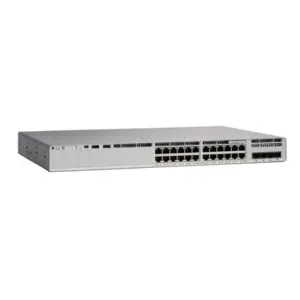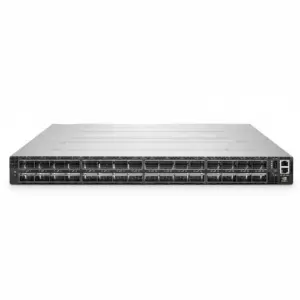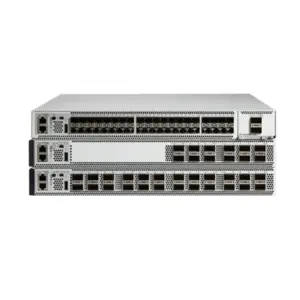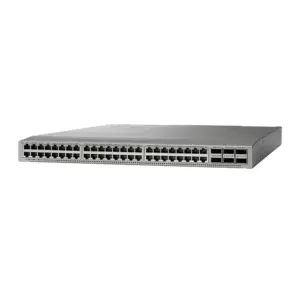
The 32G vs 64G Fibre Channel decision should start with measured demand and the supported path from host to storage. Keep 32G where it meets your needs; assess 64G where a proven bandwidth constraint and compatible equipment justify the change.
A faster switch is an appealing purchase, especially during a storage refresh. Yet its port label cannot tell you whether the host, optics, or array will use that speed. This guide turns the comparison into a practical sequence: find the constraint, check the support chain, and price a complete configuration.
Key takeaways
- More link bandwidth does not guarantee twice the application performance.
- Check the exact HBA, switch, storage port, optics, and software combination.
- A 64G-capable fabric can be a staged investment while supported endpoints remain at 32G.
- Compare complete bills of materials and test the remaining paths after a planned failover.
- Set acceptance criteria before ordering, using application results as well as negotiated link speeds.
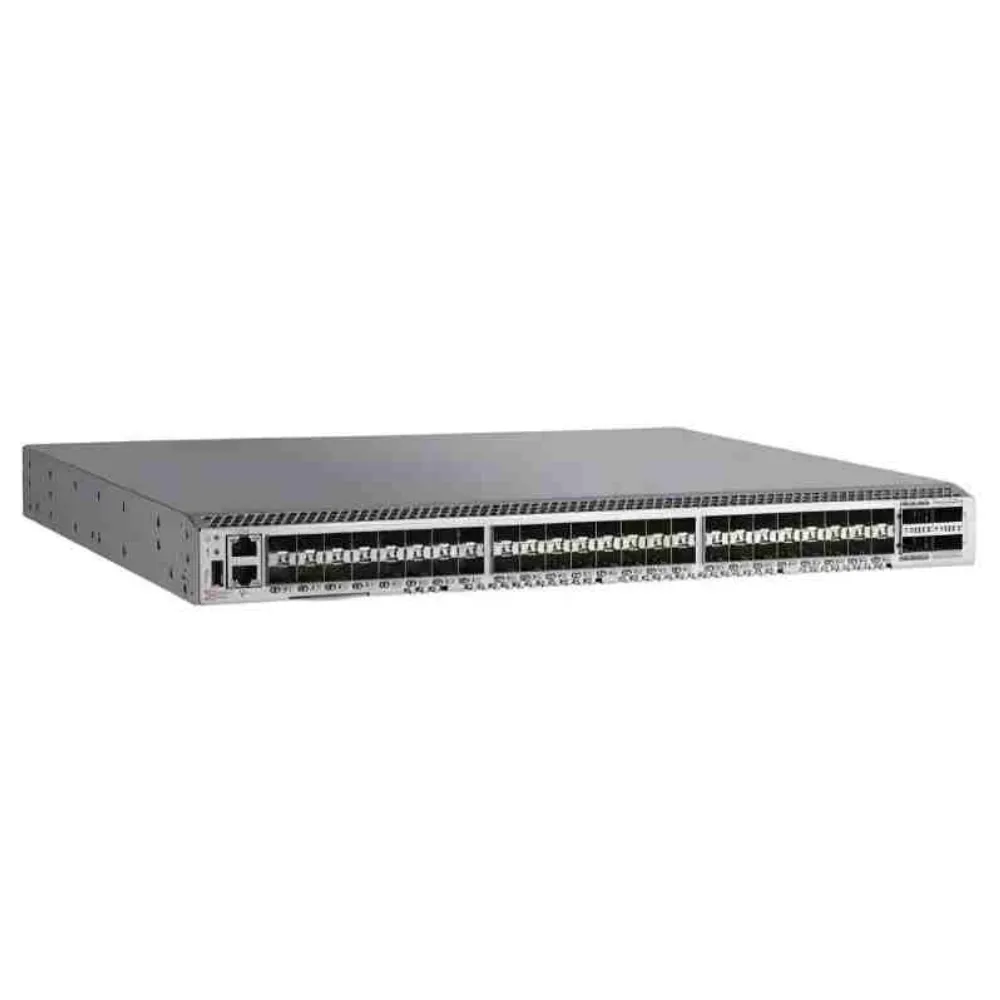
32G vs 64G Fibre Channel at a glance
Compare the link and the workload separately
In a 32G vs 64G Fibre Channel comparison, separate link capacity from the result you want. 64GFC offers twice the link bandwidth of 32GFC; it does not promise twice the application speed. The Emulex brief linked below describes that bandwidth step for its supported HBA configurations.
Link capacity, application response time, and I/O operations per second describe different things. Set a workload target, such as finishing a backup window or connecting more hosts. Then test whether the proposed change helps meet it.
| Decision point | 32GFC | 64GFC |
|---|---|---|
| Potential role | Retain where measured capacity and support meet requirements | Evaluate where added capacity serves a defined requirement |
| Host requirement | A supported 32G path | A supported 64G path for a host link operating at 64G |
| Reuse question | Which existing parts remain supported? | Which parts can remain, and at what negotiated speed? |
| Evidence of success | Required application service levels | The same service levels plus the intended improvement |
Do not read a full-duplex total as one-way throughput. Also check whether an adapter figure combines several ports. Those distinctions keep a 32G vs 64G Fibre Channel worksheet from comparing unlike numbers.
The Emulex Gen 7 HBA product brief illustrates why scope matters: its performance discussion includes dual-port, full-duplex totals. Use each figure with its stated port count and direction. Do not transfer an adapter-level maximum to a single application stream.
Give the upgrade a clear purpose
Start your 32G vs 64G Fibre Channel review by writing the problem in one sentence. For example: “We need more capacity on the shared path during the backup window.” That is more useful than “We need the latest SAN.”
For the broader selection process, use our Fibre Channel switch buying guide. If you already have the device identifiers, send your equipment list for a configuration-specific quote, including the required port speeds and support scope.
Illustrative scenario: A team plans to replace a switch because a database feels slow. Its review finds no matching bandwidth pressure on the relevant links, while storage response worsens during the same workload. The team investigates the storage constraint before buying faster ports; this example makes no claim about a real deployment or measured saving.
Measure the constraint before choosing a speed
Capture the busy periods
A useful 32G vs 64G Fibre Channel assessment looks beyond daily averages. Record host traffic and application response during the periods that matter: batch jobs, backups, migrations, or a busy trading cycle. Align the timestamps so that the observations describe the same event.
Ask the operations team to collect the counters its equipment supports:
- Port traffic and link errors.
- Queues and signs of congestion.
- Storage response and application results.
Record the tool, sampling interval, traffic direction, and workload beside the values. Match each observation to a specific path in the SAN.
Do not impose a universal utilization percentage as the upgrade trigger. An acceptable level depends on bursts, growth, service targets, and the capacity needed when a path is unavailable. Review these conditions together before choosing a speed.
A 32G vs 64G Fibre Channel proposal should state what evidence would disprove its own case. If the application remains slow when the relevant links have spare capacity, investigate other causes. A new switch should answer a documented need.
Check shared links and failure conditions
An inter-switch link, or ISL, carries traffic between switches. Check its demand alongside the host and storage links that feed it. For topology and capacity planning, see our Brocade SAN design guide.
Review the load expected on surviving paths during maintenance or failure. Do not assume a normal operating snapshot proves that the SAN can meet its service targets with less capacity. Use an approved test plan and the actual multipathing design to check that condition.
For the 32G vs 64G Fibre Channel decision, distinguish bandwidth pressure from a device that cannot receive traffic promptly. Ask which counters support the diagnosis and which corrective action addresses it. This avoids buying speed as a substitute for investigation.
Check the complete support chain
Start with the host and HBA
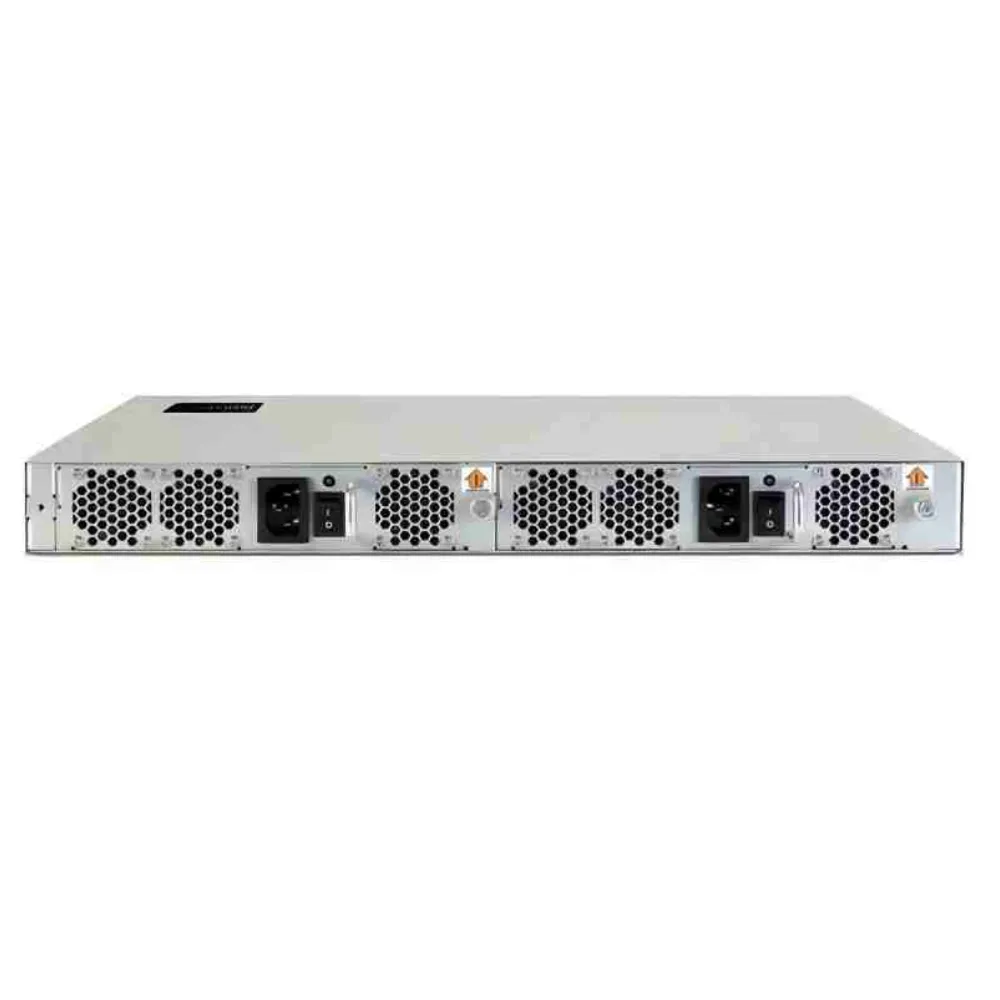
The host bus adapter, or HBA, is a separate checkpoint in a 32G vs 64G Fibre Channel upgrade. Record its exact part number, OEM identity, port count, installed optics, firmware, and driver. Then check the operating system or hypervisor support combination and the server slot requirements.
Do not assume every 32G HBA becomes a 64G HBA when you change its module. Broadcom’s brief lists the single-port LPe35000-M2 and dual-port LPe35002-M2 as upgradeable to 64GFC under its stated conditions. It lists the quad-port LPe35004-M2 as not upgradeable and notes that OEM models may differ.
That is a specific product example. Verify the applicable footnotes, approved optics, and OEM documentation before extending it to a quoted card. Also record the server’s PCIe slot capability; a slot’s physical length alone is not a complete bandwidth specification.
Verify both sides of every link
Use a path record for the 32G vs 64G Fibre Channel review. Each row should describe a physical connection, with evidence for both ends. Keep missing approvals visible until the equipment vendor or support provider resolves them.
| Path checkpoint | Record | Approval to obtain |
|---|---|---|
| Host connection | HBA SKU, firmware, driver, OS, switch port | Supported host and switch combination |
| Optical connection | Both module SKUs, cable type, route, connectors | Supported speed, media, and reach |
| ISL | Switch models, software, ports, optics | Supported fabric connection and configuration |
| Storage connection | Array model, controller ports, software | Supported host protocol and connection |
This record gives the 32G vs 64G Fibre Channel discussion a clear owner for each open item. Don’t accept “compatible” without the exact equipment combination and the document revision behind it. Save the approval with the configuration record.
Separate endpoint support from fabric interoperability
A switch accepting a lower-speed device does not prove that any two switch families can form a supported fabric. Treat endpoint connection, mixed switch operation, and software interoperability as separate approvals. Check each against the documents for the proposed environment.
The Cisco MDS 9396V data sheet gives a concrete staged-upgrade example. It describes a 96-port 64-Gbps platform that can use existing 32- or 16-Gbps transceivers, with later upgrades to 64-Gbps transceivers and adapters. Confirm the supported modules and software before applying that option.
For a Brocade platform comparison, use our G620 vs G720 configuration guide. Keep that model decision separate from whether the whole application path needs a speed upgrade.
Verify the optical route
Include optics and cabling in the 32G vs 64G Fibre Channel support check. Record fiber grade, route length, patch panels, connector condition, and the approved modules at both ends. Ask for the relevant reach and loss limits instead of assuming a universal cable distance.
Do not approve reuse because the connector fits. Identify the existing cable and compare its documented route with the requirements of the selected optical link. Where records are incomplete, arrange inspection or testing before committing to reuse.
Choose whether to retain, stage, or complete the upgrade
Retain a supported 32G configuration
Use this decision table to summarize the 32G vs 64G Fibre Channel options. It is a planning aid, not a substitute for site measurements.
| Option | Evidence to gather | Next action |
|---|---|---|
| Retain 32G | Service targets met; capacity and support reviewed | Set a review date |
| Stage 64G | A current refresh need; approved mixed-speed connections | Document both stages |
| Complete the affected path | Measured need; complete support chain | Agree on acceptance tests |
Keeping 32G can be the right outcome of a 32G vs 64G Fibre Channel assessment. Confirm that the configuration meets current service targets and the agreed growth plan. Check its product-specific support dates and spare-parts strategy separately from its speed.
A newer speed generation does not establish that every older product has reached end of support. Use the lifecycle notice for the exact model. Record when the team will reassess capacity, so that retaining equipment becomes a managed choice.
Stage the investment
A staged 32G vs 64G Fibre Channel plan might introduce a supported 64G-capable switch while selected endpoints remain at 32G. Write those operating speeds into the plan. Future capability and current end-to-end performance are separate deliverables.
Illustrative scenario: A team must replace a switch now, but its host refresh is scheduled later. It asks for a supported configuration that retains selected 32G connections and documents the later HBA and optics changes. The decision depends on approvals and comparable quotes, not an assumed return on investment.
For this 32G vs 64G Fibre Channel path, define the cost of each stage and any duplicated work. Include the second maintenance window, temporary parts, and support changes where applicable. A phased purchase is useful only when its dependencies are clear.
Complete the path where demand justifies it
Choose an end-to-end upgrade when measured demand, planned growth, and supported equipment make a clear case. Include the affected host links, shared links, and storage connections in the scope. Do not assume that replacing one component achieves the whole target.
In a 32G vs 64G Fibre Channel proposal, state the required result and the test that will confirm it. This might be a workload deadline, a response-time target, or enough tested capacity during maintenance. Avoid promising an application speedup based only on port ratings.
Compare 32G vs 64G Fibre Channel procurement scope
Request equivalent bills of materials
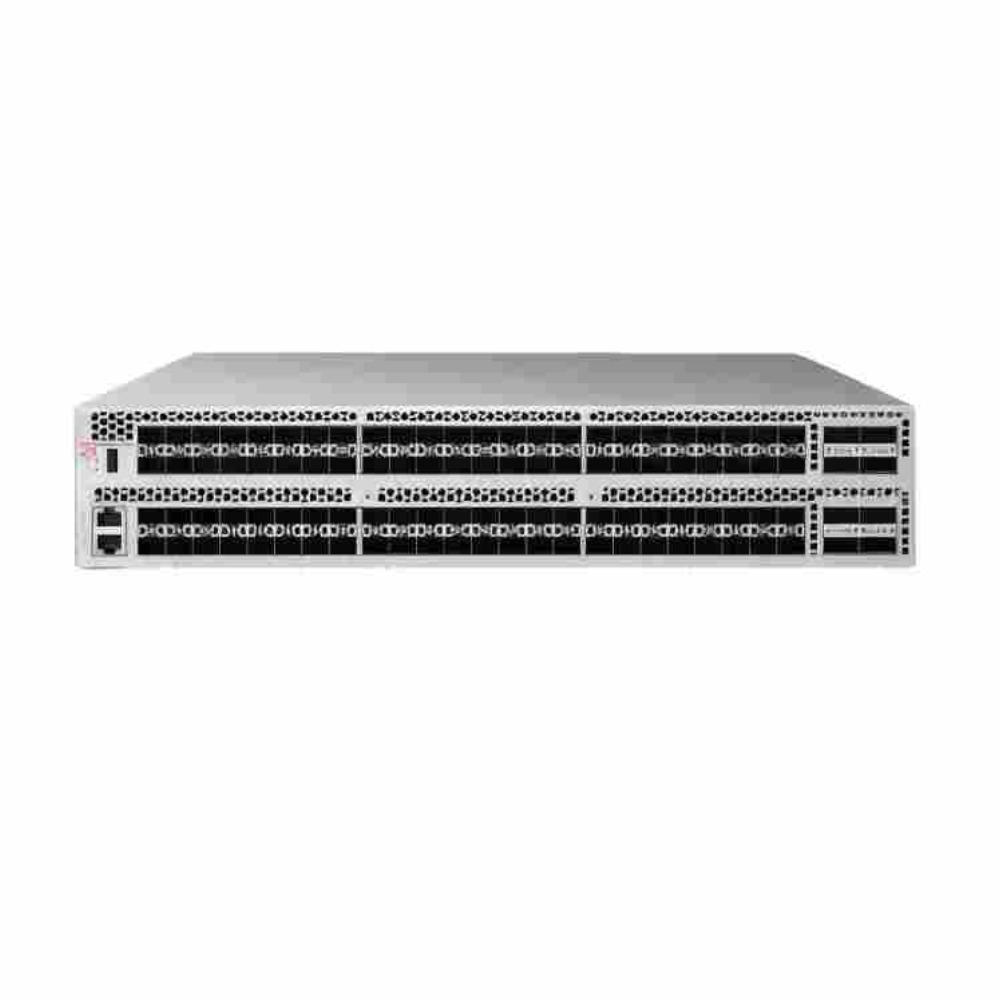
Price a 32G vs 64G Fibre Channel option against the same required port count, redundancy, and support coverage. An incomplete switch quote can look attractive while leaving out the parts needed to use it. Make every exclusion explicit before comparing totals.
| Quote line | Information to request |
|---|---|
| Switches and ports | Exact models, quantities, enabled ports, included licenses |
| Host adapters | OEM SKUs, optics included, server and software support |
| Optics and cables | Both ends of each link, module SKUs, cable specifications |
| Software and support | Required licenses, coverage period, service terms |
| Deployment and spares | Implementation scope, test responsibilities, spare quantities |
Our Brocade SAN switch price guide explains the wider quote components. Use actual supplier responses for prices, availability, and warranty terms. This article does not assume a standard 64G premium or a fixed payback period.
If you are collecting bids, ask CREA DAS TECH through its contact page for an itemized equipment quote. Include your path record and identify which compatibility approvals are already complete. Ask the supplier to list any outstanding checks and excluded items.
Make the decision traceable
The 32G vs 64G Fibre Channel comparison should end with a short written rationale. List the operational need, the supported configuration, the complete quoted cost, and the acceptance test. Keep expected benefits separate from results already measured.
Give each unresolved dependency an owner and a due date. A quote can support a procurement decision, but it does not replace engineering approval of the full environment. Resolve those dependencies before the change window is booked.
Validate the migration before expanding it
Agree on the change and rollback plan
Before acting on the 32G vs 64G Fibre Channel decision, review the migration with the people responsible for hosts, fabric, and storage. Confirm backup arrangements, maintenance windows, support contacts, and rollback criteria. Test the plan against the site’s own availability requirements.
Do not assume dual fabrics alone guarantee an interruption-free change. The sequence depends on the actual design and tested multipath behavior. Use the vendor-approved procedure for that configuration instead of borrowing commands from another environment.
Record technical and application acceptance
For a 32G vs 64G Fibre Channel migration, capture a baseline and repeat the agreed workload after the change. Check actual negotiated speeds, link health, path visibility, and application results. Use comparable test conditions and note any changes that could affect the result.
Illustrative scenario: A team upgrades the shared links serving a backup workload after confirming the constraint. During acceptance, it checks the backup result as well as link status and a planned path failover. A correct port speed alone would not complete its sign-off.
Keep a short acceptance record:
- Test name, workload, and pass criteria.
- Baseline and post-change results.
- Negotiated speeds and path health.
- Planned failover result and any exceptions.
- Reviewer and sign-off date.
If the business target is missed, investigate before expanding the rollout. Keep the original baseline with the 32G vs 64G Fibre Channel acceptance record.
Frequently asked questions
Can a 64G Fibre Channel switch connect to 32G devices?
Yes, supported mixed-speed configurations exist. The Cisco platform example above shows one approach. For your own 32G vs 64G Fibre Channel configuration, verify the exact switch, modules, endpoint, and software combination before assuming support.
Can I upgrade a 32G HBA just by changing its optics?
Only if the specific HBA and its support conditions allow it. The Emulex examples above show both upgradeable models and an exception. Confirm the OEM SKU and approved optics rather than relying on the family name.
Does 64GFC require new fiber cabling?
Not automatically, but reuse needs validation. Check the installed fiber, complete route, loss budget, and the selected modules’ supported limits. Cable condition and documentation should form part of that decision.
Does NVMe/FC require 64G links?
No. FCIA’s FC-NVMe deep-dive Q&A explains that FC-NVMe is not tied to a particular speed. Qualification still depends on the operating system and equipment vendors, so protocol support and speed selection need separate checks.
Will a 64G switch make my 32G storage connection run at 64G?
A switch replacement does not change the storage port’s supported rate. Check the actual negotiated connection speed and the other links carrying the workload. Any overall application benefit needs measurement rather than an assumption.
What should a 32G vs 64G Fibre Channel quote request include?
Include switch, HBA, and array identifiers; software versions; port counts; optics; cable routes; redundancy needs; and support requirements. State which links you want to change and the business result you need.
Use the 32G vs 64G Fibre Channel decision to choose a supported path: retain capacity that meets the requirement, stage a documented refresh, or upgrade the complete affected path. Request a configuration-specific quote from CREA DAS TECH with your equipment list and acceptance criteria so the proposal can address that plan.