Choose a Fibre Channel SFP by matching the exact module to the port, storage protocol, required speed, fiber route, and supported software combination at both ends. A module that fits the opening is not automatically a supported choice for the link.
That distinction matters when you reuse optics, replace a switch, or request a quote based on a short description. Terms such as “32G shortwave” help narrow a search, but they leave questions about the devices, cable, and support conditions. This guide gives you a practical record for closing those questions before ordering.
You will learn how to read a scoped distance table, separate form factor from protocol, and document the evidence behind a Fibre Channel SFP choice. The goal is a complete link specification that engineering and procurement can review together.
Key takeaways
- Identify the devices and software before selecting the optical module.
- Separate the module’s physical form from its supported protocols and rates.
- Read distance together with part number, operating rate, and fiber grade.
- Confirm support at both endpoints rather than relying on a generic compatibility label.
- Keep the approved module and cable details with the quote and acceptance record.
Choose a Fibre Channel SFP for the actual link
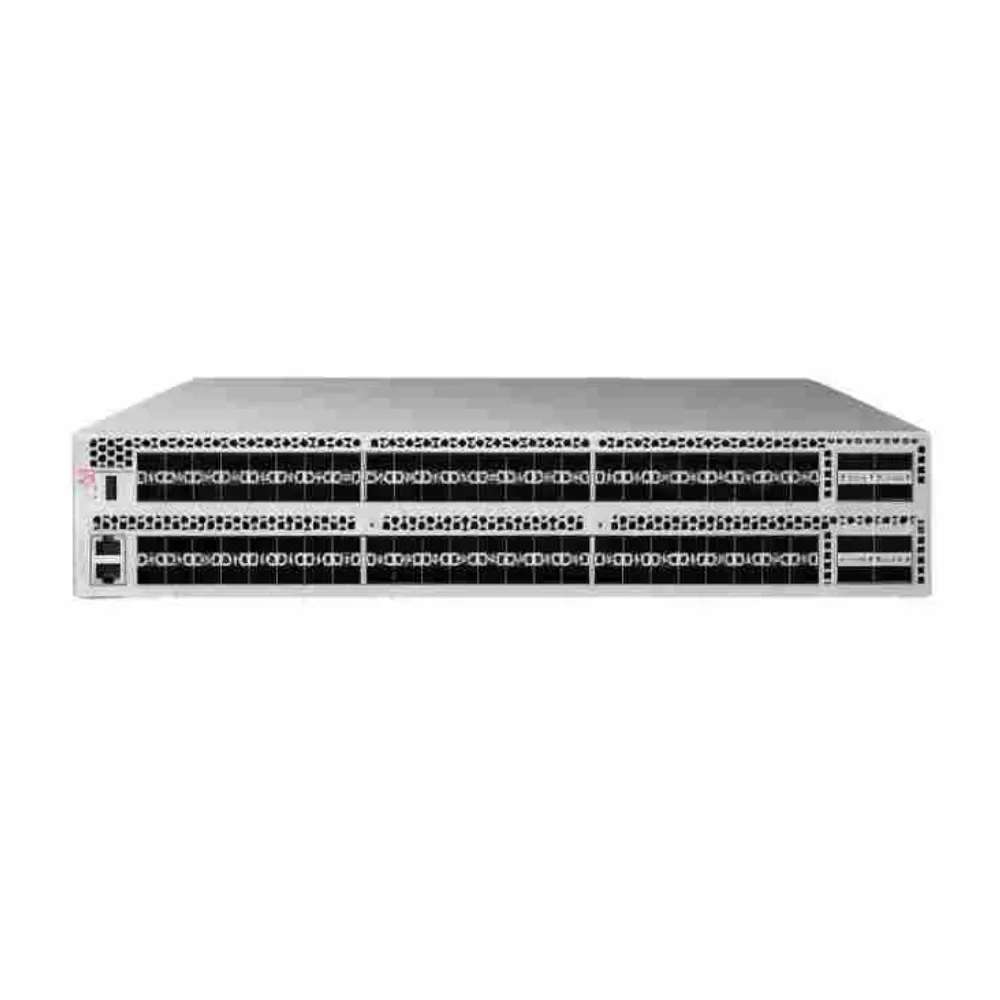
Start with a connection, not a shopping category. Record the switch port and the device at the other end, such as a host bus adapter, or HBA, or a storage controller. Include exact hardware and software identifiers wherever possible.
The same project can contain several link types. A switch-to-host connection may have different requirements from an inter-switch connection. Keep each proposed Fibre Channel SFP attached to its intended role so that one approved module is not casually substituted across the whole fabric.
Record what you know and what remains open
For each Fibre Channel SFP, create a line for its connection with the two endpoints, required protocol, intended rate, module part numbers, and cable route. Mark unknown fields as pending. Name an owner for each. Do not let an incomplete description become an approved purchasing assumption.
For the wider equipment decision, use our Fibre Channel switch buying guide. It explains how media fits into a complete configuration. This article focuses on the evidence needed for a particular optical link.
If you already have the equipment identifiers, send CREA DAS TECH your module and connection requirements. State what must be retained and what may change. A Fibre Channel SFP inquiry is easier to answer when it describes the actual link rather than only a connector shape.
Include the remote endpoint
A Fibre Channel SFP can be listed for one switch without that fact approving the complete connection. Check the remote device’s supported media and operating conditions too. Keep the source of each approval with the link record.
Illustrative scenario: A buyer requests replacement optics because the existing modules fit an available port. Engineering asks for the device identifiers and protocol before approving a part number. The example shows a missing input; it is not a customer incident or a claim that a particular module failed.
Separate form factor, protocol, and operating rate
SFP and SFP+ are form-factor terms. They do not, on their own, establish which protocols a module and port can use together. An Ethernet optical module should not be treated as a native FC module simply because both fit similar openings.
The Cisco MDS transceiver data sheet separates FC and Ethernet products and includes platform-specific tables and footnotes. Use that kind of detail when checking a Fibre Channel SFP, rather than relying on the general category name.
Ask three different questions
First, does the module physically match the intended interface? Second, do the module and port support the required protocol and rate? Third, does the equipment vendor support that exact combination under the intended software?
These questions are related but distinct. Passing the first check does not answer the other two. Your Fibre Channel SFP record should identify the evidence for each, particularly when the quoted item differs from the module originally reviewed.
Treat multirate behavior as a specific capability
Do not assume that every higher-rate module works at every lower rate. Check the module specification, port capabilities, remote endpoint, and software conditions. A rate listed for one part number does not establish the behavior of another.
When reusing existing optics during an upgrade, list the retained links separately from the new links. Record the intended operating rate for each. This prevents the platform’s maximum capability from being mistaken for the rate that every connection will use.
Our G620 and G720 comparison illustrates why hardware configuration and family capability need separate treatment. Apply the same discipline to a Fibre Channel SFP proposal: ask what the exact offered part supports in the exact intended port.
Keep naming and throughput distinct
A product’s FC rate name is not necessarily the same number shown in every physical-rate table. Neither number, by itself, describes the application’s useful throughput. Keep the table heading and units when recording a specification.
Avoid turning a faster optical module into a promise about database or virtual-machine response time. Performance depends on the complete service and workload. Select supported media first, then validate the actual deployment against agreed requirements.
Match Fibre Channel SFP fiber, wavelength, and reach
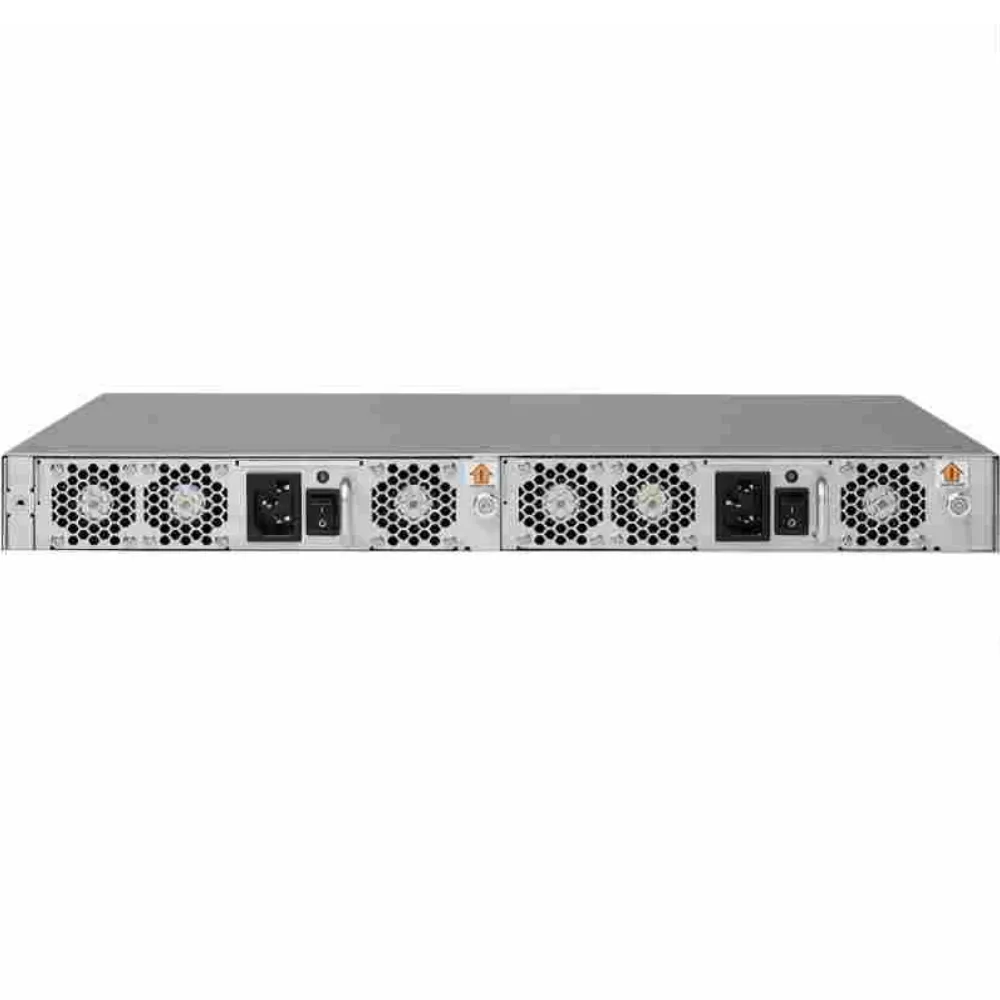
Read reach as a conditional value. The part number, operating rate, fiber type, fiber grade, and relevant notes belong together. A maximum distance copied without those fields can lead to the wrong module or cable decision.
The following example uses the Cisco data sheet’s DS-SFP-FC32G-SW entries at the listed 28.05-Gb/s operating-rate row. It demonstrates how one module has different reach values with different fiber grades; it is not a universal FC distance table.
| Exact module | Wavelength | Fiber and rate condition | Published reach |
|---|---|---|---|
| DS-SFP-FC32G-SW | 850 nm | MMF OM2, listed 28.05-Gb/s row | 20 m |
| DS-SFP-FC32G-SW | 850 nm | MMF OM3, same rate row | 70 m |
| DS-SFP-FC32G-SW | 850 nm | MMF OM4/OM5, same rate row | 100 m |
The same source lists DS-SFP-FC32G-LW as a 1310-nm single-mode option with a 10-km distance under its specified rate conditions. Check the full entry and notes before using that value. These examples do not approve either module for every platform.
Keep the cable route in the record
Identify the installed fiber and the actual path, including patching and connectors. Do not infer the fiber grade solely from a jacket color or a short verbal description. Ask the responsible team to confirm the cable information used in the design.
For a Fibre Channel SFP decision, a distance limit is not a substitute for the applicable optical specifications and link-budget review. Use the relevant transmitter, receiver, and channel requirements. Leave missing values unresolved instead of applying an invented universal loss threshold.
Review changes to fiber assumptions
If the route changes, repeat the affected checks. A different fiber grade, patching arrangement, or endpoint may change which specification applies. Keep the approved revision with the connection record so the installer knows which route was reviewed.
Illustrative scenario: A team selects media using an OM4 assumption, then discovers that the existing route needs its fiber grade confirmed. It pauses that selection and checks the applicable table again. No test result or service failure is assumed; the example shows why a Fibre Channel SFP record needs cable evidence.
Use platform documents as well as module tables
The Cisco MDS 9132T technical specifications provide another platform-specific reference. Their scope matters: a table for that platform should not be treated as approval for a different switch family.
For Brocade equipment, obtain the applicable platform, software, and supported-media documentation. The Brocade SAN design guide provides broader deployment and diagnostics context, but it does not replace the exact support record for each proposed module.
Verify equipment and software support
Bring the hardware and media checks into one compatibility record. Name the source, relevant section, version, and date checked. Add the person who can approve any remaining condition before the item enters the purchase request.
Your Fibre Channel SFP review should distinguish a module’s stated capability from support for the installed combination. A seller’s generic “compatible” description is not a complete record of software requirements or troubleshooting responsibility.
Build an endpoint-to-endpoint matrix
| Record field | Required detail | Approval question |
|---|---|---|
| Local device | Model, port, hardware identity, and software | Is the module supported here? |
| Remote device | HBA or controller model and relevant versions | Is the remote connection supported? |
| Module | Exact part number and intended rate | Does it match the reviewed specification? |
| Media route | Fiber grade, connectors, path, and length | Do the optical conditions apply? |
| Evidence | Vendor document or written confirmation | What combination does the answer cover? |
| Responsibility | Technical owner and support provider | Who resolves an issue or changed component? |
Keep open questions visible. If the required support evidence is unavailable, the configuration is not ready for unconditional approval. A Fibre Channel SFP may be a small item in the order while still depending on several other parts of the service.
Clarify third-party support without blanket claims
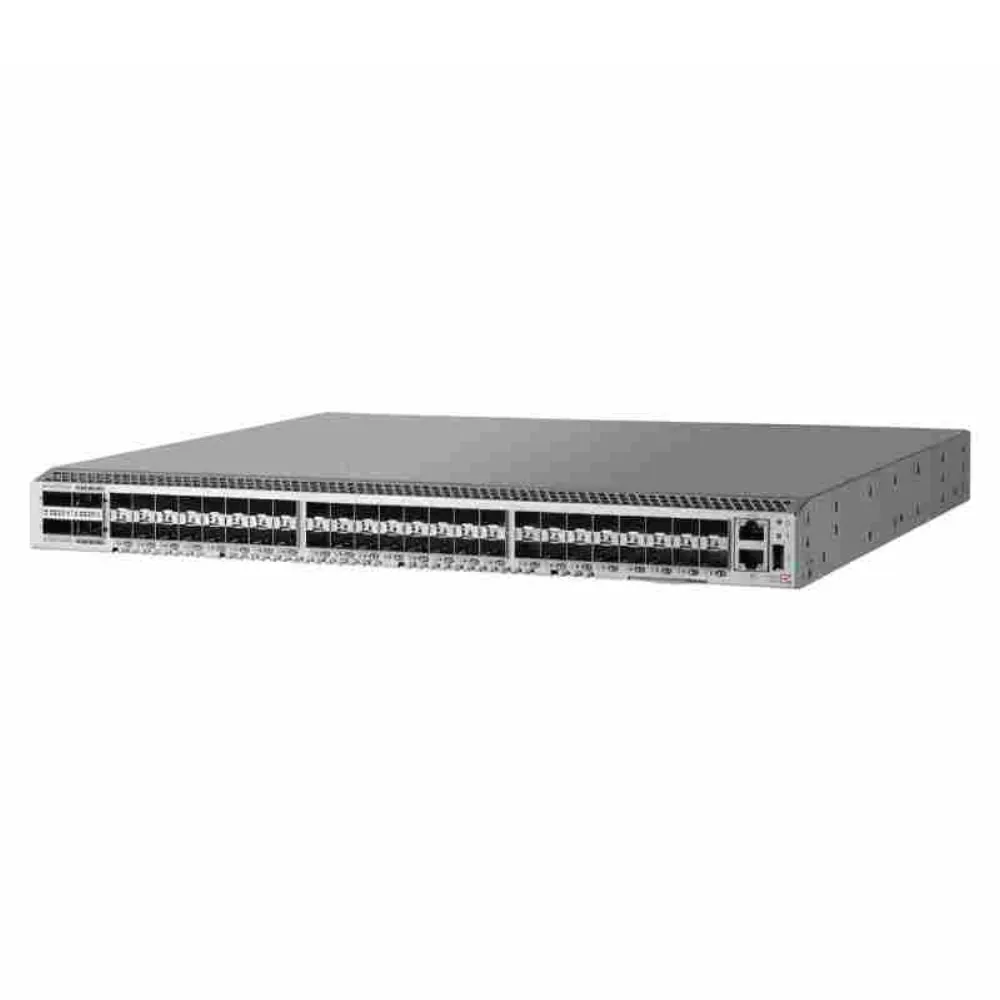
If third-party media is proposed, ask how its supported use is established and who handles troubleshooting. Request the relevant terms from the equipment and module providers. Do not assume either universal acceptance or an automatic loss of all warranty rights.
Record the practical process: which team checks the module, what evidence it needs, and how a replacement is handled. Separate those responsibilities from the price. The least expensive Fibre Channel SFP offer is not necessarily comparable with another offer until their scope is clear.
Recheck evidence when a component changes
A replacement part, new software release, or changed endpoint can affect an earlier approval. Preserve the original record and identify the changed fields. Repeat the checks that depend on them before treating the new item as equivalent.
When the matrix is ready, request a configuration-specific equipment response. Include the source references and open questions. The response should identify the proposed Fibre Channel SFP and its conditions rather than silently filling gaps in the design.
Build the quote and link acceptance record
Specify the required module quantities and the links they serve. Include approved spares, cable items, equipment condition, and any test or documentation requirements. Do not assume that ordering one switch-side module completes an entire connection.
For broader cost scope, read our Brocade SAN switch price guide. Keep this Fibre Channel SFP request tied to exact part numbers and supported use, while the commercial record identifies inclusions, exclusions, and applicable terms.
Match receipt to the approved request
At receipt, compare the supplied labels, quantities, condition, and accompanying records with the approved order. Resolve discrepancies before making unreviewed substitutions. Keep the receiving record with the link matrix and quotation revision.
Illustrative scenario: A supplier proposes a replacement module after the original selection. The buyer sends its exact identifier for the affected support and media checks before accepting it. The example describes a review method, not a guarantee that the substitute will work or a report of a customer outcome.
Plan testing under the applicable procedure
Use the equipment vendor’s installation, handling, cleaning, and diagnostic guidance. Assign qualified owners for work on live or planned service. This article is a selection checklist, not a version-independent set of production commands.
Separate link status from service acceptance
| Check | Evidence to keep |
|---|---|
| Receipt | Exact supplied identifier and order revision |
| Link test | Approved tool, conditions, and observations |
| Service check | Agreed workload and acceptance decision |
A link-up indicator does not prove every requirement of the storage service. Agree on the observations, workload checks, and stop conditions with the host and storage owners. Keep diagnostic results within the scope of what was actually tested.
Use our SAN design guide for the connection and failure-condition planning around the media. A Fibre Channel SFP should enter service with a usable record of where it belongs, why it was selected, and who owns future changes.
FAQs and next steps
Can a Fibre Channel SFP work in an Ethernet port?
Do not decide from the opening alone. Check whether the port, module, software, and remote endpoint support the intended protocol. Physical fit and a generic form-factor label are insufficient evidence of a supported FC connection.
Can I reuse a 16G module during an upgrade?
Check the exact module, intended operating rate, replacement platform, software, and remote device. Document the retained connection as its own configuration. A higher-capability chassis does not establish that all existing optics can be reused.
Does a 100-m specification apply to every fiber?
No. Keep the module, rate, fiber grade, and footnotes with the reach value. The Cisco example above lists different distances for different multimode grades at the same rate. Do not apply its OM4/OM5 value to an unverified route.
Does a diagnostic reading prove that the link is accepted?
It provides evidence within the tool’s supported scope. Acceptance still needs the agreed checks for the actual connection and service. Record the Fibre Channel SFP test condition, tool, result, and owner rather than turning one reading into a universal assurance.
What should I send with an inquiry?
Provide the device and port identifiers, software versions, intended rate, existing or proposed module part numbers, fiber details, quantities, and support expectations. Name any fields still awaiting confirmation.
For the next step, share your optical-module requirements with CREA DAS TECH. A sound Fibre Channel SFP choice connects the part number to a supported link, a clear quotation, and an acceptance record the operating team can maintain.