A Brocade SAN switch price is meaningful only when it identifies the model, equipment condition, active ports, optical modules, software rights, and support scope. Compare complete written offers on the same basis before deciding which one costs less.
A public price is a useful starting point, but it may leave important questions open.
Does it cover the connections you need? Is support included? Can the supplied configuration be maintained? This guide turns those questions into a quote comparison sheet and a request for quotation, or RFQ, that your engineering and purchasing teams can review together.
You will see a dated public example, learn which items to separate, and build a record of what is included or still unknown. The aim is a usable purchase decision, rather than a misleading market average built from unlike products.
Key takeaways
- Match the exact part number and configuration before comparing prices.
- Separate active ports, optical modules, software features, and support.
- Keep equipment condition and commercial warranty distinct from manufacturer support.
- Mark missing costs as unknown rather than treating them as zero.
- Attach the approved configuration and acceptance conditions to the RFQ.
What does a Brocade SAN switch price include?
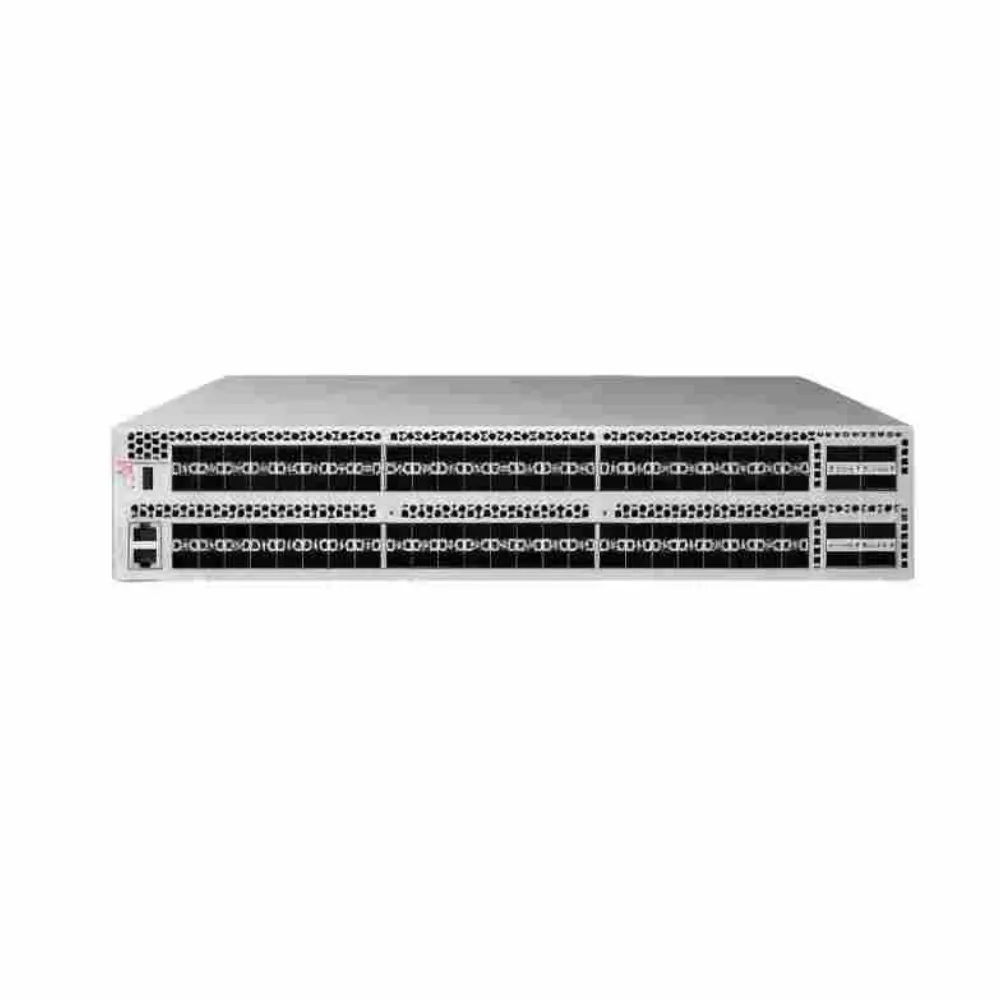
Start the Brocade SAN switch price review by identifying the offered items. A chassis description, a configured switch, and a supported deployment are different purchasing scopes. If the description does not say which scope applies, ask before comparing its total with another offer.
Use the same requirements for each supplier. Specify the model or required function, initial connections, media, software environment, equipment condition, quantity, and destination. Your Brocade SAN switch price comparison should show the items needed for the approved project, including those supplied elsewhere.
Keep the device requirement clear
Make sure the request concerns Fibre Channel storage equipment. A search for Brocade hardware can also surface other product families or older devices. A familiar brand name and an optical interface do not establish that an offer meets the storage requirement.
If you are still choosing the platform, use our G620 and G720 configuration comparison. It addresses the equipment decision; this article focuses on how to compare the resulting commercial scope.
For an initial offer, send CREA DAS TECH your required model and configuration. Include any missing details as open questions. Ask for an itemized response rather than assuming that a Brocade SAN switch price includes every accessory or entitlement.
Identify the type of price
Distinguish the amount shown on a public page from a written supplier offer and the amount agreed for an actual order. A list figure, displayed selling price, and account-specific price may have different conditions. Retain the labels used by the source instead of renaming them yourself.
Illustrative scenario: A buyer finds a low chassis price and compares it with a configured offer. The first description does not identify optical modules. The buyer asks both suppliers to state the media quantities before comparing totals. This is a hypothetical purchasing example, not a customer result or a claim of savings.
Read public prices with their configuration limits
On October 29, 2026, the CDW page for BR-G720-24-32G-R displayed 30,802.00andalsoshowed45,239.00. It included a sign-in prompt for account pricing. These are observations from that page, not a current offer from CREA DAS TECH or a market-wide price range.
The page identifies the 24-port product and its manufacturer part number. Before using that Brocade SAN switch price in a budget, confirm currency, quote validity, delivery terms, taxes, included components, support, and the price available to your account. Do not infer a completed transaction or a particular discount from two displayed amounts.
Build a price evidence card
Record enough detail to explain a Brocade SAN switch price after the page changes. Save the URL, observation date, part number, displayed amount, source labels, and unanswered questions. An isolated number copied into a spreadsheet quickly loses its meaning.
| Field | What to record | Why it matters |
|---|---|---|
| Source and date | URL and date checked | Public pages can change |
| Identity | Full part number and configuration | Similar names can describe different offers |
| Currency and quantity | Explicit currency and unit basis | A symbol alone may be unclear |
| Condition | New, used, refurbished, or unspecified | Offers may carry different commercial terms |
| Included items | Ports, media, licenses, accessories, and support | Defines the comparison scope |
| Exclusions | Taxes, delivery, services, or other missing items | Prevents an incomplete total |
| Validity | Written expiry or a request for confirmation | A snapshot is not a standing quotation |
If a field is not stated, label it unknown. Do not fill it from assumptions about the brand or the seller. A Brocade SAN switch price evidence card should preserve uncertainty as carefully as it preserves the amount.
Avoid comparisons between unlike products
A used older-generation switch is not a price benchmark for a different current configuration. Neither is a port expansion license, a support renewal, or an OEM-specific item a substitute for a complete hardware offer. Identify the purchasing object before comparing the figures.
The same applies to public price lists from earlier years. Their dates and contract context matter. They can document what a source published at that time, but they do not establish today’s deliverable configuration or available price.
Build the Brocade SAN switch price comparison sheet
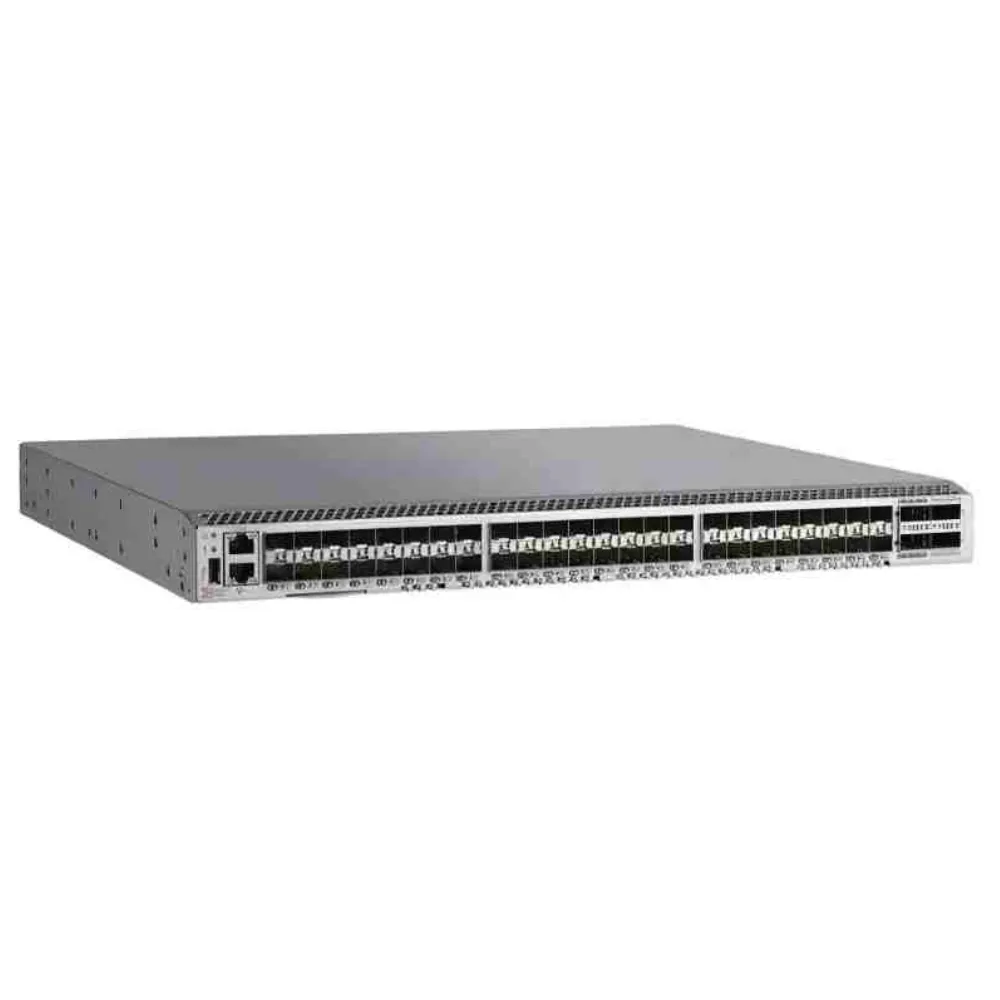
Use the same bill of materials, or BOM, for each supplier. Give each required item a line, quantity, status, and evidence reference. Use included, excluded, or pending as distinct statuses so that a blank cell does not become a false zero.
The G720 product brief describes family-level capacity and expansion, including a 1U platform and growth from 24 to 64 logical ports. Those facts do not identify the ports, media, or rights included in a particular seller’s package.
Separate hardware and enabled capacity
For each Brocade SAN switch price offer, request the part number, hardware identity, quantity, and condition. Confirm how many connections are enabled at delivery and which expansion options apply. Do not substitute the maximum family capacity for the active capacity in the offer.
For a G620 proposal, use the G620 product brief as a platform reference and confirm the applicable revision and configuration separately. Product-family information helps check an offer; it is not proof of the contents of an individual shipment.
List optics and installation items
Ask for optical module part numbers, quantities, intended speeds, and the connections they serve. Record cables, mounting items, power cords, and airflow requirements where they affect the order. If the project reuses equipment, identify what engineering has approved for reuse.
A Brocade SAN switch price should not be called complete while required media is left as “compatible optics” with no details. The exact supported combination needs confirmation at both endpoints. Keep that approval separate from the commercial amount.
| Cost line | Supplier A | Supplier B | Evidence or decision needed |
|---|---|---|---|
| Hardware and condition | To specify | To specify | Exact identity and supplied condition |
| Active ports and expansion | To specify | To specify | Launch capacity and future options |
| Optical modules and cables | To specify | To specify | Part numbers, quantities, and supported use |
| Required feature rights | To specify | To specify | Named inclusions and exclusions |
| Software access | To specify | To specify | Responsible provider and access terms |
| Management tools | To specify | To specify | Version, scope, and any recurring term |
| Support and warranty | To specify | To specify | Provider, duration, process, and exclusions |
| Installation and delivery | To specify | To specify | Accessories, destination, and charges |
This is a blank template, not a pair of real quotations. Use it to keep the Brocade SAN switch price discussion on a shared scope. Attach the source document or written response that closes each pending line.
Check operating features before discussing extras
List the functions that the approved design requires. Ask whether each is included in the proposed package, needs another entitlement, or has a version or platform condition. Do not assume that every feature is an extra purchase, or that activating all ports includes all functions.
Compare condition, software access, and support terms
Equipment condition and support arrangements need their own review. A device may be described as tested or refurbished without that description answering every question about software, future updates, or manufacturer support. Ask what the supplier’s words mean and what evidence is available.
Your Brocade SAN switch price record should distinguish the seller’s commercial warranty from any separate support arrangement. Identify the provider, term, covered items, process for reporting a problem, and exclusions. Avoid treating a general warranty statement as proof of every required service.
Ask about used and OEM equipment precisely
For previously deployed equipment, request the offered condition, identification, testing record, included components, and return or acceptance terms. Where serial details are needed for a support check, handle them through the purchasing process. Do not imply that this article has authenticated a unit.
For an OEM-branded or channel-specific offer, clarify which organization supplies software access and support. Confirm the exact hardware and software combination rather than assuming that a similar family name creates identical rights. Transfer, renewal, and access conditions need applicable documentation or written confirmation.
Illustrative scenario: Two offers use the same platform name. One states a support term and escalation process; the other lists only a seller warranty. The buyer records the difference and requests clarification before comparing the Brocade SAN switch price totals. No conclusion about either seller’s service quality is assumed.
Assign ongoing ownership
Decide who will maintain the entitlement records, obtain approved software, monitor renewals, and contact support. Record the owner alongside the cost line. An expense can be missing from a comparison because no one has yet claimed responsibility for the task.
If an offer does not establish a required support condition, keep it pending. A low Brocade SAN switch price cannot settle a mandatory engineering or operating requirement. First determine whether the proposed configuration can meet that requirement under acceptable terms.
Calculate a scoped total and prepare the RFQ
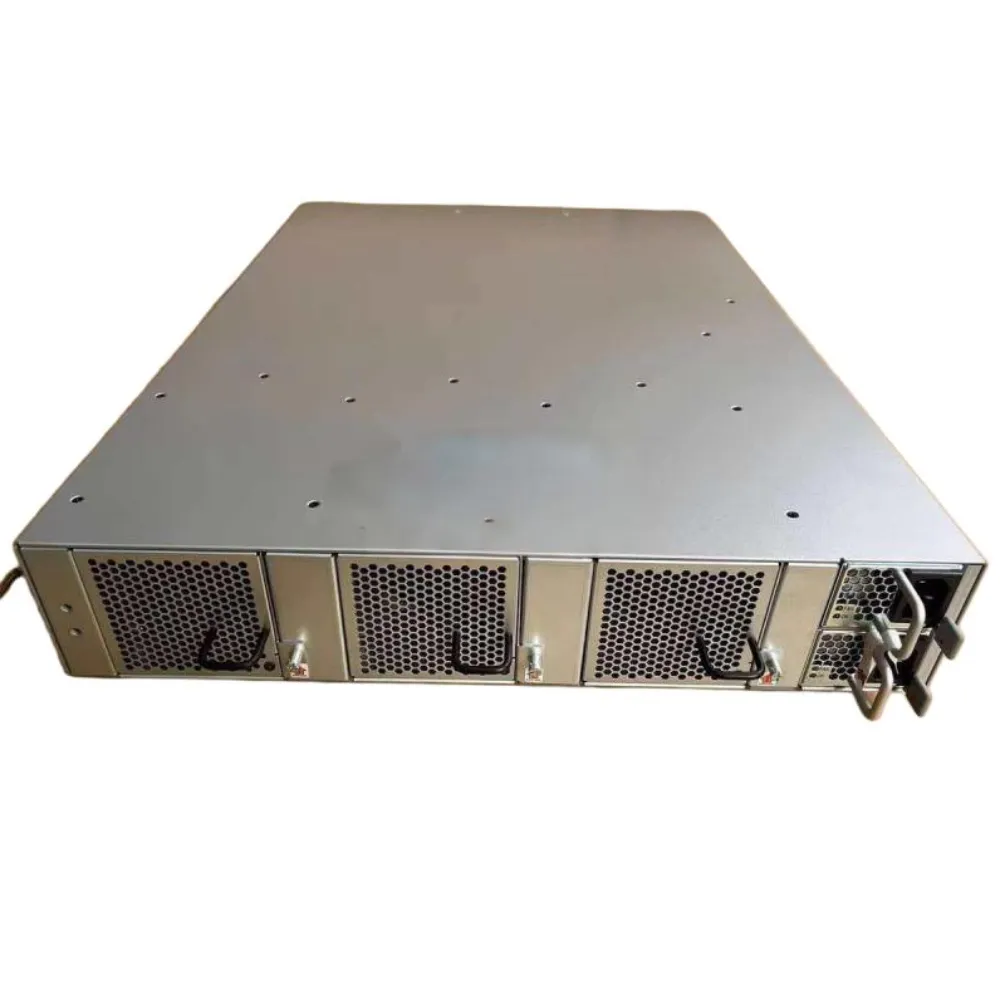
Set a common quantity, currency, evaluation period, and deployment scope before adding costs. Separate one-time items from recurring charges and planned expansion. Identify the assumptions used for delivery, taxes, installation, and any operating-cost estimate.
Compare documented amounts only. When a required line is unpriced, show an incomplete total and the missing item. Do not use a zero value to make a Brocade SAN switch price worksheet look finished.
Keep the calculation explainable
For a hypothetical arithmetic example, assume equipment costs 100 units, required media costs 20 units, and a defined support term costs 10 units. Their subtotal is 130 units before any excluded charges. These invented units demonstrate addition; they are not currency, a market estimate, or an offer.
If another quotation excludes the media, its visible total is not directly comparable with that subtotal. Complete the Brocade SAN switch price scope before claiming a saving. Do not combine this example with the real CDW snapshot to create an implied configured price.
Our Brocade SAN design guide helps establish the connection quantities behind the request. Use the Fibre Channel buying guide for the broader procurement process. This Brocade SAN switch price worksheet should remain focused on cost scope and evidence.
Send an RFQ that suppliers can answer
Include the required part number or reviewed platform, quantities, initial active connections, media, software environment, equipment condition, support expectations, and delivery destination. Ask for Brocade SAN switch price inclusions and exclusions in writing. Provide a contact for technical questions.
Use the Brocade catalog to identify product references, then confirm the actual offered configuration. A listing is not a guarantee of stock, price validity, support rights, or every capability described for the family.
When the worksheet is ready, request an itemized configuration quote. Attach the required fields and pending questions so the response can identify what is available and what still needs confirmation.
Review the unresolved items before approval
Give each pending line an owner and a date for a response. Ask what evidence would close it: a revised offer, a part number, or written support terms. A Brocade SAN switch price worksheet is easier to approve when every required item has a clear status.
Keep the same scope when an offer changes. If a supplier replaces a component or changes a term, repeat the checks that depend on it. Save the new revision with the reason for the change. This keeps the Brocade SAN switch price record useful after the initial comparison and helps the receiving team know which offer it should use.
Agree on acceptance and substitutions
Attach the approved BOM revision to the order. At receipt, compare the supplied identifiers, components, records, and documented activation with that revision. Assign responsibility for resolving discrepancies before the equipment enters service.
Illustrative scenario: A supplier proposes an alternative optical module after the initial review. The buyer sends it for the affected compatibility and commercial checks before accepting the change. The example shows why Brocade SAN switch price approval should remain tied to a specific configuration, not just a model name.
Keep service validation separate from receipt. The operating team should approve the deployment checks, observations, and rollback conditions. This article provides a purchasing method; it does not certify a production design or promise a nondisruptive migration.
FAQs and next steps
Why do prices differ for the same model?
Check the exact part number, condition, enabled connections, media, software, and support. Also compare quantity, currency, taxes, delivery, and validity. A different Brocade SAN switch price may reflect a different scope; the name alone does not explain the difference.
Does a fully activated switch include all software functions?
Do not infer that from port activation alone. Ask which required functions and management services are included, and verify their applicable platform and version conditions. Record rights separately from physical capacity and the installed software image.
Is a used switch automatically cheaper to operate?
There is no automatic conclusion. Evaluate the complete supported configuration, required additions, condition, and service arrangements over the same period. Without those inputs, neither the Brocade SAN switch price nor the operating total is complete.
Can I use an old price list as my budget?
Use it as dated evidence, not a current supplier commitment. Request a written offer for the intended configuration and delivery conditions. Keep the historical date visible rather than relabeling the figure as today’s market price.
What should the final purchase record contain?
Keep the requirements, itemized offer, source dates, configuration approvals, commercial terms, and acceptance responsibilities together. Name the owners of unresolved items. This makes later changes easier to review and gives the operating team a clear record of what was purchased.
For your next step, share the required configuration with CREA DAS TECH. A useful Brocade SAN switch price comparison connects each amount to a defined item, a documented scope, and an offer your team can actually evaluate.