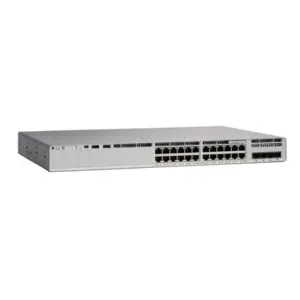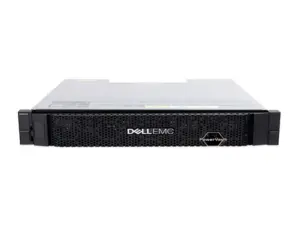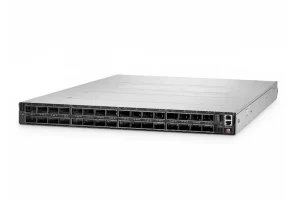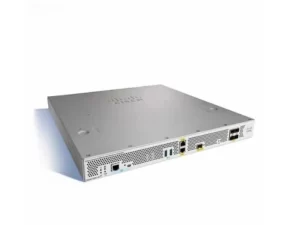
The Fibre Channel vs iSCSI choice comes down to the supported equipment, workload, network design, team skills, and complete cost. Both can connect servers to block storage; neither is automatically the better choice for every environment.
A storage refresh often starts with a simple question about speed or price. Then the harder questions arrive. What does the array support, who manages the path, and what happens when a link fails? This guide gives you a comparison table, a quote checklist, and a test plan to use before ordering.
Key takeaways
- Compare complete, supported designs rather than protocol labels or port speeds alone.
- Include host adapters, switches, optics, software, support, and staff time in the cost.
- Treat path redundancy, access control, and encryption as separate requirements.
- Validate iSCSI network settings against the specific host, array, and switch guidance.
- Agree on workload and failover tests before committing to a configuration.
Fibre Channel vs iSCSI at a glance
Two paths to block storage
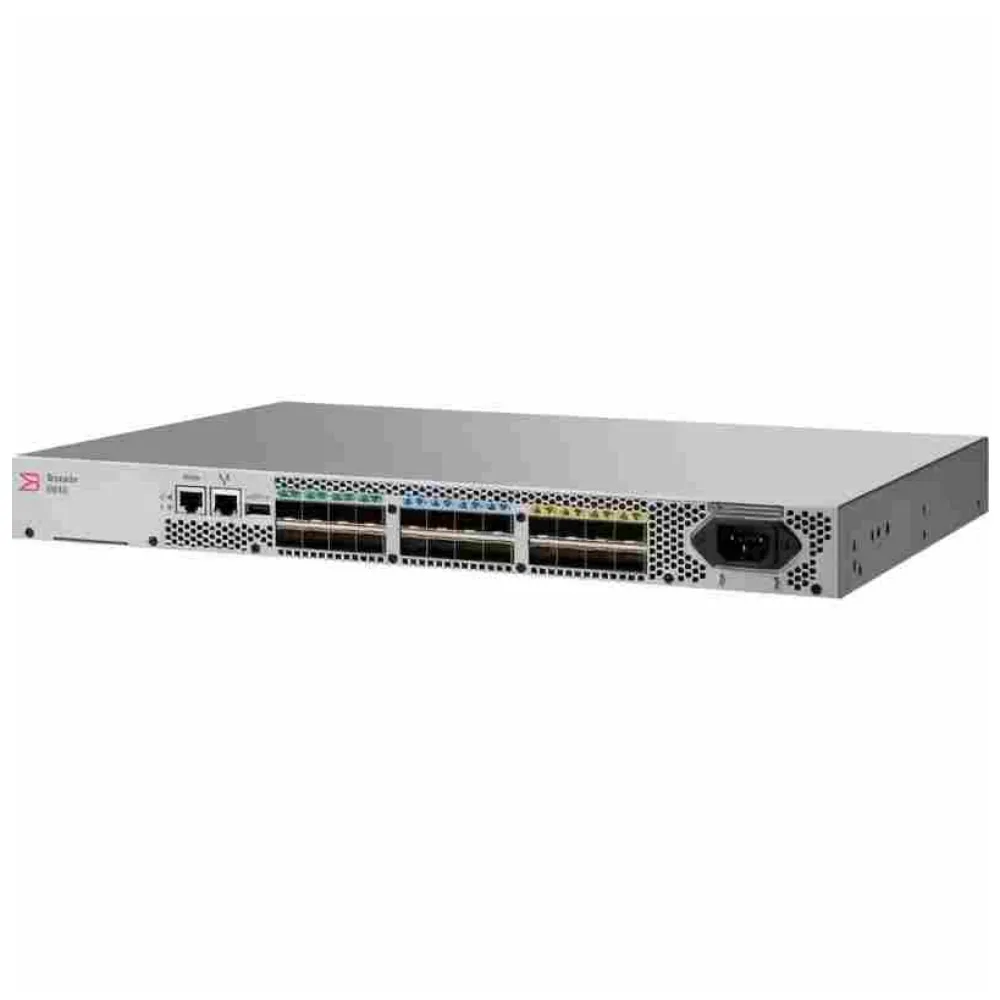
Fibre Channel commonly carries SCSI storage traffic through Fibre Channel Protocol, or FCP. A switched FC design uses FC host bus adapters, switches, and supported media. For a closer look at the switch’s role, see what a SAN switch does.
iSCSI carries SCSI over TCP, as defined in IETF RFC 7143. A typical Ethernet-based deployment connects a host initiator to a storage target through supported network interfaces and switches. The host initiator sends storage requests; the target provides access to the storage.
In this Fibre Channel vs iSCSI comparison, the task is access to block storage. That differs from choosing a file-sharing protocol such as NFS or SMB. Start by confirming what the application and storage platform actually require.
Compare the operating requirements
| Decision point | Fibre Channel design | iSCSI design |
|---|---|---|
| Host connection | Supported FC HBA and driver | Supported Ethernet interface and iSCSI initiator |
| Network | FC fabric and supported connections | TCP/IP path, typically over Ethernet |
| Access review | Fabric zoning and array-side access settings | Initiator/target access settings and network controls |
| Skills to verify | FC fabric and storage administration | IP networking and storage administration |
| Purchase basis | Complete supported FC configuration | Complete supported IP SAN configuration |
Use this Fibre Channel vs iSCSI table as a list of questions, not a ranking. Familiar doesn’t mean well designed. A new design can also fit the site when its support, capacity, and staff roles are clear.
For an equipment comparison, request a configuration-specific quote from CREA DAS TECH. Include your host and array models, required ports, interfaces, redundancy, and support scope so the quote addresses a defined design.
Illustrative scenario: A team with a supported FC environment is adding hosts. Rather than assuming a protocol change will save money, it prices an FC expansion and an alternative with the same availability needs. It includes migration work in the comparison; this is a planning example, not a customer result.
Compare performance under the same workload
Define what the application needs
A useful Fibre Channel vs iSCSI performance review begins with the business requirement. Perhaps a backup must finish within its window, or an application must meet its response-time target. Write that requirement before choosing an adapter or switch speed.
Compare the Fibre Channel vs iSCSI options under similar storage and host conditions. Keep a record of the test workload so another reviewer can understand the result. Without that record, a headline benchmark may describe a different problem from yours.
For a fair Fibre Channel vs iSCSI test, document:
- I/O size, read/write mix, and concurrent work.
- Host resources, adapter settings, and relevant software versions.
- Array model, data services, and protection settings.
- Network paths, link speeds, and other traffic present.
- Test duration, warm-up conditions, and pass criteria.
These are test-planning recommendations, not universal settings. Use the storage and application vendors’ guidance to choose a workload that represents production. Do not change several unrelated variables and attribute the whole result to the protocol.
Look beyond peak throughput
For the Fibre Channel vs iSCSI decision, check how the application responds as well as how much data the links carry. Is the host busy? Is the array slow to reply? Review busy periods and the range of response times, and align the host, network, and array timestamps.
Ask which part of the path limits the workload. A faster network does not prove that the array can serve more I/O or that the application can issue it. Record the evidence behind the diagnosis before approving a speed upgrade.
Keep protocol selection separate from speed selection in the Fibre Channel vs iSCSI review. If you retain FC, our 32G vs 64G Fibre Channel guide addresses the speed decision. A higher port rating alone does not establish the application benefit.
Include the degraded operating state
Ask what happens during planned maintenance or a failed path. Test the agreed service target with the capacity and paths that remain, using an approved procedure. A normal-state benchmark is only part of the acceptance evidence.
Keep those results with the Fibre Channel vs iSCSI design record. Note whether the application continued, how recovery behaved, and which conditions were tested. Do not claim resilience for failures that the test did not cover.
Design availability, isolation, and security
Identify the failure domains
Availability in a Fibre Channel vs iSCSI design depends on the complete supported path. Review the host ports, switches, power sources, storage controller connections, and multipath configuration. Decide which failures the design must tolerate and how to verify them.
Multipathing can support high availability and, in suitable configurations, load balancing. Its behavior depends on the host, array, path policy, and active/standby arrangement. Confirm the supported combination instead of assuming that visible paths will all carry traffic equally.
| Requirement | Question to resolve | Evidence to retain |
|---|---|---|
| Path redundancy | Which components can fail independently? | Reviewed path diagram and test results |
| Traffic separation | What is isolated, and where is capacity shared? | Network and fabric configuration record |
| Access control | Which hosts may reach which storage? | Approved fabric, network, and array settings |
| Data protection in transit | Is encryption required and supported? | Security design and feature verification |
A VLAN is a logical separation, not an additional physical switch. Draw the shared components in the diagram so the availability review includes them. Apply the same discipline to an FC fabric rather than assuming that its name guarantees redundancy.
Validate the Ethernet path
For the Fibre Channel vs iSCSI decision, assess whether an iSCSI design will use dedicated equipment or a controlled shared infrastructure. Identify traffic isolation, available capacity, maintenance ownership, and monitoring. Do not treat an available Ethernet port as a finished storage network.
Check MTU, flow control, routing, and any offload features against the actual host and storage support guidance. There is no configuration prescription in this comparison for every iSCSI platform. Obtain the applicable vendor document and record the approved settings before deployment.
Keep authentication and encryption distinct
Security in a Fibre Channel vs iSCSI review needs separate questions about identity, access, isolation, and confidentiality. FC zoning and array-side LUN access controls address different parts of access. An iSCSI design also needs its initiator identity, target access, and network controls reviewed.
CHAP authenticates a peer; it does not encrypt the storage payload. RFC 7143 discusses authentication separately from IPsec packet protection. Confirm what the proposed equipment supports and what is actually enabled; do not infer encrypted traffic from a successful login.
Likewise, a separate network is not proof of encryption. Ask the security owner to define the requirement and approve the implemented controls. Keep management access and credential handling in that review as well.
Match the choice to your existing environment
Consider assets and operating skills
The Fibre Channel vs iSCSI choice for an expansion differs from the choice for a new site. Existing adapters, spare parts, monitoring, support contracts, and team experience are relevant assets. Include their value without assuming that existing equipment must always be retained.
SNIA’s FC and iSCSI discussion highlights the role of organizational responsibilities and existing installations. It is historical educational material, so its speed roadmap and market expectations should not be read as current product guidance. Its decision questions remain useful for assigning ownership.
Assign owners during the Fibre Channel vs iSCSI review: who will provision paths, review access, handle alerts, and lead fault diagnosis? An iSCSI network still needs storage knowledge, even when the team already understands Ethernet. An FC design still needs clear host and array responsibilities.
Make support a documented requirement
For either side of the Fibre Channel vs iSCSI comparison, build a support record:
- Host OS or hypervisor and version.
- Adapter model, driver, and firmware.
- Switch models and software.
- Storage controller and array software.
- Vendor document revision or written approval for the combination.
Keep that record with the equipment list. Update it when a proposed part or software version changes.
Do not equate successful discovery with supported operation. A short test may prove that devices communicate, while leaving questions about failover, upgrades, or service coverage. Resolve those questions with the relevant vendors before production use.
Illustrative scenario: A new project has an experienced Ethernet team and an array offering a supported iSCSI configuration. The team evaluates an isolated storage design, checks the host support chain, and tests its service targets. It does not assume that the existing office network is suitable simply because it can reach the array.
Keep the decision tied to the site
Use workload and support evidence rather than labels such as enterprise or small business. Either label hides differences in availability needs, skills, and existing assets. Record why the proposed design fits this site.
If FC remains the supported choice, use our Fibre Channel switch buying guide to review the equipment scope. Keep the full protocol comparison brief enough that the purchase can proceed from clear requirements.
Compare Fibre Channel vs iSCSI costs fairly
Request equivalent configurations
A Fibre Channel vs iSCSI cost comparison needs the same required host count, storage connections, redundancy, and support period. Otherwise, the lowest quote may simply cover less. Ask each supplier to identify included, optional, and excluded items.
| Cost category | Items to include in the comparison |
|---|---|
| Host connectivity | HBA or NIC models, quantities, optics, and software requirements |
| Switching | Switches, usable ports, licenses, and redundancy |
| Media | Supported optics, cables, connectors, and any required testing |
| Operations | Monitoring, support terms, spares, and staff training |
| Change work | Planning, migration, validation, parallel operation, and rollback preparation |
Don’t assume a fixed price premium in the Fibre Channel vs iSCSI comparison. Ask for actual quotes and compare the scope line by line. Our Brocade SAN switch price guide explains the FC switch quote components in more detail.
Include the work after delivery
For the Fibre Channel vs iSCSI decision, separate equipment cost from implementation and operating work. Identify who will configure hosts, assign storage, review network settings, and perform acceptance tests. Some work may fall outside an equipment supplier’s quote.
If you are gathering equipment bids, send CREA DAS TECH your configuration list and ask for an itemized quote through the contact page. Specify the required interfaces, quantities, redundancy, and support terms. Request a list of exclusions so engineering and procurement can review the same scope.
Compare the change as well as the destination
A Fibre Channel vs iSCSI proposal should include the path from the current system to the chosen design. Allow for supported data migration, maintenance windows, temporary capacity, and the effort of running both environments during a transition. Do not assume a protocol change is just an adapter replacement.
Keep expected savings separate from measured costs and contractual commitments. If a benefit depends on retiring equipment or reducing support contracts, list that dependency. Avoid a payback claim until the relevant costs and assumptions have been checked.
Verify compatibility before changing protocols
Distinguish native iSCSI from a bridge
One Fibre Channel vs iSCSI purchasing trap is treating every storage interface as interchangeable. Native iSCSI over Ethernet is different from a service that translates iSCSI access to an FC target. An FC switch does not become a general Ethernet storage switch because it has a management Ethernet port.
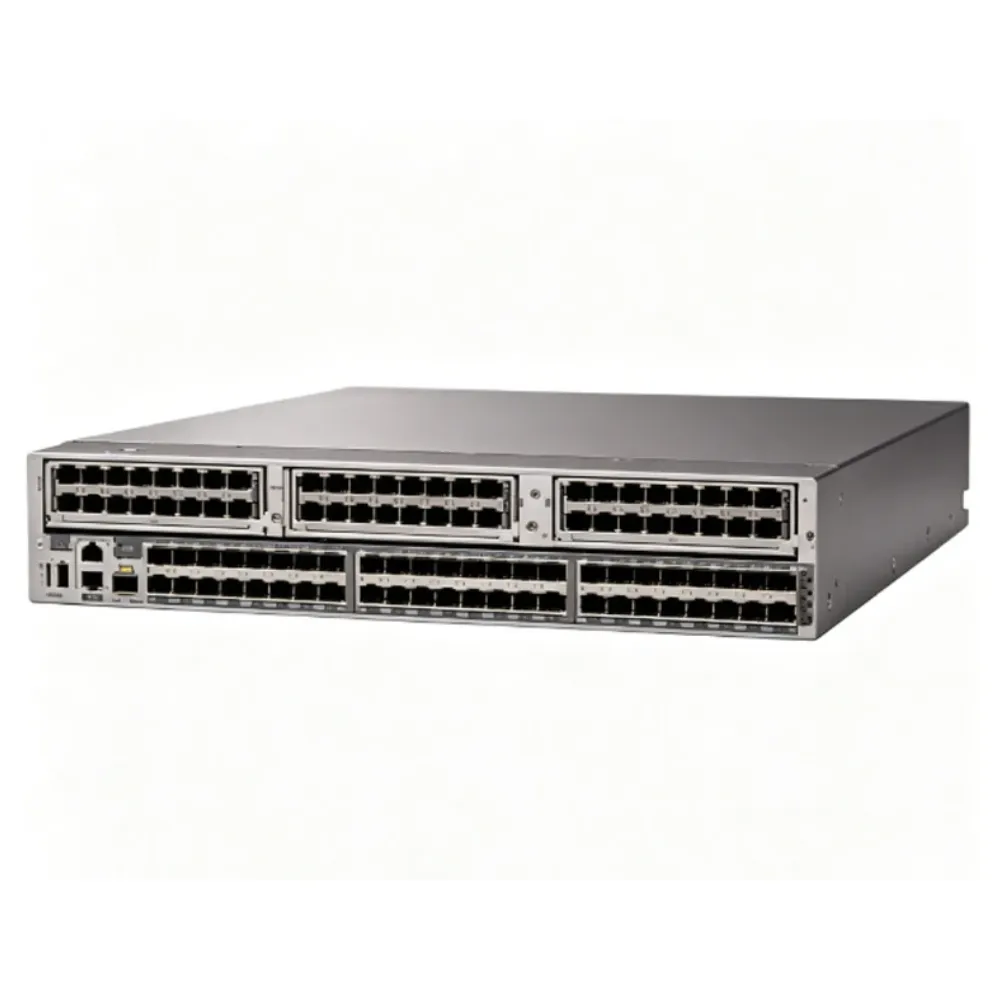
Cisco’s MDS 9.x iSCSI guide describes IP storage services with specific platform and module restrictions. That is a defined bridging capability, not a feature to assume on any FC switch. Check the exact hardware and software support before ordering equipment for that role.
Also keep FCoE, FCIP, and NVMe/TCP outside the definition of ordinary iSCSI. Ask for the exact protocol and port function in the configuration. A similar connector or a shared Ethernet medium is not evidence that the endpoints speak the same storage protocol.
Agree on acceptance and rollback
Before completing the Fibre Channel vs iSCSI choice, define the proof required for sign-off. Include host discovery, correct storage access, agreed workload results, path failure, recovery, and monitoring. Use the relevant vendor-approved procedures for the actual environment.
Illustrative scenario: During quote review, a team notices that one option leaves out the second set of host connections and associated modules. It requests a revised bill of materials before comparing totals. The missing items change the scope; the example does not claim a real price difference or customer outcome.
Use a short sign-off record for each test:
- What must pass, and under which workload?
- What happened during the test?
- Were paths, access, and monitoring correct?
- What remains unresolved, and who owns it?
- Who accepted the result, and when?
Agree on rollback triggers before the change starts. Redundant paths alone don’t prove that a move will be free of outages.
Frequently asked questions
Is one option always faster in a Fibre Channel vs iSCSI comparison?
No universal application result follows from the protocol name. A Fibre Channel vs iSCSI test should compare supported designs under the same relevant workload and storage conditions. Review response time, host load, and failure behavior along with throughput.
Is iSCSI a SAN or NAS protocol?
iSCSI provides block-storage access over TCP/IP and is used in IP SANs. It is not a file-sharing protocol such as NFS or SMB. Match the storage access method to the application requirement.
Should iSCSI use its own VLAN or dedicated switches?
Decide from the supported design, isolation needs, capacity, and failure domains. A VLAN provides logical separation but does not remove shared hardware dependencies. Validate the resulting design and its operation during maintenance or failure.
Does iSCSI require jumbo frames?
Do not assume they are mandatory or automatically beneficial. Follow the applicable host, array, and switch guidance, and validate the complete path before changing MTU. This comparison does not prescribe a universal jumbo-frame setting.
Does CHAP encrypt storage traffic?
No. CHAP addresses authentication, while encryption is a separate control. Verify both the required data protection and the features actually enabled on the complete connection.
Can an iSCSI host connect to an FC switch?
Only through an explicitly supported arrangement, such as a documented bridging service. Do not expect an arbitrary FC port or management port to accept native iSCSI. Confirm the platform, module, and software requirements first.
Is iSCSI the same as NVMe/TCP?
No. They are distinct storage protocols, even though both can use TCP/IP infrastructure. Ask the host and array vendors to confirm support for the exact protocol being proposed.
The Fibre Channel vs iSCSI decision is strongest when workload evidence, supported equipment, operating ownership, and complete costs point to the same plan. Request a configuration-specific equipment quote with your host, array, port, and support requirements so CREA DAS TECH can quote against that scope.